EVEN() and ODD() are yet more ways to round numbers in Excel
Excel has two functions that round numbers to either the next Even or Odd numbers – these functions are called … wait for it … Even() and Odd()! Both Odd() and Even() round positive numbers UP to the next odd/even number. Negative numbers are always rounded DOWN to the next lowest odd/even negative number. In […]

All about Ceiling() and Floor() Excel rounding options
Excel’s Ceiling() and Floor() function rounds a number up or down to the nearest specified multiple. The most common use is to match prices to denominations of coins or notes. Ceiling() is similar to MRound() except that MRound() rounds to the nearest multiple, Ceiling() always rounds UP. The reverse is Floor() which always rounds down. […]
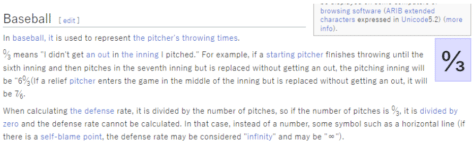
Zero Thirds (Baseball) ↉ emoji in Word, Excel, PowerPoint and Outlook
How to insert the Zero Thirds (Baseball) ↉ fraction or symbol into Microsoft Word, Excel, PowerPoint or Outlook. Both in Office for Windows and Office for Mac. Zero Thirds ↉ symbol (officially called ‘Vulgar Fraction Zero Thirds’) is a rarely used Baseball scoring symbol. The best explanation we could find was a Japanese Wikipedia page, here’s […]

All about MROUND() in Excel
MROUND() is lesser known but really useful rounding function in Excel, it’s worth considering for anyone dealing with cash money. In short: MRound() rounds up or down to the nearest multiple you choose. It’s very handy for rounding prices to match the lowest coin or note you want to handle, but it’ll have other uses […]

The important difference between Int() and Trunc() in Excel
There’s an important difference between two seemingly similar Excel functions: Int() and Trunc() don’t always give the same results so we’ll explain how to choose wisely. Both Int() and Trunc() ‘shorten’ a number by removing digits to the right of the decimal place. Int() rounds the number, Trunc() doesn’t. And Trunc() has an option to […]

Secrets still left in docs after Document Inspector in Office
Office’s Document Inspector is supposed to remove or scrub information being accidentally included in Word, Excel or PowerPoint files. It’s not perfect and misses out on some critical hidden information that can give away secrets. Details in images, layers and even highlighting. Document Inspector is at File | Info in Office for Windows. The feature […]

Dates, time and duration, the truth in Excel
Date handling in Excel can be confusing and it’s not your fault. Microsoft could do a better job. Here’s a quick guide to how Excel handles dates and date arithmetic with the settings you should know. What you see isn’t what’s saved What Excel shows in a cell is only a version of what’s actually […]
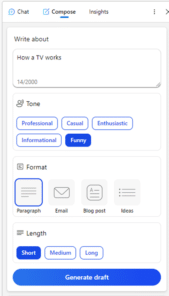
Copilot might “transform the way we work” but not right now
According to Microsoft, their AI integration Copilot is “A whole new way to work” and will “Transform the way we work”. That’s true, but not as quickly or as well as their overstated hype suggests. Here’s why I’m cautious about the Copilot promises. Microsoft is rushing both publicity and release to keep ahead of Google, […]

Fixing Microsoft Office Unlicensed Product errors
Here’s what to do if you get the dreaded Microsoft 365 / Office 2021 or Office 2019 Unlicensed Product / View only error message. Assuming you have a current Office 2021/2019 or Microsoft 365 subscription (we’ll show you how to check that, below). The unlicenced product warning usually happens if you’ve started Office after a […]

Reversed Question Mark / Irony ⸮ symbol in Word, Excel, PowerPoint and Outlook
How to insert the Reversed Question Mark / Irony ⸮ into Microsoft Word, Excel, PowerPoint or Outlook. Both in Office for Windows and Office for Mac. Reversed Question Mark / Irony ⸮ symbol has been proposed to denote irony or sarcasm within text. Or for rhetorical questions. It’s never really caught on. The proper name […]
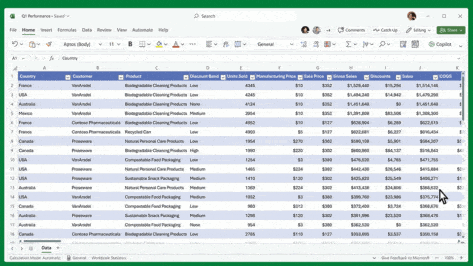
What Microsoft 365 Copilot can really do for you – not just the hype
Strip away the hype and vague promises for the upcoming Microsoft Copilot and see what these AI features can do for you. As regular Office Watch readers know, we prefer to talk about products we can use ourselves. Until we can do that, we’ve stripped away the considerable Copilot hype to show a little bit […]

Office gets Irish language or Faigheann MS Office an Ghaeilge
Irish Gaelic, Gaeilge or just Irish is available in Microsoft Word Translator and other translate services from Microsoft. Here’s how to download the Irish spell check and other proofing tools. Irish Gaelic is the first official language of the Republic. English is more commonly used and the second official language. Gaeilge is also recognised in […]
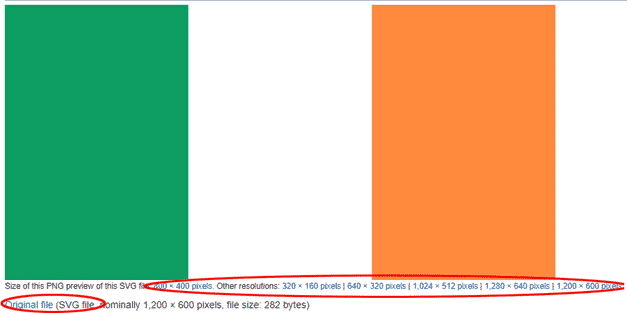
Add the Irish Flag into Word, Excel or PowerPoint
Put the Irish flag into Office documents, Word, Excel or PowerPoint, then use some Office picture tools to enhance the image. Great for St Patrick’s Day too. The same help applies for any other national flag, just look for a different source. Get the Ireland Flag Image We’ve opted for the Wikipedia site because it has an SVG […]

Discover the Content Status flag in Word, Excel and PowerPoint
Tucked away in Microsoft Office is a little used tag ‘Content Status’ or just ‘Status’ that could help manage and find Word, Excel and PowerPoint documents in organizations. Unfortunately, Content Status is only used once in Office features. It’s supported in Windows Explorer if you know where to look. On the Mac it’s all but […]
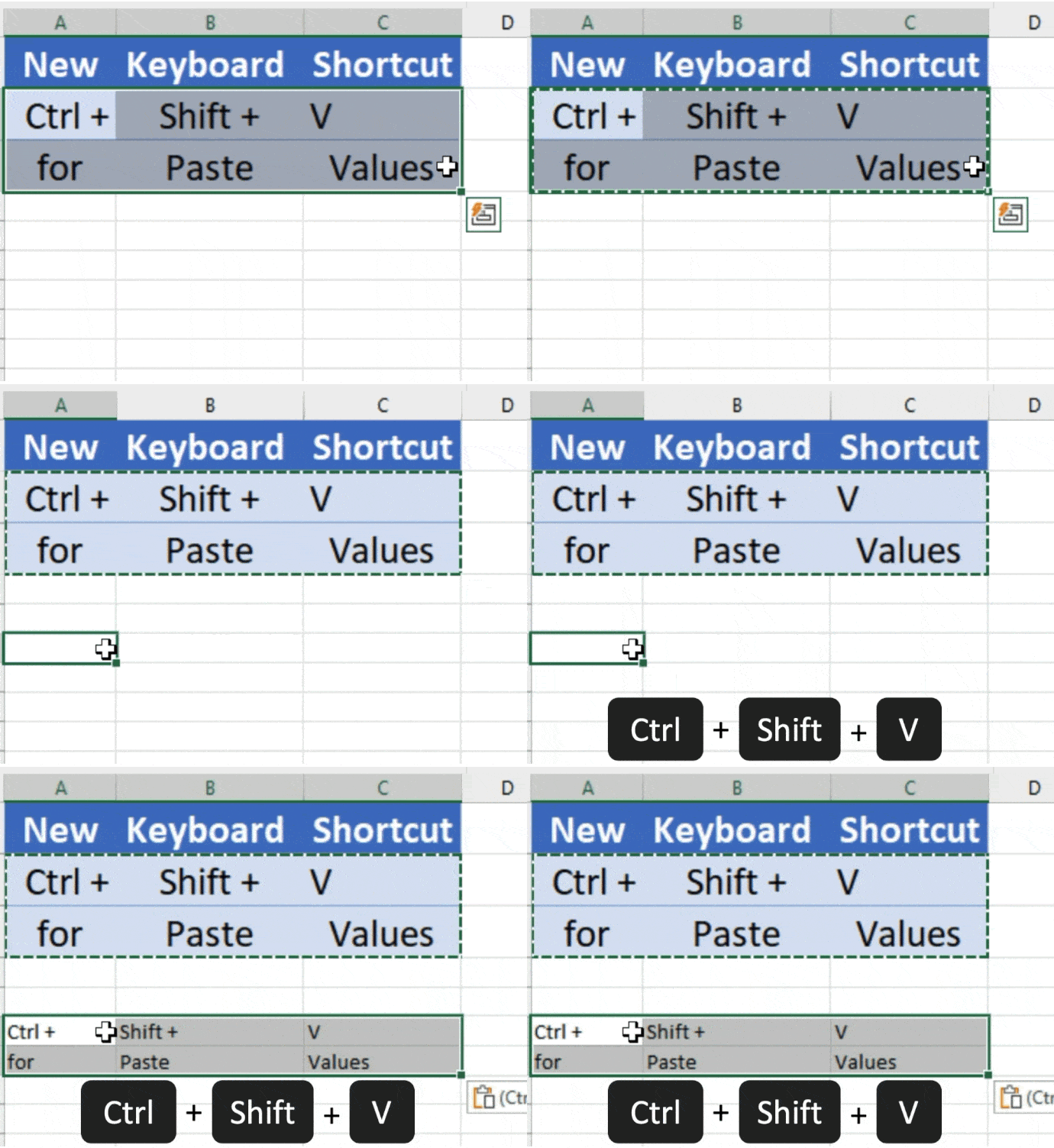
New Paste Values keyboard shortcut for Excel
A new-ish keyboard shortcut in Excel 365 (Windows/Mac) is very handy for pasting values into a cell or matching the destination formatting. A common Excel task is pasting content into a cell from non-Excel sources (a web page, document, email etc). Until now (and in Excel 2021/2019 etc) is quite possible though a little clumsy, […]
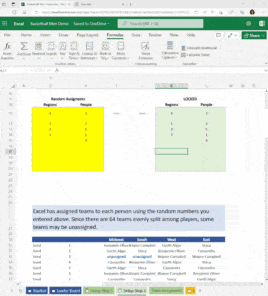
Play fantasy college basketball on Excel
Some basketball fans at Microsoft have released an Excel workbook to play mens and womens ‘fantasy’ college basketball with friends and family. Excel randomly allocates the 64 teams to your players who can see how the tournament progresses through the shared workbook. Even if you’re not interested in ‘college hoops’, you can look around the […]