All about Microsoft Office for Apple Mac. Word, Excel, PowerPoint, Outlook on macOS, Microsoft 365 for Mac, Office 2021 for Mac and earlier versions.
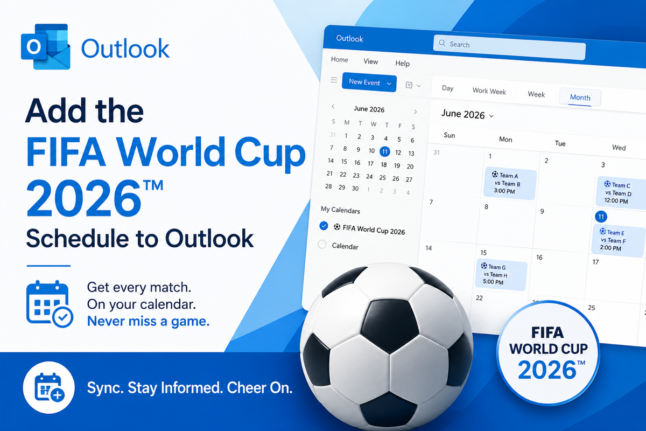
FIFA World Cup 2026: How to Add Matches to Your Outlook Calendar
The FIFA World Cup 2026 runs from June 11 to July 19, spanning 16 host cities across the US, Canada, and Mexico with 104 matches spread across four time zones. Keeping track of every kickoff time is a perfect job for Outlook’s calendar, which automatically converts match times to your local time zone so you […]
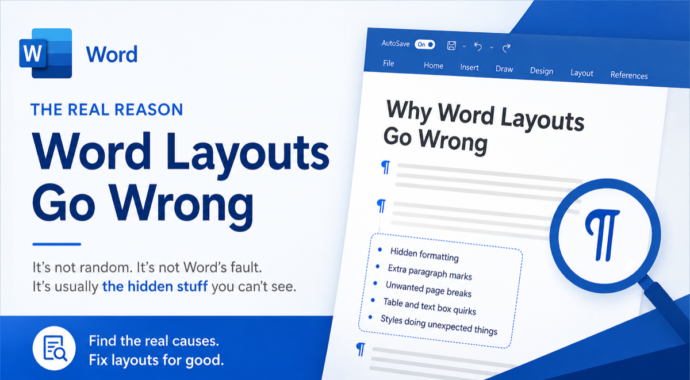
Why Word Layouts Break: Section Breaks Explained
Section breaks are the hidden cause behind some of Word’s most frustrating layout problems: random extra pages, headers that change unexpectedly, and pages that refuse to switch from portrait to landscape. Most Word users have never heard of section breaks, let alone seen one, because Word keeps them invisible by default. This guide explains exactly […]
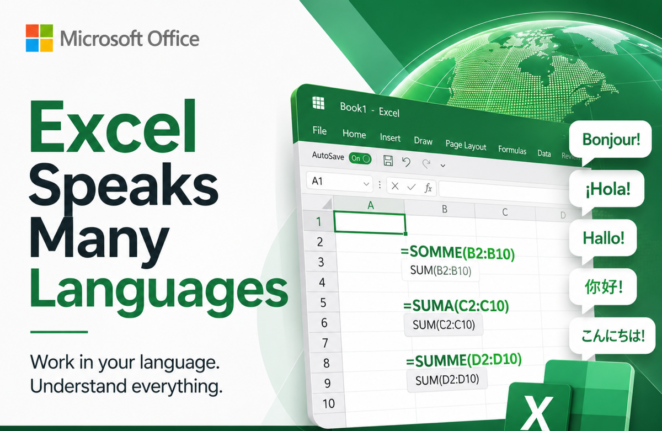
Why Excel Formulas Always Work When You Share Files Across Language
Excel formulas translate automatically when you share a workbook across languages, and most users never know it’s happening. Whether a colleague opens your file in French, German, Spanish, or Italian, they see the formula names in their own language. This quiet translation system is why an Excel workbook built in one country opens without errors […]
What’s Really Inside a Word, Excel, or PowerPoint File (And How to See It)
Every Word, Excel, and PowerPoint file you save is actually a ZIP archive packed with small XML files. That means you can crack open any .docx, .xlsx, or .pptx file using nothing more than Windows Explorer or a free compression tool, no special software required. Whether you want to see which fonts are embedded in […]

Does Microsoft Word Know “Zillion”? Testing Big Number Slang in Word’s Dictionary
Microsoft Word knows more slang than you might expect. Words like zillion, jillion, squillion, gazillion, bazillion, and oodles are all recognized as correct spellings in Word’s US English dictionary, so you won’t get the dreaded red squiggly line if you drop one into a document. Word’s thesaurus even offers alternatives for “zillion,” though some of […]
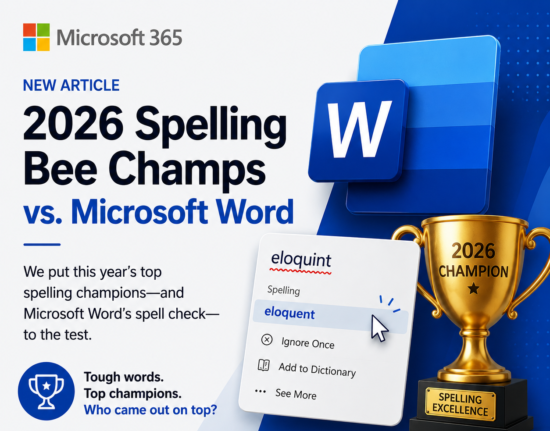
2026 Spelling Bee vs Microsoft Word: Word Scores Its Worst Ever
Every year after the Scripps National Spelling Bee, we test the winning and finalist words against Microsoft Word’s spell checker to see how many get the dreaded red squiggly line. In 2026, Word had its worst performance ever, recognizing just 4 out of 21 words correctly for US, UK, and Australian English. A group of […]
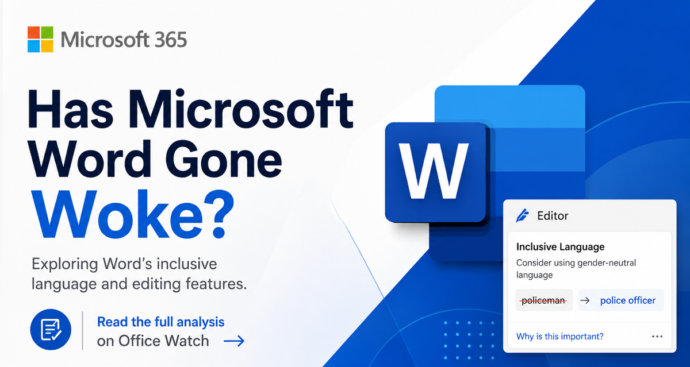
Microsoft Word ‘Woke’ Settings Explained: Old, Optional, and Easy to Ignore
Microsoft Word has not gone ‘woke’. Despite press stories claiming Word enforces ‘politically correct’ language, the truth is far less dramatic. The Inclusiveness grammar checks behind the headlines are optional, off by default, and have been part of Word since before 2020. They flag words like mankind, postman and showgirl with a purple squiggly line […]
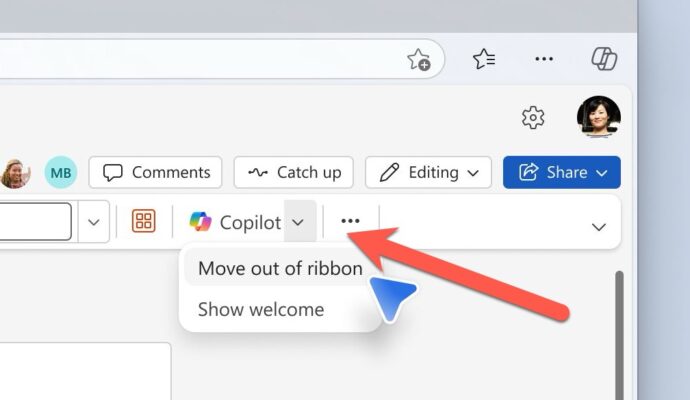
Microsoft Fixes the Annoying Copilot Button with ‘Move to Ribbon’ Option
Microsoft has quietly added a “Move to ribbon” option to the much hated Copilot Dynamic Access Button in Word, Excel and PowerPoint, after a wave of customer complaints about the floating button cluttering every document, workbook and slide deck. The fix gives paying Microsoft 365 customers a way to push Copilot back where it belongs […]
Is “Lifetime” Microsoft Office Real? The Truth Buyers Need to Know
If you see “Lifetime Microsoft Office” advertised for $20 or $40, ignore the word “Lifetime” entirely. Microsoft does not sell anything called “Lifetime Office”. That word is a marketing trick used by third party resellers, and it’s often a flag that the license is dubious or outright illegal. “Lifetime” Office is NOT a word that […]
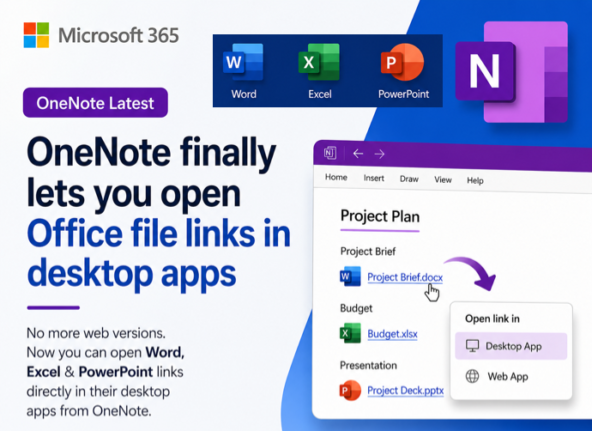
OneNote Finally Opens Office File Links in Desktop Apps, Not the Browser
OneNote finally lets you open Office file links in the desktop apps instead of a browser tab. A new setting in OneNote for Windows and Mac decides where Word, Excel and PowerPoint links go when you click them from inside a notebook. Choose Desktop and your spreadsheet opens in full Excel, your slide deck in […]
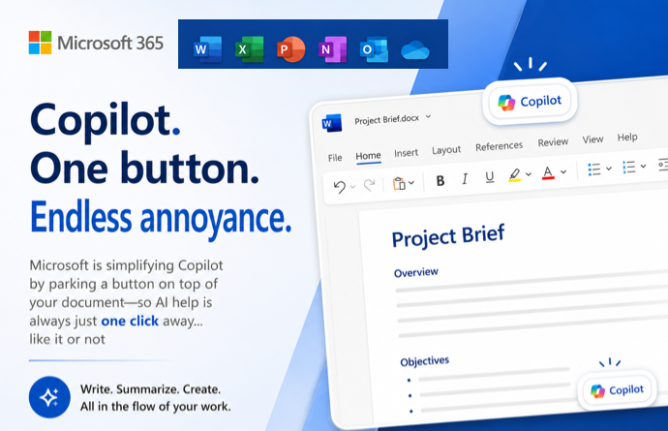
Copilot Floating Button Now Hovers Over Word, Excel and PowerPoint
Microsoft has added a Copilot floating button to Word, Excel and PowerPoint, parking a persistent icon in the bottom right corner of every document, spreadsheet and slide. New shortcuts make Copilot easier to reach, but there is no off switch. Here is what changed, what disappeared, and why this is a sales tool dressed up […]
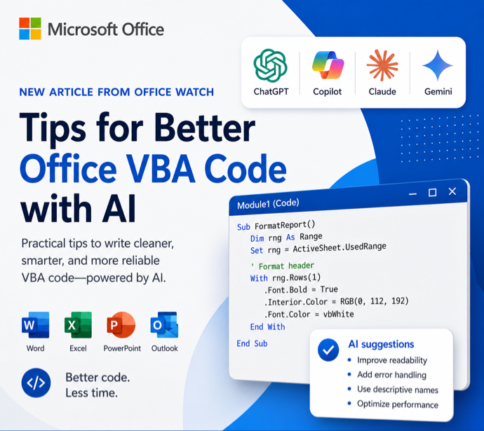
How to Get Office VBA Code from any AI (4 Smart Prompt Tips)
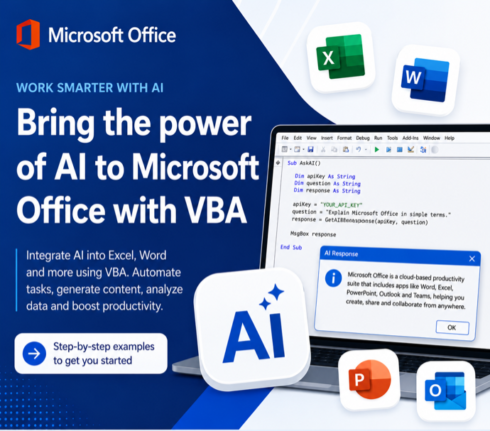
Asking ChatGPT, Copilot or any AI to write Office VBA code can save hours, but only if you prompt it the right way. These four practical prompting tips help you get cleaner, working VBA for Word, Excel, PowerPoint and Outlook on Windows or Mac, with fewer rewrites and far less debugging. Use them whether you […]
Write Office VBA with ChatGPT or any AI Real Examples That Work in 2026
ChatGPT, Copilot, Claude and Gemini can all write Microsoft Office VBA code for you, and they have improved dramatically. Ask any modern AI to write a Word macro, an Excel automation, a PowerPoint slide builder or an Outlook search routine and you will get working code in seconds. We tested the same four prompts we […]

7 Ways to Convert Markdown to a Word Document
If you have a Markdown (.md) file and need it in Microsoft Word, you have more options than you might think. From pasting text directly into Word Online to letting an AI do the heavy lifting in seconds, each method has its strengths and sweet spots. This Office Watch guide covers seven practical ways to […]
3 Easy Ways to Overlay an X Over Text in Word and PowerPoint
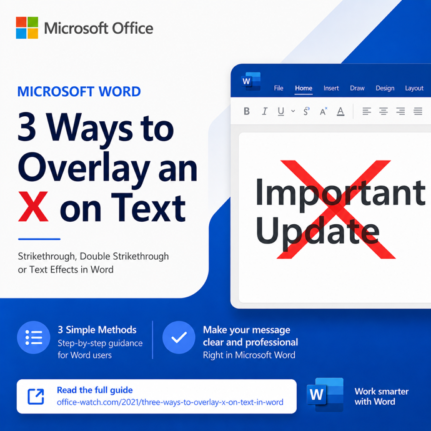
Need a bolder alternative to strikethrough? An overlaid X works far better than a thin line when you have large headings, signs, or slide text to cross out. This guide walks you through three reliable ways to overlay an X on text in Microsoft Word and PowerPoint: a quick image overlay, a smart table border […]
3 Easy Ways to Get an X Symbol in Word and PowerPoint
Need to drop an X symbol in Word or PowerPoint to cross something out, overlay a “don’t do this” graphic, or just mark a spot? Microsoft Office gives you two solid sources built right into the apps, plus a fourth option that opens up the entire web. Each one comes with tradeoffs around transparency, sizing […]