All about Microsoft Office for Apple Mac. Word, Excel, PowerPoint, Outlook on macOS, Microsoft 365 for Mac, Office 2021 for Mac and earlier versions.
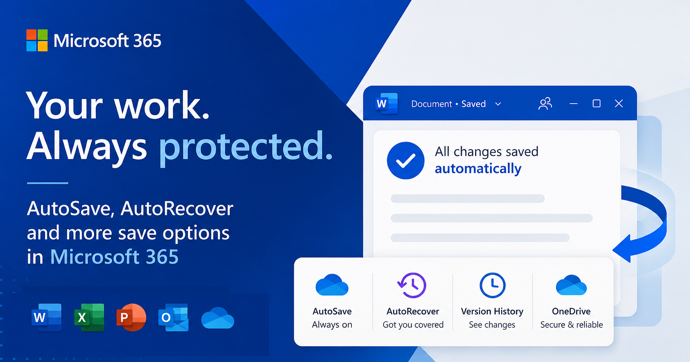
AutoSave vs AutoRecover in Microsoft Office: What Each One Actually Does to Save Your Work
AutoSave and AutoRecover sound like the same thing, but in Microsoft Office they do very different jobs, and only one of them is a real save. If you use Word, Excel or PowerPoint every day, knowing the difference is the line between recovering a crashed document and watching hours of work disappear. This guide breaks […]
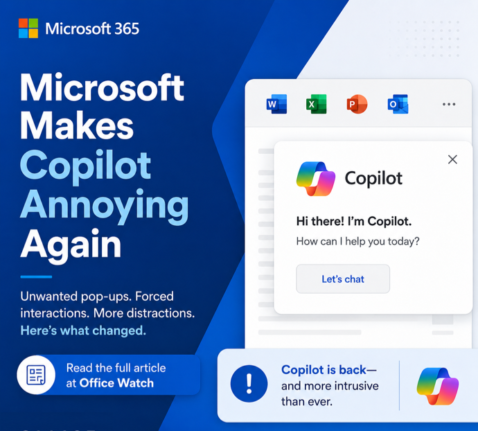
Microsoft buries the Copilot button and floats a nag in its place
Microsoft has quietly removed the Copilot button from the Home tab in Word, Excel and PowerPoint and replaced it with a permanent floating icon at the bottom right of every document, sheet and slide. You cannot turn it off. You can only shrink it. We explain how this annoyance works, why Microsoft is doing this […]
Microsoft 365 Classic Explained: A Lower-Cost, No-AI Subscription Option
Microsoft have two little-known cheap plans called Microsoft 365 Classic. Designed for consumers who want the familiar Office apps without Microsoft’s new Copilot AI features and steep price increases. Classic plans offer the same core features of Word, Excel, PowerPoint, and Outlook at pre-2025 pricing. This concealed plan helps price-conscious people and those who are […]
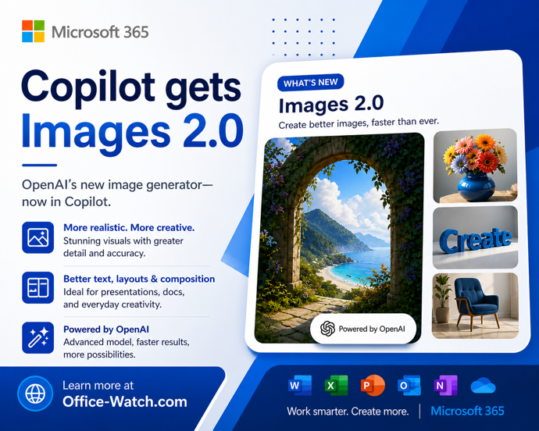
ChatGPT Images 2.0: New AI Image Generator in Copilot
The new ChatGPT Images 2.0 is worth a look for Copilot users. Instead of jumping straight to pixels, it reasons through your prompt first and can even search the web before generating a single image. If you have ever given up on AI images because the text was garbled, the results were inconsistent, or the […]
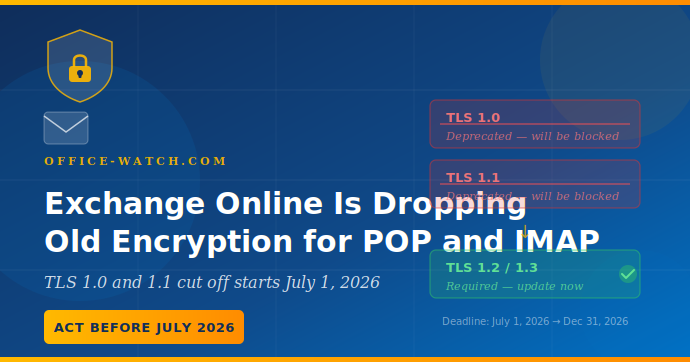
Exchange Online Is Dropping Old Encryption for POP and IMAP: Check before July 2026
Microsoft is ending support for older TLS encryption POP3 and IMAP4 connections to Exchange Online, with the cutoff starting July 1, 2026. Any email client, app, or device that still uses these older encryption protocols will simply stop connecting, with no fallback and no warning on the day it happens. Most users running modern email […]
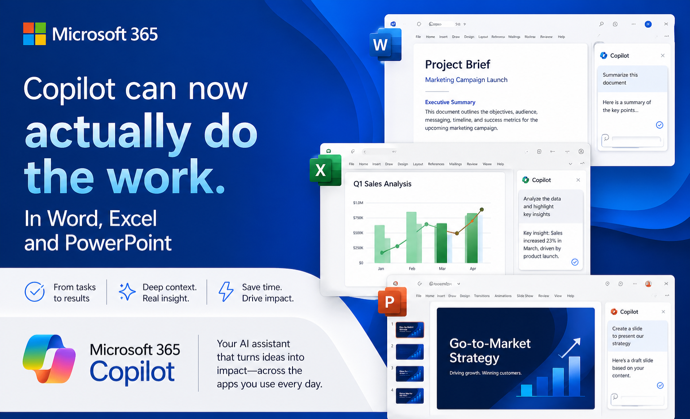
Copilot Can Now Actually Do the Work in Word, Excel, and PowerPoint
Microsoft has quietly flipped a major switch. Copilot Agent Mode is now the default experience in Word, Excel, and PowerPoint. It works very differently from the Copilot you may have ignored until now. Instead of suggesting what you should do, it actually works on your document, spreadsheet, or presentation and makes changes itself. You describe […]

Microsoft’s College PC Bundle: Over $500 in Extras, But Read the Fine Print First
Microsoft launched a new College Offer, giving US college students who buy a new qualifying Windows 11 laptop a bundle worth more than $500 in extras . The package includes one year of Microsoft 365 Premium (with Copilot AI built in), one year of Xbox Game Pass Ultimate, and a custom Xbox Wireless Controller from […]
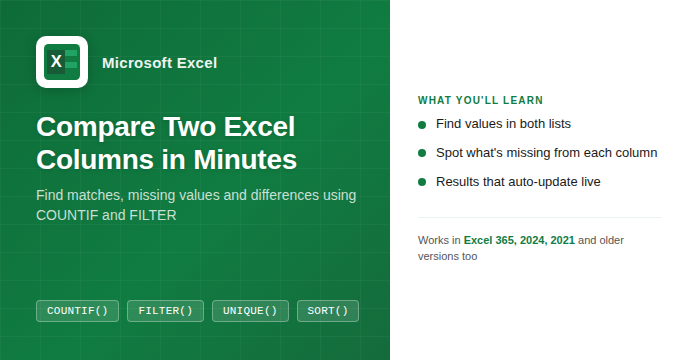
How to Compare Two Columns in Excel: Find Matches and Missing Values Fast
If you have two lists in Excel and need to know what they share or where they differ, you are in the right place. Whether you are cross-checking a customer list against an invoice log, comparing a product catalog to a stock count, or reconciling two batches of data, Excel has a handful of formulas […]
Microsoft Rewrites How Microsoft 365 Updates Are Delivered: What IT Admins Need to Know
Microsoft has overhauled the way it delivers updates to Microsoft 365, replacing its familiar rollout process with a new three-track system called Frontier, Standard, and Deferred. The change launched without warning and currently affects organizations using Microsoft 365 Copilot. If you manage Microsoft 365 for your company, this changes how and when new features reach […]
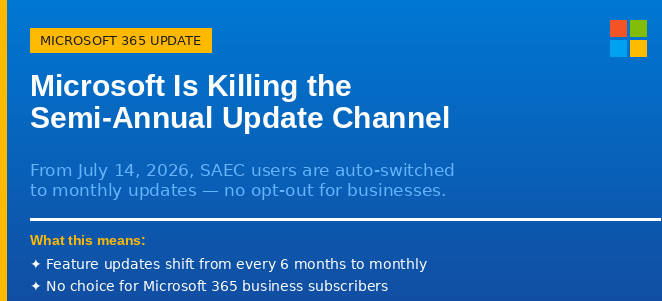
Microsoft Is Killing the Semi-Annual Update Channel: What It Means for Your Organization
Microsoft is ending the Semi-Annual Enterprise Channel (SAEC) for Microsoft 365 Apps on July 14, 2026. From that date, any organization still using the six-monthly update schedule will be automatically moved to Monthly Enterprise Channel (MEC) updates, whether they want to move or not. This affects business and enterprise Microsoft 365 customers who deliberately chose […]
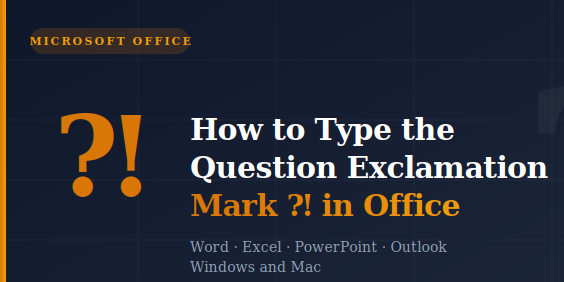
How to Type the Question Exclamation Mark ⁈ in Word, Excel, PowerPoint and Outlook
The Question Exclamation Mark ⁈ is a single character that combines the energy of both punctuation marks into one, perfect for expressing surprise mixed with a genuine question. Whether you are working in Word, Excel, PowerPoint, or Outlook on Windows or Mac, there are several quick ways to insert it, including a keyboard shortcut or […]

Word’s “Punctuation Required with Quotes” Setting: Inside, Outside, or Off?
Microsoft Word has a built-in grammar setting that decides where commas and periods should sit when they appear next to closing quotation marks. American English puts them inside the quotes. British English puts them outside. The Punctuation Required with Quotes setting in Word’s Grammar options lets you enforce whichever rule you follow, or none entirely […]
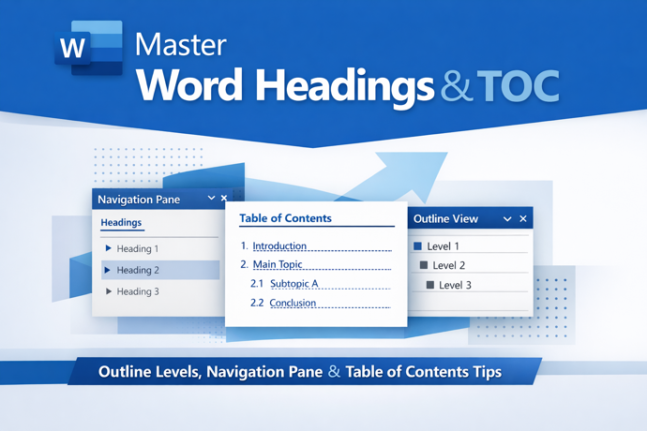
How Headings and Outline Levels appear in parts of Word
If Word’s Navigation Pane and Table of Contents ever show different things, you’re not going crazy and Word isn’t broken. The reason is a distinction Microsoft rarely explains clearly: Heading styles and Outline Levels are two separate properties that usually go hand in hand, but don’t have to. Understanding which list uses which setting is […]

Six More Warnings Hidden in Copilot’s Legal Fine Print, What Office Users Need to Know
Microsoft’s Copilot Terms of Use are already under fire for labeling the AI “for entertainment purposes only,” but that headline-grabbing clause is just the beginning. Buried deeper in the fine print are six more warnings that shift legal risk squarely onto you, the user. From indemnifying Microsoft against claims arising from your use of Copilot’s […]

The Real Earthrise Photos from Apollo 8: Original Uncropped Images and NASA Remastered Version
The famous Earthrise photo is not what Apollo 8 astronauts actually saw through the window. The widely shared version is cropped, rotated and color-adjusted from the original. In fact, there were three separate Earthrise photos taken during the December 1968 mission, two by astronaut Bill Anders in color and one by Commander Frank Borman in […]

Microsoft Dials Back Copilot in Windows, Will Microsoft 365 Get the Same Treatment?
Microsoft is said to be dialing back Copilot in Windows, so it’s only fair to ask, will Microsoft Office get the same treatment? As Copilot’s promises and over-hype collide with reality, Office users can only hope for better AI that’s not ‘in your face‘. Microsoft now claims it will dial back Copilot’s heavy-handed presence in […]