All about Microsoft Office for Apple Mac. Word, Excel, PowerPoint, Outlook on macOS, Microsoft 365 for Mac, Office 2021 for Mac and earlier versions.

Excel how to remove both items if a duplicate
Excel has an in-built feature to remove duplicates from a list but what if you want to delete both items if they are duplicated or more than two? Remove Duplicates Remove Duplicates is tucked away on the Data tab, Data Tools | Remove Duplicates. It will ensure that an Excel list/table has only unique values […]
Changing Caption look in Word or hiding captions completely
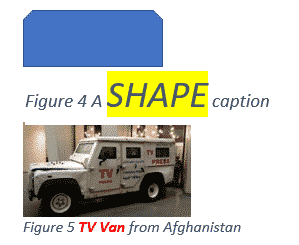
The appearance of all your captions in Microsoft Word can be changed by modifying the style that is applied to them or selecting the text and formatting manually. See Adding Captions in Word Caption Style All captions use the ‘Caption’ style, so modifying that style will modify the format of all past and future captions. Style […]
Adding Captions in Word
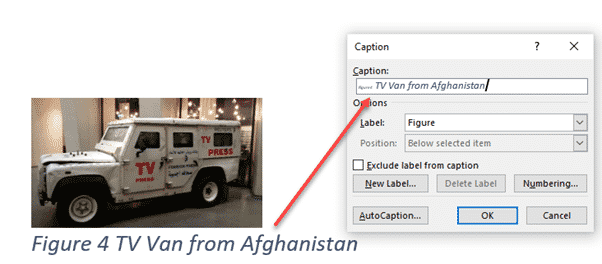
Captions let you add autonumbered labels under most Word objects including pictures (figures), tables or equations. Captions can be combined into a list of all the figures/tables/equations in the document, along with their page numbers. As usual in Word, there are many options beyond the simple adding of captions and some ‘gotchas’ as well. See Changing […]
Three ways to add EPS graphics into Microsoft Office
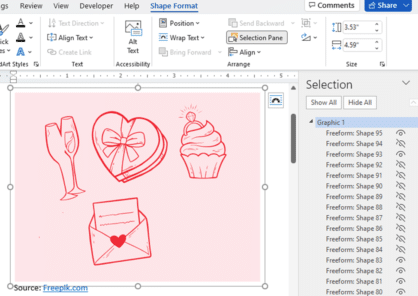
Three ways to insert or import an EPS (Encapsulated PostScript) graphic into Word, Excel, PowerPoint or Outlook. There are two a ‘quick and dirty’ options and a way that allows some editing. Microsoft Office did support EPS files for many years but dropped them in 2017/2018 because the EPS format is a security risk. EPS […]

Four SVG editing choices for Office 365/2019/2021
There are four different ways to change an Office icon or SVG graphic in Microsoft 365, Office 2019 or Office 2021. The two official SVG edit methods in Microsoft Office with their in-built limitations or some choices before inserting into Word, Excel, PowerPoint or Outlook. Within Office Limited SVG/Icon changes are available from the Graphics Tools […]
Align Page vs Align Margin in Word
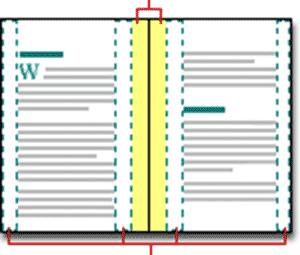
What’s the difference between aligning to a page and align margin in Word documents? Quite often, there’s no practical difference between ‘Align Page’ and ‘Align Margin’ in Word. These options appear when positioning an object on a page and other places. Centering an object has to be done compared to some defined ‘edge’ of a […]

Excel’s Find All tricks for Windows and Mac
Excel’s Find All lets you locate all cells matching a search criterion in a single step. It will generate a list of all cells that match the current search and report them all at the bottom, for both Windows and Mac releases of Excel. Find All has been in Windows version of Excel for many […]

Changing Text Box backgrounds in Office
There are two ways to make a text box transparent in Office; Word, Excel or PowerPoint. There’s a quick option and other that gives you some more control. The Word, Excel or PowerPoint ‘Text Box’ feature is presented as a way to have ‘pull quotes’ or sidebar text in your documents however it can do […]

Microsoft 365 Family or Personal limit for tablets/smartphones
With an Microsoft 365 plan, Family or Personal, how many tablet and smartphone devices can you install Office Mobile? The rules have changed over time, so confusion is understandable. Some emails to our Feedback page plus people we’ve met shows some confusion about how many tablets/smartphones you can load up with Office Mobile apps for […]
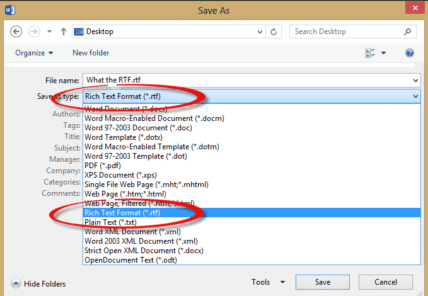
What the RTF? Using RTF docs in Word
What is an RTF document, is it safe, how to use in Microsoft Word and why is it still being used? “I’m looking for a job and many employers are asking for my resume in RTF format. How do I do that and why can’t I just use a Word document?” Ian G. RTF (Rich Text […]

Get ready for the OneDrive mess coming for Mac users
OneDrive and other cloud storage providers are dealing with a change in the Mac operating system and the result is a mess with a lot of confusion for customers. The result is a mixture of versions and features depending on what macOS version you’re using. The documentation from Microsoft doesn’t help a lot I’m afraid, […]

Excel 365 gets web links in Comments
Excel 365 is finally getting clickable hyperlinks in comments and replies, catching up with Word 365 and PowerPoint 365 It’s been a curiosity that modern revamped Comments could not cope with something so old-fashioned as a web link. Even in the current public Excel 365, typing a link in a comment stays in plain text […]

How to update Teams software for Windows, Mac and beyond
Teams software isn’t updated like other Microsoft Office software, here’s how to make sure your Teams is the latest version on Windows, Mac, iPhone, iPad and Android devices. Microsoft is putting a lot of effort into Teams with seemingly never-ending changes and updates. That’s mostly good for users and also a sign that Microsoft hasn’t […]

Add the Year of the Tiger into Word, PowerPoint and Office
2022 is the Chinese year of the Tiger. Here are some tiger images, emoji and graphics in Word, PowerPoint and Office apps. Drop any of these into your documents or slides for a little New Years fun. See our related article Make your Chinese New Year graphics pop with these Office tricks to change these […]

Identical To ≡ symbol in Word, Excel, PowerPoint and Outlook
Insert the Identical To ≡ into Microsoft Word, Excel, PowerPoint or Outlook. Both in Office for Windows and Office for Mac. Identical To ≡ symbol, also known as the triple bar, is a mathematical symbol. The three lined symbol means that something is identical or like another value, but this does not mean that is […]
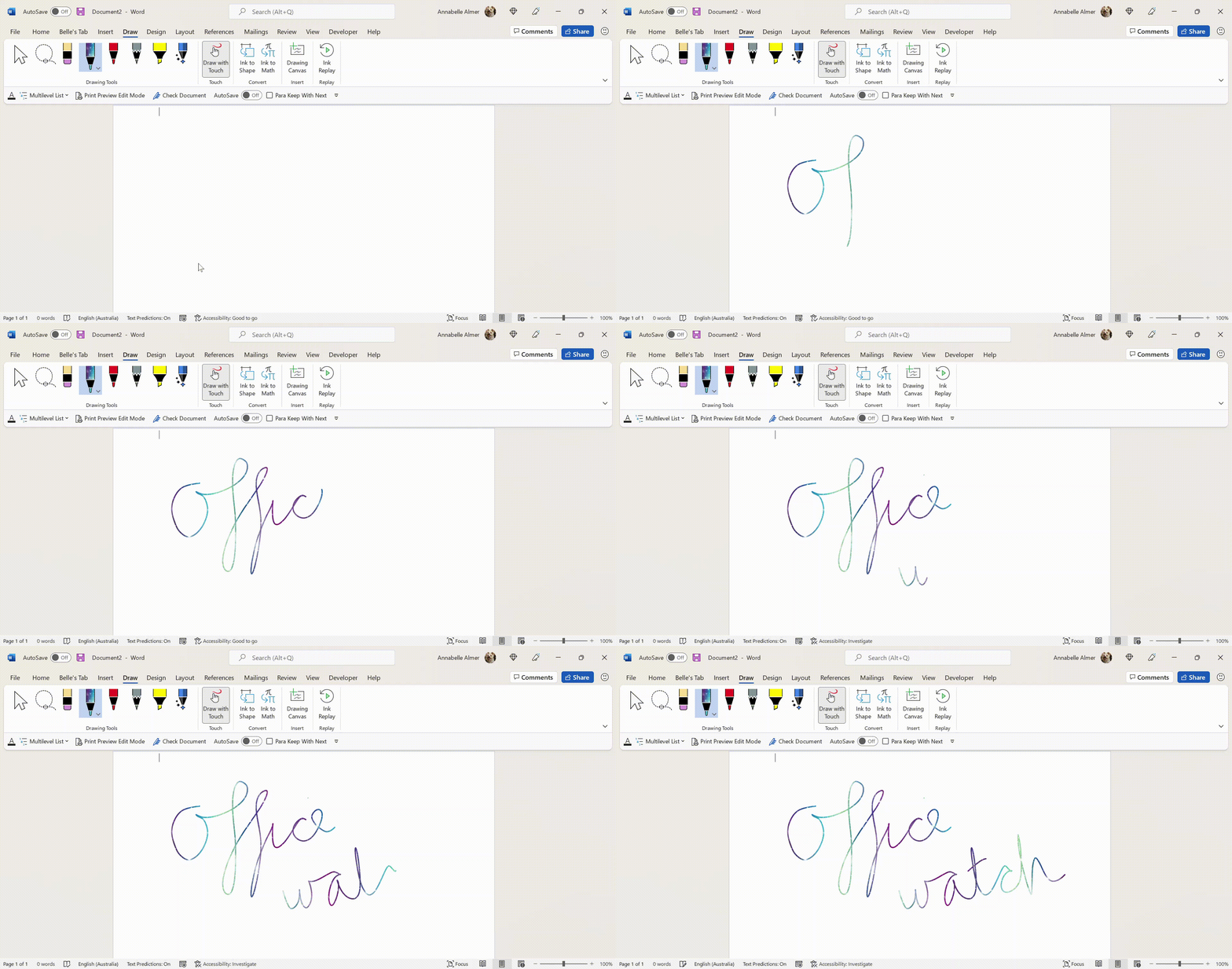
Add the missing Draw with Touch option to Office
Here’s how to force the ‘Draw with Touch’ button to appear in Word, Excel and PowerPoint when it doesn’t show up automatically. ‘Draw with Touch’ is an Office option to let you draw with a finger or stylus on a touchscreen. It should automatically appear on the right of the Draw tab with a touch-enabled […]









