All about Microsoft Office Word, Excel, PowerPoint and Outlook, Microsoft 365, Office 2021 and earlier versions.

Office 365 ‘Save as Picture’ is nothing new
A ‘new’ Office 365 feature is ‘Save As Picture’ to save Office objects like shapes, icons, images and charts as a picture. It also comes with a mystery because this ‘new’ feature isn’t new at all in Office 365 and Office 2019. It’s a useful little trick, right-click on any Word, Excel or PowerPoint object […]
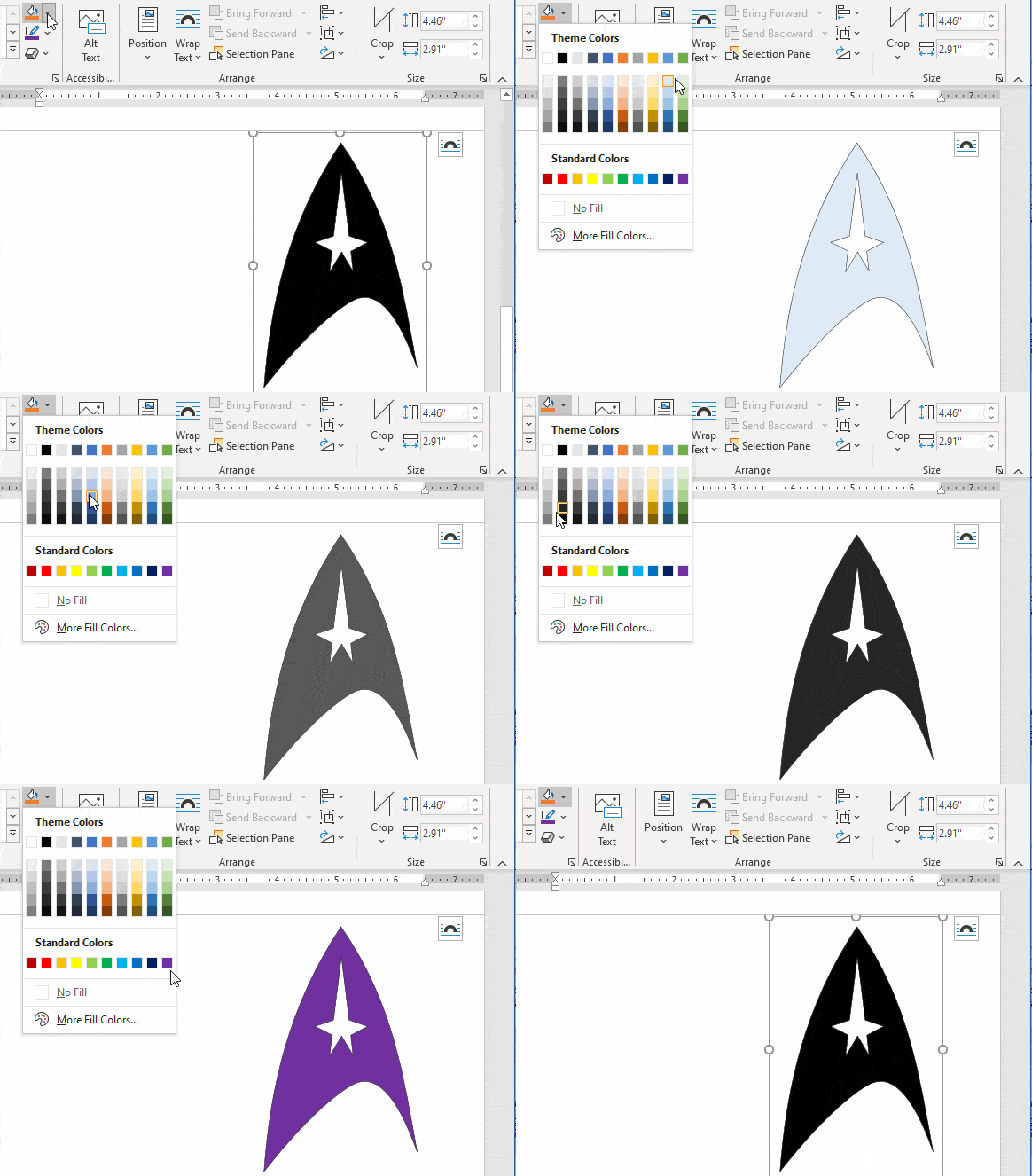
Star Trek Logo with variations in Office, Word or PowerPoint
There are many ways to edit a logo or graphic in Microsoft Office; recolor, outline, shadow, reflection plus Shape options. All demonstrated here using the Star Trek logo ready for Word, PowerPoint or Excel. We’ve found the iconic logo in the best form to use in Office. Even if you’re not interested in Trek and […]
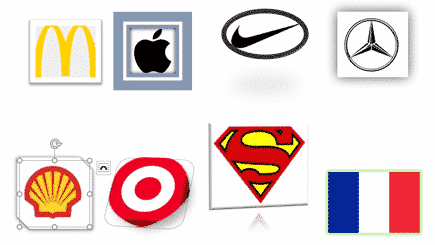
Framing pictures, graphics, logos in Word and PowerPoint
Microsoft Office, especially PowerPoint and Word, have simple and easy ways to ‘jazz up’ a simple image, flag or logo with one of the many framing options. Instead of just copying a graphic into a document or slide, try one of these variations. They retain the original image but give it a different look. Note: […]
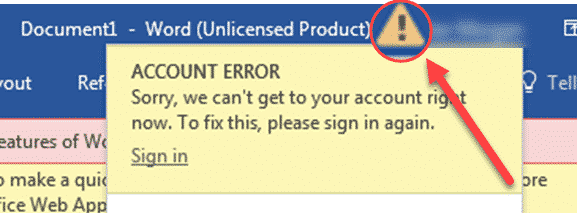
Solving Unlicensed Product errors in Microsoft Office
If Office for Windows shows Unlicensed Product errors, there’s a bewildering range of errors and prompts appearing. Here’s what to do, and in what order, to solve the problem. Starting Office for Windows and you’re greeted with various warnings like this. Subscription Expired may or may not be true. This message seems to appear when […]

Is Excel more useful than algebra?
One of the sillier online debates is an argument about the usefulness of algebra and other maths skills in a world where Excel is available on almost any screen. To us this is silly because it’s not a simple either/or choice. It’s about balance, a concept that’s not fashionable these days, sigh. This all started […]
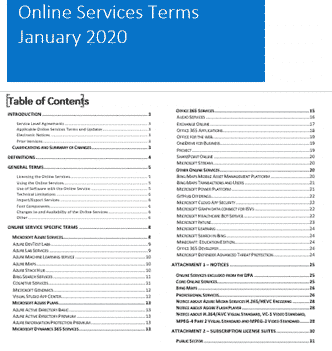
Microsoft clarifies cloud service privacy, is it enough?
Microsoft has updated their Online Services Terms to clarify some privacy issues but concerns remain. They’ve also added yet another document to the confusing mix of legalese customers are expected to understand. Back in August 2019 the Dutch Ministry of Justice released a report that recommended against using Office online or Office apps because Microsoft […]
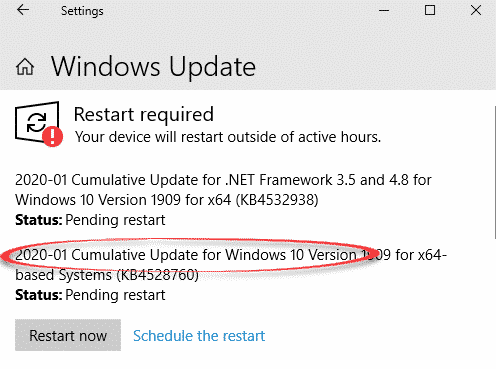
NSA discovered security bug that can affect Microsoft Office
The US National Security Agency (NSA) discovered a serious security bug in Windows and, for the first time, told Microsoft so the company could fix it. That bug could also affect Microsoft Office or other programs. It’s important to update your Windows 10 asap, that’s not our opinion, it’s the US government. The NSA found […]

Two ways to stop Office automatic updates
Here are two options to stop Microsoft Office for Windows from automatically updating itself and why you might want to do that. Office for Windows All versions of Office that have current support (currently Office 2010 and later) get: updates to fix bugs in the software patches to stop security bugs that might allow access […]

Academic / Financial year planner for Excel
He’s done it again, David Peel has quickly made up a new version of his Excel Year Planner that starts the year from any month you choose. Great for academic years (start in August) or financial years (e.g. Aussie start in July). The year selector is top left of the main worksheet. Change the starting […]
Microsoft Office non-security updates for January 2020
Here’s the bug fixes and changes in Office 2016 just released by Microsoft with a summary of what caught our eye. Outlook 2016 – secure email changes KB 4484212 The default hash algorithm for S/MIME changes. The default is SHA1 except when a new registry key is present. Details in the KB. Bug fix: “When […]

Another Access memory leak finally patched
The second Access memory leak has finally been patched by Microsoft, almost a year after a very similar problem was discovered. These bugs have been around since 2002 and the effects are still in some Access files. Both are faults in the way Access saves data to memory locations in ways that hackers could exploit. […]

Make styles for individual table cells in Word
It’s possible to apply individual cell formatting in Word consistently using a little VBA code. In effect it makes styles for cells in a way that Word itself won’t do. Reuse this code to apply the same formatting to many cells. Cell Format Special We’ve made two VBA functions for two different cell formatting settings; […]

More Excel alternatives to nested IF statements
Nested IF statements can be hard to understand and manage but there are alternatives which can be easier to handle, fix and change. We’ll start with the relatively simple example we used for demonstrating IF and nested IF. =IF(C2>89,”HIGH DISTINCTION”,IF(C2>79,”DISTINCTION”,IF(C2>69,”CREDIT”,IF(C2>49,”PASS”,”FAIL”)))) This example has only five levels of nesting, we’ve seen nested IF’s with many, many […]
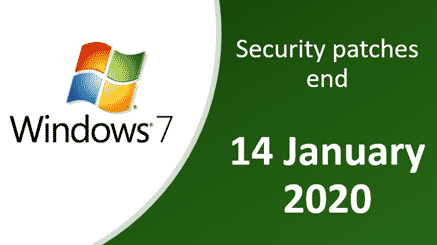
Windows 7 ending – what to do & the Office 365 extension option
Time is running out before the end of support for Windows 7. Here’s what’s happening, what to do, what not to do and the way some Office 365 users can still use Win7 with Microsoft support. The end of Win7 support affects many people and businesses. Even in late 2019, around 27% of Windows use […]
Solid State Drives and Microsoft Office
Are there any advantages to getting an Solid State Drive (SSD) when running Microsoft Office? We have some advice from actual use. Solid State Drives are faster and power saving drives that are now less expensive and more available, but are they worth the trouble for Office users? YES — absolutely and definitely YES. We’ve […]
SSD’s – some tips
If you want to take the plunge to Solid State Drives, here are some comments from our experience. Mostly for portable computers SSD’s are usually installed on portable computers to take advantage of the lower power usage. That means your laptop can run longer on the same battery charge. ALWAYS get Solid State Drives on […]