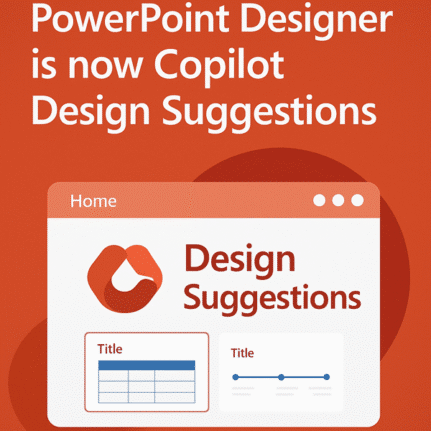
PowerPoint Designer is now Copilot Design Suggestions
Microsoft is replacing a feature in PowerPoint with something called either “Slide Starters” or “Design Suggestions” using Copilot AI. It offers pre-populated slide templates with structured content such as titles, placeholders, tables, and timelines, tailored to match the user’s chosen layout. “Design Suggestions” replaces “Designer” which has been in PowerPoint for the last few years. […]
Microsoft 365 Copilot Explained: Features, Limitations and your choices
Navigating the evolving landscape of Microsoft 365 and Copilot AI can be challenging amid frequent update, varying features and so much hype. Our independent guide breaks down what Copilot is, its capabilities within Word, Excel, PowerPoint, Onenote and Outlook, and the distinctions between different Microsoft 365 plans. Microsoft has changed Copilot so many times that […]
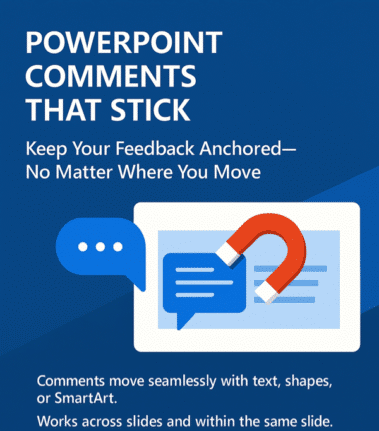
PowerPoint’s Newest Trick: Comments That Stick Like Glue
Ever felt like your PowerPoint comments had a mind of their own, wandering off when you moved content around? At long last, PowerPoint has learned a new trick: keeping comments ‘sticky’ attached to their content, no matter where you paste it. Previously, moving content in PowerPoint was like playing a game of hide-and-seek with your […]

What’s the difference? Microsoft 365 Copilot app or the Copilot app.
Microsoft has two mobile apps with the “Copilot” AI name. “Microsoft 365 Copilot” and “Copilot” apps for iPhone, iPad or Android. What’s the difference and which is best for you? Microsoft’s Copilot hype “Your AI companion for everyday life” (see below) always reminds me of “Your plastic pal who’s fun to be with” with Marvin […]
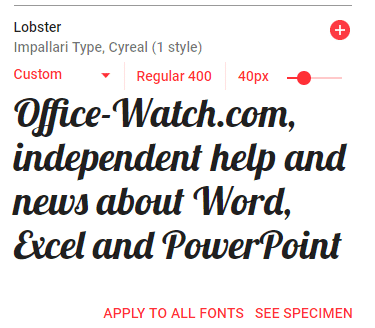
Free Google Fonts in Office: A Simple Step-by-Step Guide
Google offers a great variety of free open-source fonts that can be used in Microsoft Office, Windows or Mac. You just need to know the right trick to access them for Word, Excel or PowerPoint. Over 1,800 Google Font families There are 877 1,816 Google Font families currently available at https://fonts.google.com Google Fonts are intended […]
Convert Office docs to text with Markitdown
Check out this clever Python tool that converts Word documents, Excel sheets, PowerPoint decks and PDFs into a plain text format. Markitdown is a Python library released by Microsoft via Github, converts many documents into nearly plain text (called MarkDown). It’ll convert all these formats into text. Some conversions need extra pip flags like ([pdf], […]
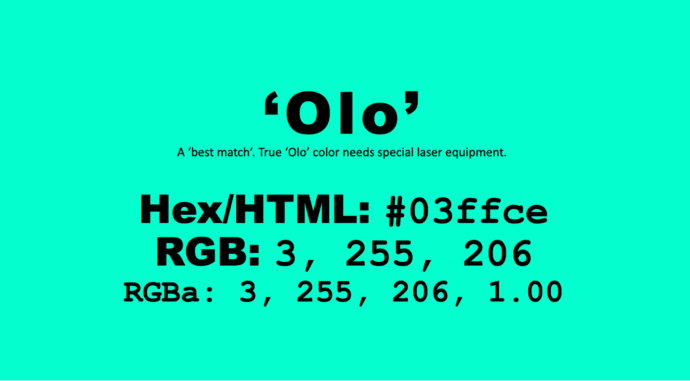
Get the new color, Olo, in Microsoft Office
There’s a special new color called ‘Olo’ developed by scientists in Berkely, California. The nearest match to Olo is possible in Microsoft Office, including Word and PowerPoint. Olo can only be seen with help from a special laser that fires the color into the eye. It’s claimed to extend human color perception into more saturated […]
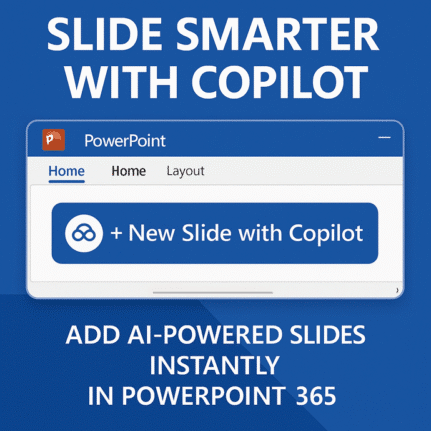
Add new PowerPoint slide with Copilot
PowerPoint is getting a useful addition to its Copilot AI options, make a new slide with Copilot. The Home tab of PowerPoint 365 will have ‘New Slide with Copilot’. A Copilot enabled Microsoft 365 plan is necessary, obviously. Or there’s “Add a slide” on the Copilot icon top-left of a slide. This is a welcome […]
Get Office Startup Boost for any Office app and any version
The Startup Boost feature coming to Word 365 is really a sly trick by Microsoft. It’s a trick that anyone can do with any Office app and any version of Office. Startup Boost starts the app but hides it away. Word lurks in the background until the user clicks on a Word icon (or starts […]

Fix F9 Fn Keys don’t work in Word, Office or Windows
Office Watch reader Steve G is having a problem in Word. The F9 key isn’t updating fields in a Word document. He suspects a buggy patch of Windows or Office. Here’s how to find the source of the Function key or any keypress problem and fix it. Hint – it’s probably not a bug or […]

Adding a message to a PowerPoint ‘envelope’
Here’s how to make a message (letter or card) to make it ‘appear’ from a PowerPoint envelope graphic. This message can be personal or professional, depending on your preference. In Make your own Envelope graphic for PowerPoint we showed how to make an ‘open envelope’ graphic in PowerPoint with some clever use of the Office […]

Make your own Envelope graphic for PowerPoint
An envelope graphic—crafted entirely in PowerPoint! It’s a versatile design element that works for both personal and professional needs. Whether you’re communicating with customers, making special announcements, or enhancing presentations with a creative touch, an envelope icon is a powerful visual asset. It can also be used effectively to showcase images in business presentations. We’ll […]

Copilot in Office – grumbles and ‘modest proposals’
Copilot could become a ‘toxic brand‘ because of pushy way Microsoft is adding it to Microsoft Office. We have some ‘modest proposals’ for how Microsoft can improve their AI offering and keep paying customers onside. Or, put another way, some grumbles about the way Microsoft is force-feeding Copilot to its Microsoft 365/Office customers. Why ‘Copilot’ […]

Office help on the right-click menu ‘Search the menus’
There’s a little undocumented surprise on the right-click menu. Tucked away at the top is ‘Search the menus’ help. Sadly the underlying help system is still woefully inadequate. Right-click in a document (Word, Excel, PowerPoint or Outlook) and the top item isn’t ‘Cut’ but a “Search the menus” box. This is different from the main […]

Upload a phone image to Copilot chat
Microsoft has introduced a new feature allowing users to upload images directly from their mobile devices to Microsoft 365 Copilot. A nice trick but there are other ways to do the same thing, including two from Microsoft itself! The idea is to streamline tasks such as transcribing handwritten notes, summarizing charts, and digitizing receipts. Copilot […]

OneDrive messages pushed into Microsoft 365 apps.
Microsoft is adding yet another push for customers to save all their documents to OneDrive. This time inside Word, Excel and PowerPoint documents. OneDrive is Microsoft’s preferred place to save files and they cite various benefits to cloud storage. The company ignores the downsides to OneDrive and the right of customers to choose where to […]









