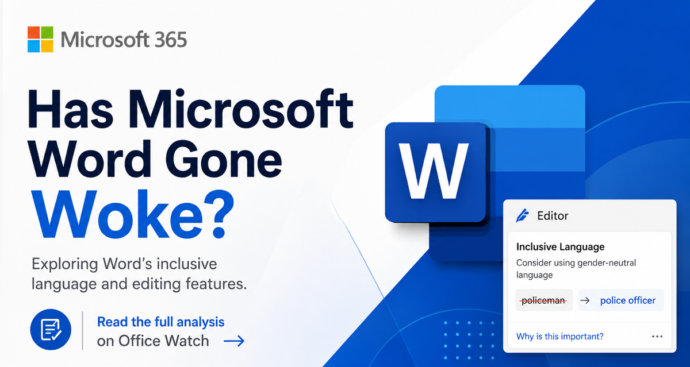
Microsoft Word ‘Woke’ Settings Explained: Old, Optional, and Easy to Ignore
Microsoft Word has not gone ‘woke’. Despite press stories claiming Word enforces ‘politically correct’ language, the truth is far less dramatic. The Inclusiveness grammar checks behind the headlines are optional, off by default, and have been part of Word since before 2020. They flag words like mankind, postman and showgirl with a purple squiggly line […]

Word 365’s New ‘Overpaste’ Trick Makes Hyperlinks in One Step
Microsoft Word 365 has a new overpaste feature that turns selected text into a clickable hyperlink in a single paste, no dialog box required. Instead of pressing Ctrl + K, pasting the URL, and clicking OK, you can now copy a link, highlight the text you want to convert, and paste straight over it. The […]
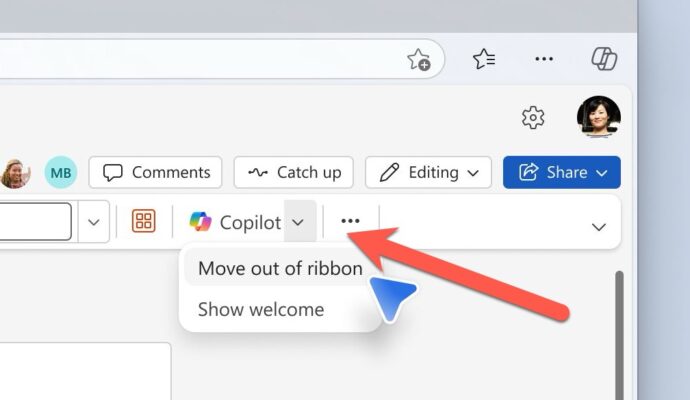
Microsoft Fixes the Annoying Copilot Button with ‘Move to Ribbon’ Option
Microsoft has quietly added a “Move to ribbon” option to the much hated Copilot Dynamic Access Button in Word, Excel and PowerPoint, after a wave of customer complaints about the floating button cluttering every document, workbook and slide deck. The fix gives paying Microsoft 365 customers a way to push Copilot back where it belongs […]

KeyTips Explained: The Fastest Microsoft Office Keyboard Shortcuts You Already Have
Wanna be a better, faster Office user? Impress your friends? Be the envy of women and men for miles around? Use simple keyboard shortcuts, called KeyTips, that you don’t have to memorize because they are on the screen. Instantly access Ribbon commands in Word, Excel, PowerPoint, and Outlook for Windows or Mac. Save time and […]
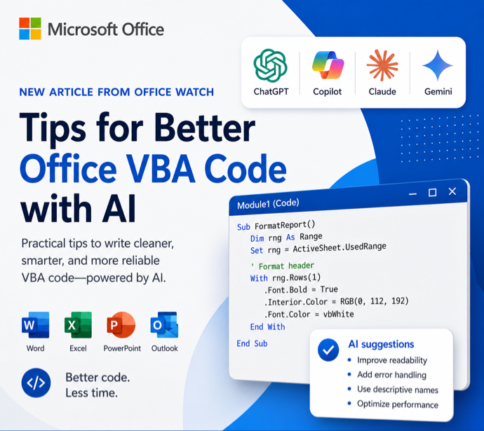
How to Get Office VBA Code from any AI (4 Smart Prompt Tips)
Asking ChatGPT, Copilot or any AI to write Office VBA code can save hours, but only if you prompt it the right way. These four practical prompting tips help you get cleaner, working VBA for Word, Excel, PowerPoint and Outlook on Windows or Mac, with fewer rewrites and far less debugging. Use them whether you […]
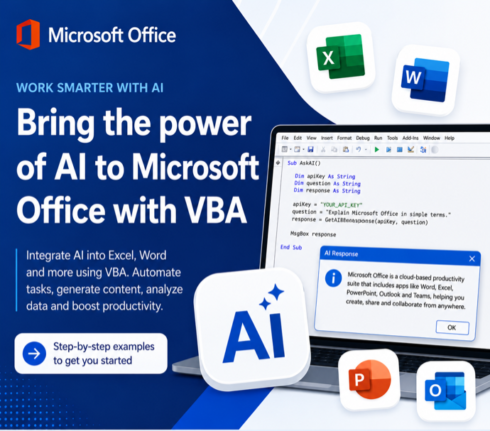
Write Office VBA with ChatGPT or any AI Real Examples That Work in 2026
ChatGPT, Copilot, Claude and Gemini can all write Microsoft Office VBA code for you, and they have improved dramatically. Ask any modern AI to write a Word macro, an Excel automation, a PowerPoint slide builder or an Outlook search routine and you will get working code in seconds. We tested the same four prompts we […]

7 Ways to Convert Markdown to a Word Document
If you have a Markdown (.md) file and need it in Microsoft Word, you have more options than you might think. From pasting text directly into Word Online to letting an AI do the heavy lifting in seconds, each method has its strengths and sweet spots. This Office Watch guide covers seven practical ways to […]
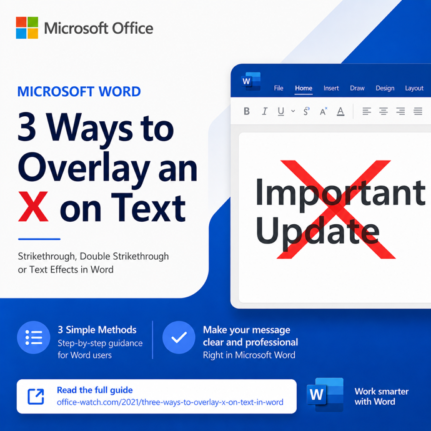
3 Easy Ways to Overlay an X Over Text in Word and PowerPoint
Need a bolder alternative to strikethrough? An overlaid X works far better than a thin line when you have large headings, signs, or slide text to cross out. This guide walks you through three reliable ways to overlay an X on text in Microsoft Word and PowerPoint: a quick image overlay, a smart table border […]
3 Easy Ways to Get an X Symbol in Word and PowerPoint
Need to drop an X symbol in Word or PowerPoint to cross something out, overlay a “don’t do this” graphic, or just mark a spot? Microsoft Office gives you two solid sources built right into the apps, plus a fourth option that opens up the entire web. Each one comes with tradeoffs around transparency, sizing […]
Why AI Is Almost Intelligent: The Honest Truth About ChatGPT and Copilot
Office Watch calls AI Almost Intelligent for good reason. ChatGPT, Copilot, Claude and Gemini can rewrite a paragraph in seconds, summarize a long report, or turn rough notes into a polished email before your coffee cools. AI can also invent quotes, cite court cases that never existed, get a date wrong by a year, slip […]
Open Office Files in Browser or Desktop App: How to Take Control
Clicking a link to a Word, Excel, or PowerPoint file should be simple, but Microsoft has turned it into a guessing game. Sometimes the document opens in your browser, sometimes in the desktop app, and the setting that controls it is scattered across Outlook, Office apps, and OneDrive options. This guide shows you exactly where […]
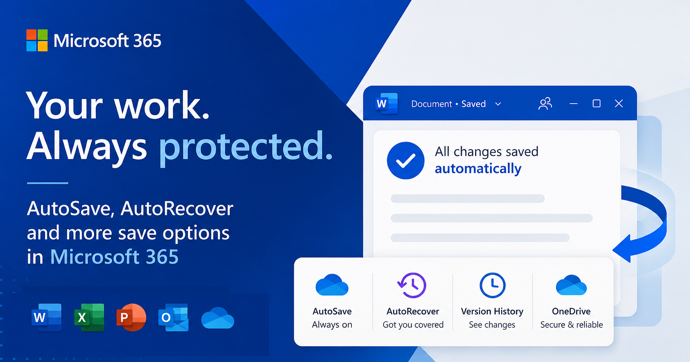
AutoSave vs AutoRecover in Microsoft Office: What Each One Actually Does to Save Your Work
AutoSave and AutoRecover sound like the same thing, but in Microsoft Office they do very different jobs, and only one of them is a real save. If you use Word, Excel or PowerPoint every day, knowing the difference is the line between recovering a crashed document and watching hours of work disappear. This guide breaks […]
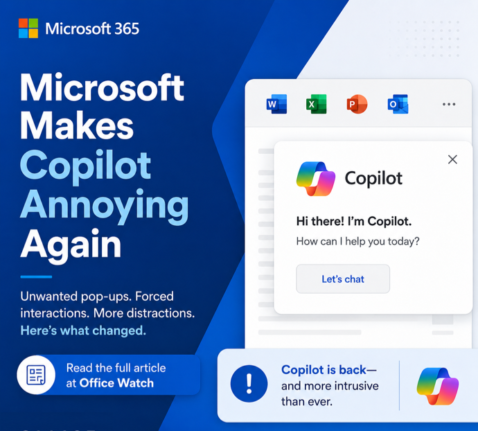
Microsoft buries the Copilot button and floats a nag in its place
Microsoft has quietly removed the Copilot button from the Home tab in Word, Excel and PowerPoint and replaced it with a permanent floating icon at the bottom right of every document, sheet and slide. You cannot turn it off. You can only shrink it. We explain how this annoyance works, why Microsoft is doing this […]
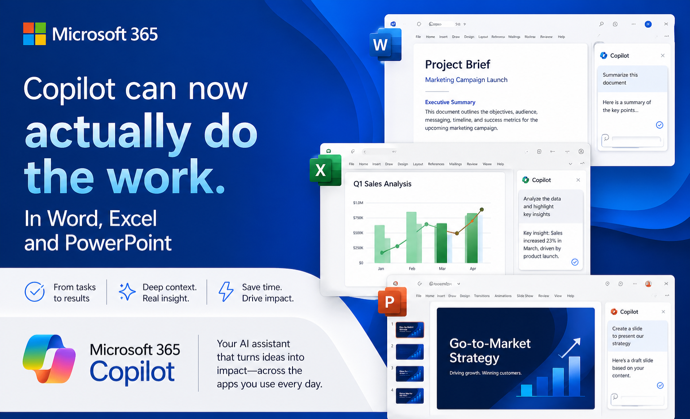
Copilot Can Now Actually Do the Work in Word, Excel, and PowerPoint
Microsoft has quietly flipped a major switch. Copilot Agent Mode is now the default experience in Word, Excel, and PowerPoint. It works very differently from the Copilot you may have ignored until now. Instead of suggesting what you should do, it actually works on your document, spreadsheet, or presentation and makes changes itself. You describe […]
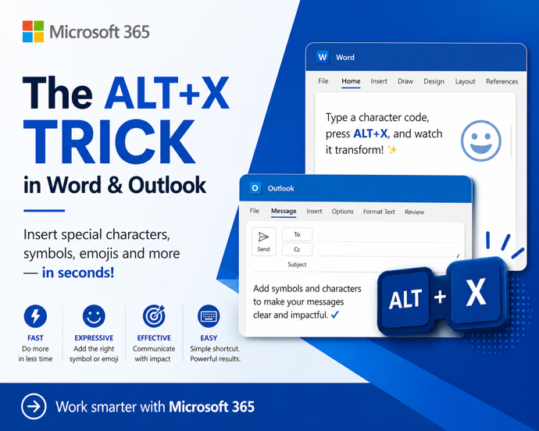
How to Insert Symbols in Word and Outlook Instantly Using Alt + X
If you regularly need to type the Euro sign €, the Pound symbol £, or any other special character in Microsoft Word or Outlook, there is a faster way than clicking through Insert Symbols. The Alt + X keyboard shortcut lets you type any symbol’s Unicode value directly in your document, press Alt + X, […]
How to Type the Question Exclamation Mark ⁈ in Word, Excel, PowerPoint and Outlook
The Question Exclamation Mark ⁈ is a single character that combines the energy of both punctuation marks into one, perfect for expressing surprise mixed with a genuine question. Whether you are working in Word, Excel, PowerPoint, or Outlook on Windows or Mac, there are several quick ways to insert it, including a keyboard shortcut or […]









