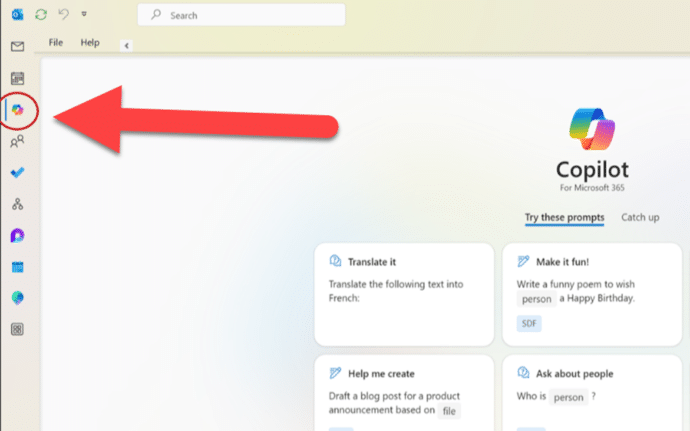
Copilot comes to some Outlook for Windows
Outlook (classic) for Windows is getting Copilot AI features but only some people will get the summarizing, draft, rewrite and coaching benefits. You might have seen the news that the current Outlook 365 for Windows is getting Copilot but few mentioned the crucial detail that Microsoft put in the fine print. Before we explain what […]

How changes in Outlook login will affect you
There’s about to be a big change in how you login to Outlook.com (Hotmail.com, live.com email and it’s best to get ready now. We explain which email apps are already setup OK, some apps might need a simple change while others have to be replaced. From 16 September 2024, Outlook.com won’t just accept a simple […]
Busting the myth about Two-Factor Authentication
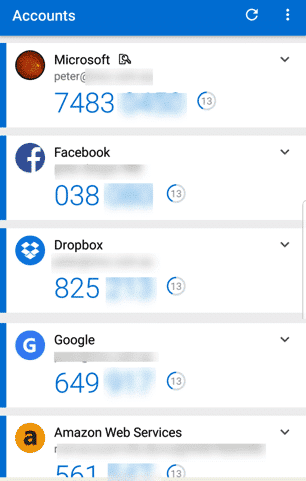
Don’t fall for the myth that’s stopped you from more secure online accounts. For some years we’ve been banging on about Two-Factor Authentication. ‘2-fac’ is one of the main protections against online hacking and identity theft. Savvy online users have 2Fac for their main online accounts: Microsoft/Office 365 account, Google. Facebook, banking and especially any […]

Spam arrives in a brand new Outlook.com account – how?
How can spam email appear in a brand new Outlook.com account right away, before anyone has been given the address? Office Watch reader Sophie J setup an Outlook.com account and was shocked to see spam email appear in the mailbox within minutes. She hadn’t given out the email address to anyone (barely had time enough) […]

Goggles 🥽 emoji in Word, Excel, PowerPoint and Outlook
Put on the Goggles 🥽 symbol/emoji into Microsoft Word, Excel, PowerPoint or Outlook. Both in Office for Windows and Office for Mac. Goggles 🥽 symbol is used for safety signs or maybe an alternative to the Glasses or Eyeglasses 👓 symbol How Goggles 🥽 looks in different fonts. Take a screen shot of this table […]

Beware the unexpected when copying an image from Word/Office
When you’re copying an image out of an Office document something unexpected happens that you should be aware of. The size (height/width) of the copied image is NOT the original size (i.e the size of the stored picture) – which is what you might expect. The image is copied according to the displayed dimensions in […]
Face with rolling eyes 🙄 emoji in Word, Outlook, Office
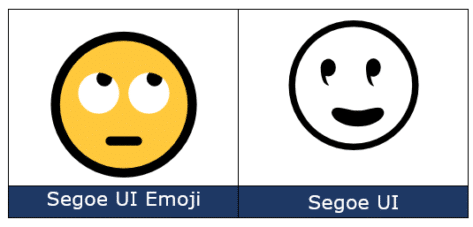
Face with rolling eyes 🙄 symbol is one of the more popularly used emoji, also known as ‘Eye Roll’ or ‘Yeah whatever’. Here’s how to type it in Microsoft Word, Outlook and Office. Not to be confused with the ‘Rolling on the floor laughing’ 🤣 or ROFL emoji or other eye emoji:Eye 👁 emoji in […]

Calendar extras added to new Outlook
Outlook (new) for Windows now has more calendar features with some to match the ones already in the existing Outlook. Set working hours and location, flexible event start/end times and keeping declined events. Microsoft boasts about ‘new’ features in their developing new-fangled Outlook but some are really ‘catch up’ features not true innovations. It gives […]
It’s official – Calibri beats Aptos in font poll
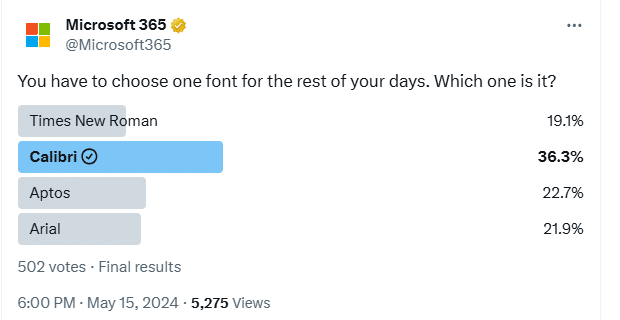
A recent poll commissioned by Microsoft confirms the widely held suspicion that people prefer the Calibri font over the new Aptos fonts pushed into Microsoft Office. This comes from a Twitter/X poll run by the Microsoft run @Microsoft365 account. The previous Office default font, Calibri, handily won the poll with 36.3% of the votes. We’ve […]
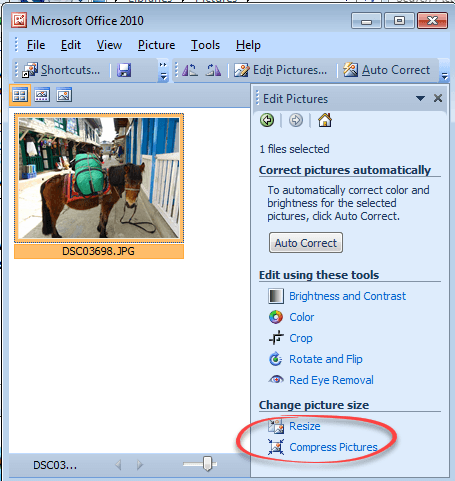
Making pictures smaller – some more options.
There are many ways to make pictures smaller, in both senses of the word. Here are three more options including great news for Windows 11 & Windows 10 users plus an important warning. Converting images into a smaller file size is sometimes essential. The large digital camera images (can be 4-6MB each) can be too […]
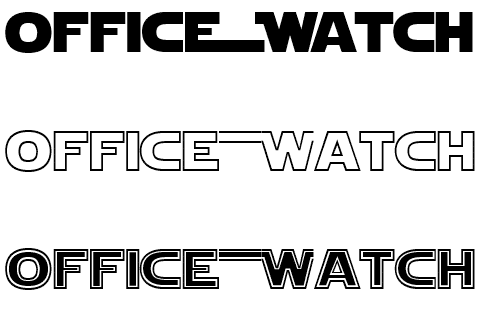
Star Wars look in Word and PowerPoint
Whether you’d like to join the Force or make fun of it, here’s how to get the famous Star Wars look in Word, PowerPoint and Office. See Star Wars movie opening and end credits in PowerPoint Star Wars font There are a few ‘Star Wars’ fonts available. All probably in breach of many copyright rules but […]
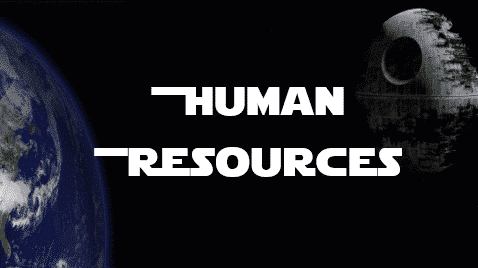
Happy Star Wars Day – with Microsoft Office
Office-Watch.com has Star Wars Day covered with a series of articles which add the spirit of the Rebel Alliance or the Empire to your Microsoft Office documents, workbooks and slides. Star Wars Day is 4th May each year … “May the fourth be with you” geddit? Star Wars fonts Star Wars look in Word and […]

How to save an Outlook attachment without knowing it
At an important UK inquiry, a lawyer claims that he didn’t know how to save an email attachment. The evidence suggests that he might be telling the truth about that minor detail. We explain how Outlook prints an email attachment. This is a small part of the inquiry into the British Post Office Scandal were […]
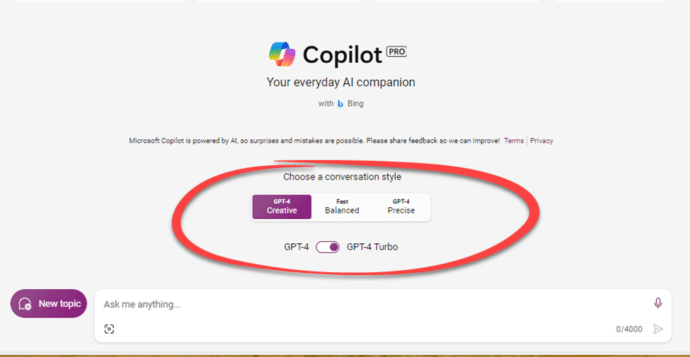
Two ways to pay for Copilot with Microsoft Office
Accessing Microsoft AI technology Copilot with Microsoft Office is possible through two different methods, each tailored to the specific Microsoft 365 plan you have Both Copilot options only work for Microsoft 365 software (Windows or Mac). Not Office 2021, Office 2019 or other versions of Office. Copilot Pro Copilot Pro is the choice for Microsoft […]
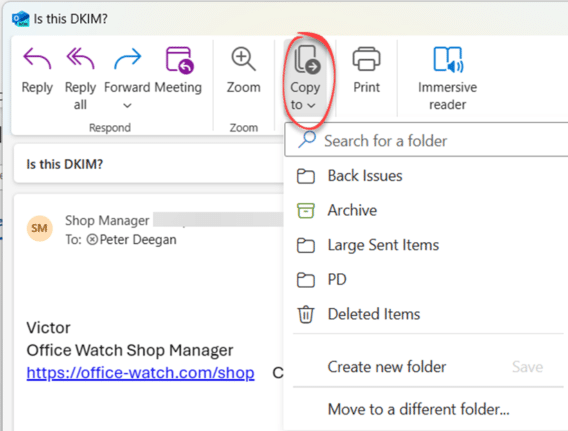
Import EML MSG and OFT files with Outlook (new)
The new Outlook for Windows can now import messages saved in single files as .eml .msg or .opt formats. Like most ‘new’ features in new Outlook for Windows, it’s really a catch-up feature to match something in the existing Outlook for Windows. All three formats are ways to save emails to single files containing the […]
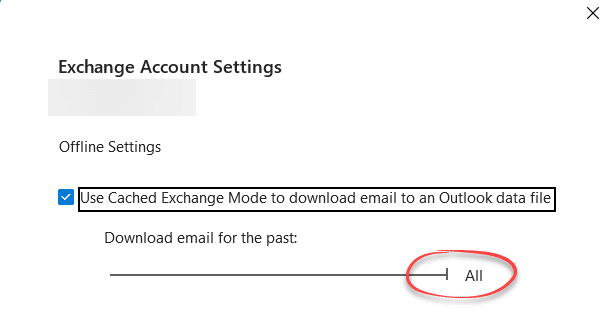
The Outlook setting everyone should check
After setting up Outlook for Windows (classic) maybe your older messages aren’t showing up quickly? That might be because of a hidden default set to suit Microsoft which should be changed to benefit you. For most mailboxes (Outlook.com, Exchange Server etc) Outlook for Windows (classic) can synchronize a copy of some or all your messages, […]









