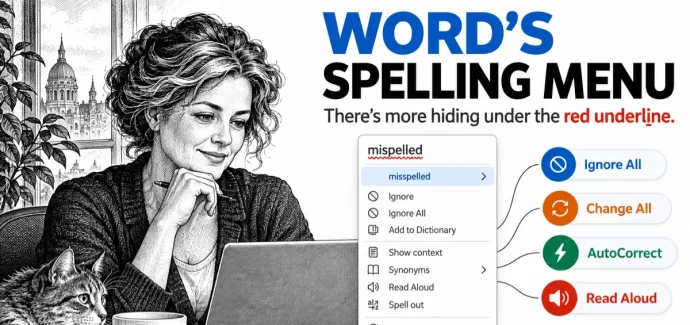
Word Spell Check: 10 Hidden Options You’re Probably Missing
Clicking a red underlined word in Microsoft Word shows more than a few suggested spellings. Word’s spell check menus hide ten useful options, including Change All to fix every copy of a typo at once, Add to AutoCorrect so Word fixes that mistake for you in the future, and Ignore All, which only appears when […]
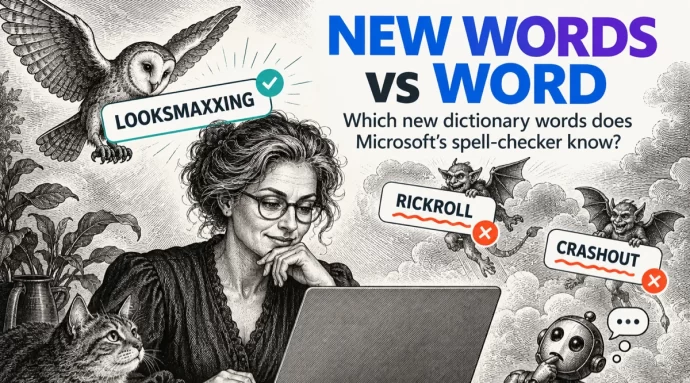
Merriam-Webster new words vs Microsoft Word
Merriam-Webster has added 1,400 new words and definitions to its dictionary, including looksmaxxing, crashout and Rickroll. We typed the headline internet slang into Microsoft Word to see which words get the red squiggly underline. Word already knows some surprisingly fresh slang but still flags a prank that’s been around since 2007. If you use these […]
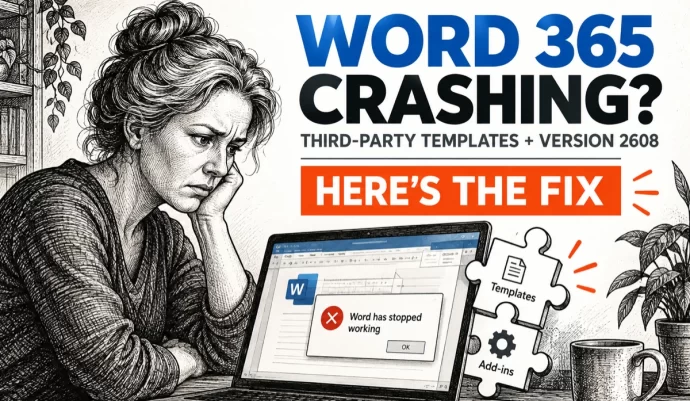
Word 365 crashes when third-party apps fill templates, how to fix it
Word 365 is crashing when third-party document assembly, case management and practice management programs try to generate documents from templates. Microsoft has confirmed the bug in Version 2608 but offers no fix yet. Here’s how to check whether you’re affected and what to do about it. Microsoft says that after updating to Version 2608 (Build […]
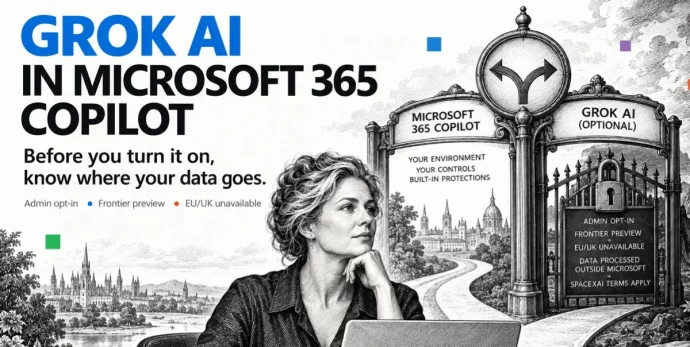
Grok AI in Microsoft 365: What Copilot Users Need to Know Before Turning It On
Microsoft has added Grok AI from SpaceXAI as a model option in Copilot for Word, Excel and PowerPoint. Before you turn it on, there are privacy trade-offs and restrictions you need to understand. Choosing Grok means your data leaves Microsoft’s servers, the feature is blocked in Europe and the UK, and your admin has to […]
September 2026 Patch Tuesday: 20 Critical Office Bugs to Fix Now
Microsoft’s September 2026 Patch Tuesday landed on September 8, 2026 with a record 966 fixes, and Office took the worst of it: 124 patches across Word, Excel, Outlook and the shared code, 20 of them rated Critical. Excel alone has six Critical remote code execution holes, which means a single booby trapped workbook can run […]
Word Can Now Link to Any Paragraph, But Check This Setting First
Word for Windows and Mac can now make a link that opens a document at an exact paragraph, not just at page one. Select any text in a document saved to OneDrive or SharePoint, right click, and choose Copy Link to Location. It is a real time saver for long contracts, specs and policy documents. […]
Microsoft Kills Word’s Similarity Checker on October 3, 2026
Microsoft is deleting Word’s Similarity Checker, the plagiarism check built into the Editor pane, on October 3, 2026. That is three weeks away and there is no replacement. If you have a document with similarity results you still care about, open it and insert the citations now, because the flagged passages and their source links […]
Text Predictions Now Off by Default in Word and Outlook
Microsoft is switching Text Predictions off by default in Word 365 and Outlook 365. If you rely on the gray suggested text that appears ahead of your cursor, it may simply stop showing up. The feature is not gone, just no longer automatic, and you can switch it back on in about ten seconds. Here […]
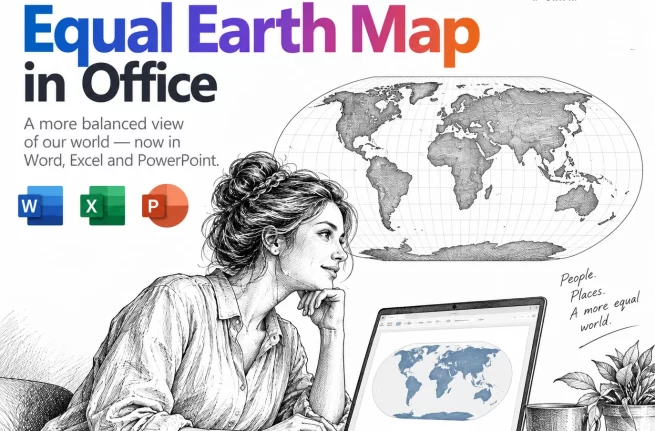
Equal Earth Map in Word, Excel and PowerPoint: How to Add It Free
The UN has just picked a new favorite world map, and the Mercator projection most of us grew up with is out of favor. If your reports, slides or dashboards use a world map, the Equal Earth projection is now the one to reach for. Microsoft Office does not include it, but you can drop […]
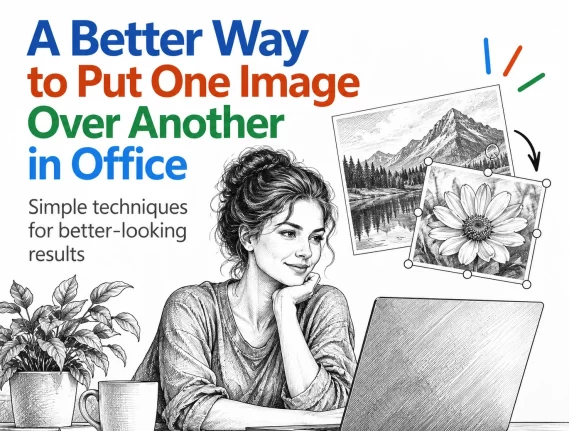
Put a Picture Inside Another Picture in Office, Even at an Angle
Dragging one image on top of another almost never looks right. The moment the screen or frame in the background photo sits at an angle, the picture you drop on it looks pasted on. There is a better way built into Word, Excel and PowerPoint that takes about two minutes: draw a shape over the […]

Letter or A4 in Word: Two Ways to Switch Without Wrecking Your Layout
Get a document formatted for the wrong paper size and Word gives you two very different ways out. One rescales the printout and leaves your document untouched. The other changes the document itself and can shift your margins, headers and images without warning. Which one you pick matters, so here is when to use each, […]
August 2026 Patch Tuesday: Office Bugs That Fire From the Preview Pane
Ten Critical bugs fixed in Microsoft’s August 2026 Patch Tuesday can be triggered just by previewing a file. No opening it, no macro warning, no “Enable Content” click. Selecting a message in Outlook’s Reading Pane or clicking a file once in File Explorer is enough to run an attacker’s code on an unpatched machine. That […]
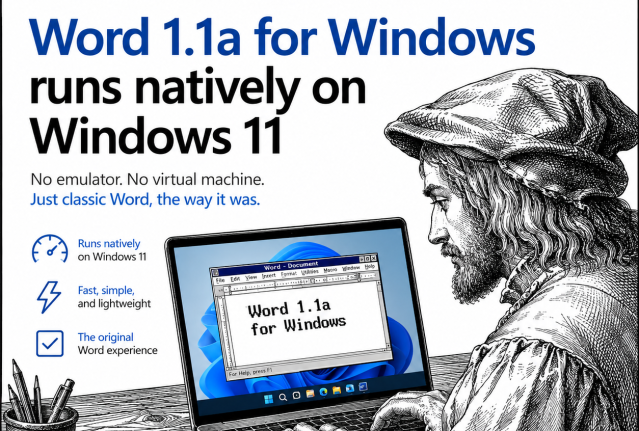
This 1990 Version of Word Now Runs Natively on Windows 11
A developer has recompiled the original 1990 version of Word for Windows, 1.1a, so it runs natively as a 64 bit program on Windows 11, no DOSBox, virtual machine, or emulator required. Before you get excited about a free, lightweight alternative to modern Word, here’s the reality check: there is no ready to run download. […]
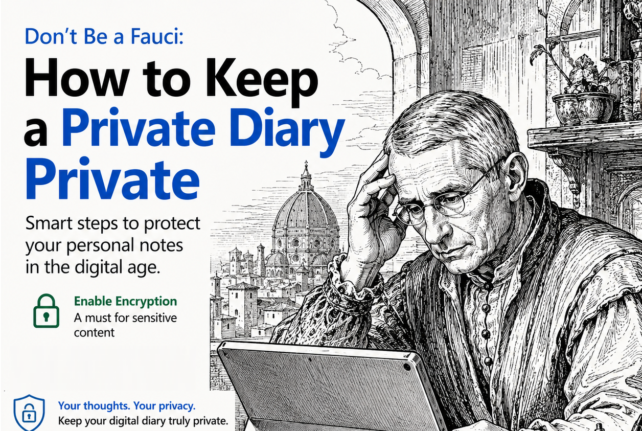
Don’t be a Fauci – how to keep a private diary, private
If you keep a digital diary or any kind of personal notes, recent headlines are a reminder that where you save it, and whether it is password protected, really matters. An unprotected diary saved in the wrong place can be read, copied, or leaked without your knowledge. Here is how to keep your private notes […]
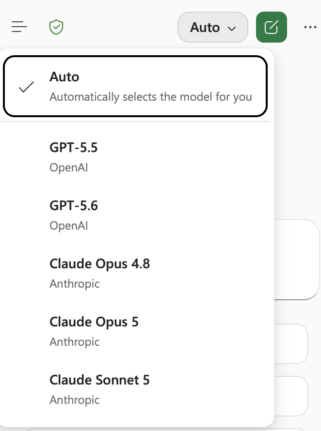
Claude’s Opus 5 model in Microsoft 365 apps
Another day, another AI model. At least that’s how it seems. Just between Anthropic’s Claude, OpenAI’s ChatGPT, and Microsoft’s own MAI models, there’s a constant flow of new and updated AI models for Microsoft 365 apps. Be aware of changes in AI models because the new software can behave in a different way. Sometimes better, […]
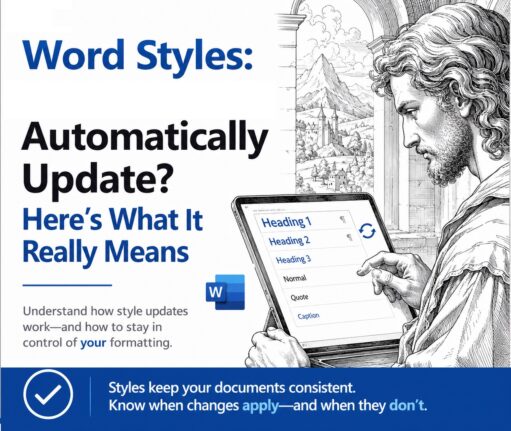
Word Style ‘Automatically Update’: Why You Should Turn It Off
Change the font on one paragraph in Microsoft Word and watch the rest of the document change with it. That is ‘Automatically update’, a checkbox hiding in every Word style’s Modify Style box. It is off for most styles, but when it is on, Word rewrites the style itself every time you reformat a paragraph, […]









