Put a Picture Inside Another Picture in Office, Even at an Angle
Dragging one image on top of another almost never looks right. The moment the screen or frame in the background photo sits at an angle, the picture you drop on it looks pasted on. There is a better way built into Word, Excel and PowerPoint that takes about two minutes: draw a shape over the […]

Letter or A4 in Word: Two Ways to Switch Without Wrecking Your Layout
Get a document formatted for the wrong paper size and Word gives you two very different ways out. One rescales the printout and leaves your document untouched. The other changes the document itself and can shift your margins, headers and images without warning. Which one you pick matters, so here is when to use each, […]
August 2026 Patch Tuesday: Office Bugs That Fire From the Preview Pane
Ten Critical bugs fixed in Microsoft’s August 2026 Patch Tuesday can be triggered just by previewing a file. No opening it, no macro warning, no “Enable Content” click. Selecting a message in Outlook’s Reading Pane or clicking a file once in File Explorer is enough to run an attacker’s code on an unpatched machine. That […]
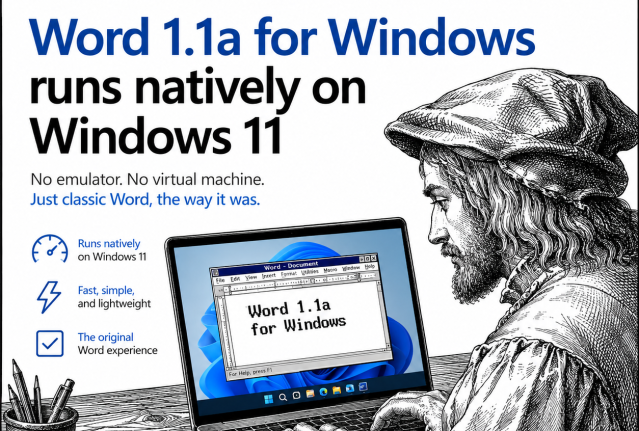
This 1990 Version of Word Now Runs Natively on Windows 11
A developer has recompiled the original 1990 version of Word for Windows, 1.1a, so it runs natively as a 64 bit program on Windows 11, no DOSBox, virtual machine, or emulator required. Before you get excited about a free, lightweight alternative to modern Word, here’s the reality check: there is no ready to run download. […]
Don’t be a Fauci – how to keep a private diary, private
If you keep a digital diary or any kind of personal notes, recent headlines are a reminder that where you save it, and whether it is password protected, really matters. An unprotected diary saved in the wrong place can be read, copied, or leaked without your knowledge. Here is how to keep your private notes […]
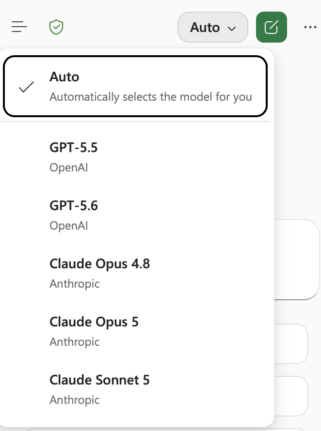
Claude’s Opus 5 model in Microsoft 365 apps
Another day, another AI model. At least that’s how it seems. Just between Anthropic’s Claude, OpenAI’s ChatGPT, and Microsoft’s own MAI models, there’s a constant flow of new and updated AI models for Microsoft 365 apps. Be aware of changes in AI models because the new software can behave in a different way. Sometimes better, […]
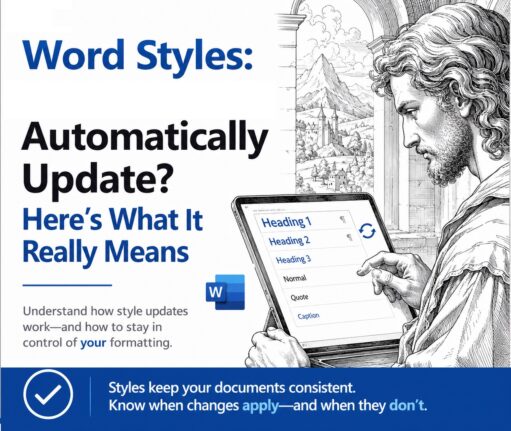
Word Style ‘Automatically Update’: Why You Should Turn It Off
Change the font on one paragraph in Microsoft Word and watch the rest of the document change with it. That is ‘Automatically update’, a checkbox hiding in every Word style’s Modify Style box. It is off for most styles, but when it is on, Word rewrites the style itself every time you reformat a paragraph, […]
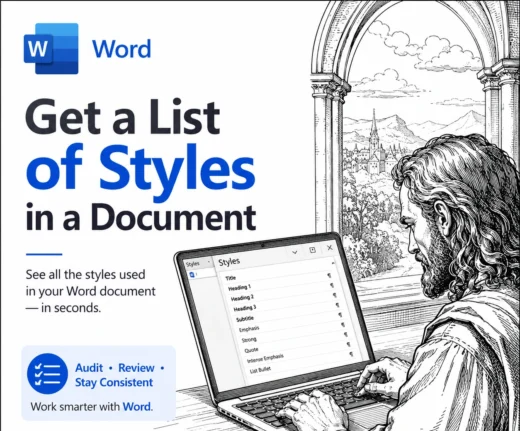
Word: get a better list of styles in a document
Word makes it surprisingly hard to see a full list of styles in a document. There’s no tidy panel that lays out every style and shows how they connect to each other. The only option built into Word is a hidden Print setting that produces a long, flat report that’s a chore to read. The […]
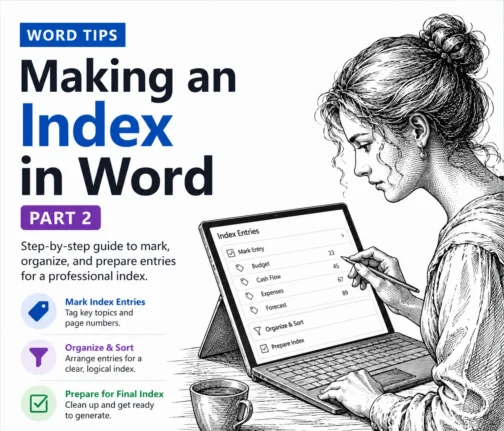
How to Make a Better Word Index: Page Ranges, Hidden Tags and AutoMark
Making an index in Word by hand gets tedious fast, but Word hides three real time savers most people never touch. In this second part of our indexing guide we show you how to mark an index entry that spans a range of pages using bookmarks, why Word fills your document with hidden {XE} tags […]
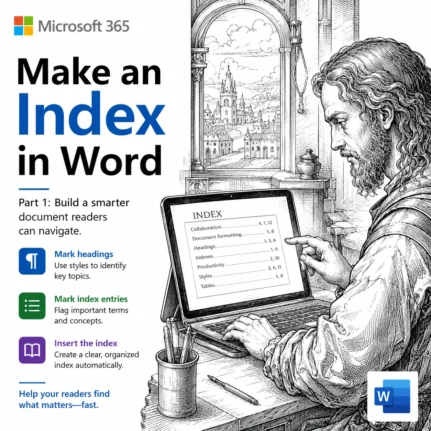
How to Make an Index in Word: Mark Entries and Build It
An index is the alphabetical list of terms and page numbers at the back of a book, and Microsoft Word can build one for you. We show you how to make an index in Word, starting with the basics: preparing your document, marking index entries and generating a simple, professional looking index. It takes some […]
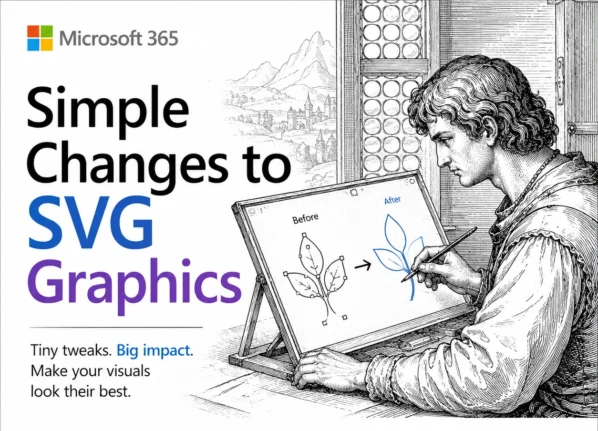
Edit SVG colors in Word, Excel and PowerPoint the Easy Way
Microsoft Office lets you drop an SVG graphic into Word, Excel or PowerPoint, then recolor the whole thing and nothing more. Want the circle orange and the bar black? The fix is simpler than you would guess: open the SVG in Notepad or any plain text editor, change a few color values, delete or hide […]
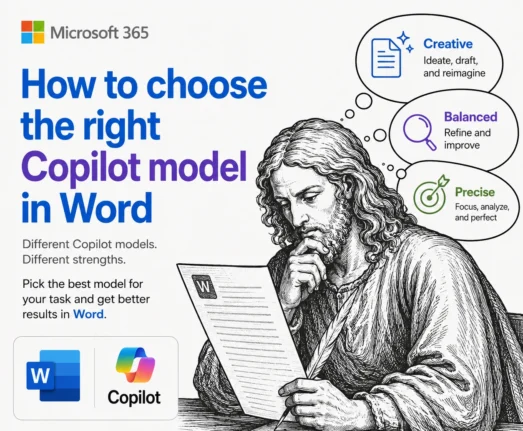
Which Copilot Model Should You Use in Word? Auto, Claude or GPT
Word now lets you choose which AI runs Copilot, but Microsoft does a poor job of explaining what the choices actually do. The Copilot model picker in Word offers Auto, two Anthropic Claude models and OpenAI’s GPT in Quick Response or Think Deeper flavors. Here is what each Copilot model in Word is good at, […]

Spanish Flag in Microsoft Office: The Right Image, the Right Colors
Need the Spanish flag in Word, Excel or PowerPoint? Here is the fast, correct way to do it. We will show you where to download a proper scalable version of Spain’s flag (so it stays sharp at any size), the exact red and yellow color codes you need to match it in a document, worksheet […]
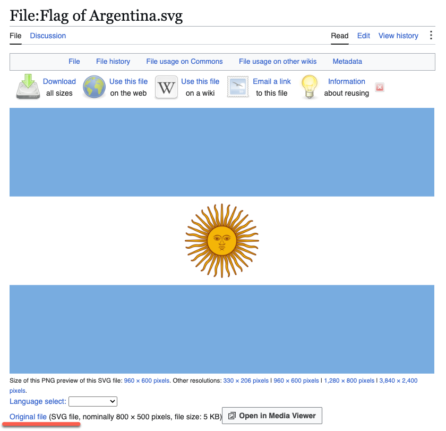
Argentina Flag in Word, Excel and PowerPoint: Get the Right One
Adding the Argentina flag to Word, Excel or PowerPoint should take thirty seconds, but Argentina sets a trap that most countries do not. There are officially two national flags, the ceremonial one with the golden Sun of May and a plain version without it, and picking the wrong one is the giveaway that you grabbed […]
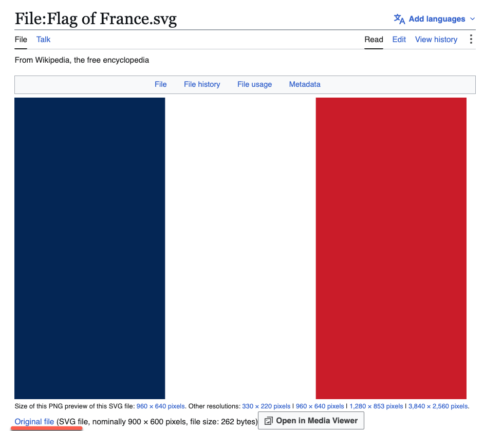
French Flag in Word, Excel and PowerPoint: Get the Colors Right
Adding the French flag 🇫🇷“Le Tricolore” to Word, Excel or PowerPoint looks like the easiest job in Office. It is three colored bands. What could go wrong? Quite a lot, as it turns out. There are two official French blues in circulation and the French state has switched between them, the white middle band disappears […]
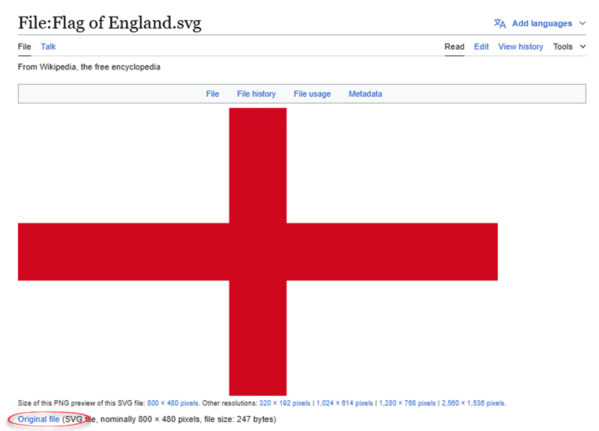
England Flag in Word, Excel and PowerPoint: The Right Way
Adding the England flag “St George’s Cross” to Word, Excel or PowerPoint should take thirty seconds, but most people get it wrong twice. Here is where to get a proper scalable graphic of the England flag, the exact hex colors, insert and enhance it in Office, and why the England flag emoji will look broken […]









