Office 2021 is the personal and small business ‘perpetual licence’, non-subscription version of Microsoft Office. For Windows and Mac.
Office LTSC (Long Term Servicing Channel) is the volume licence ‘perpetual licence’, non-subscription version of Microsoft Office for organizations, companies and governments. Also for Windows and Mac.
The features in Office 2021 and Office LTSC are very similar, if not the same.
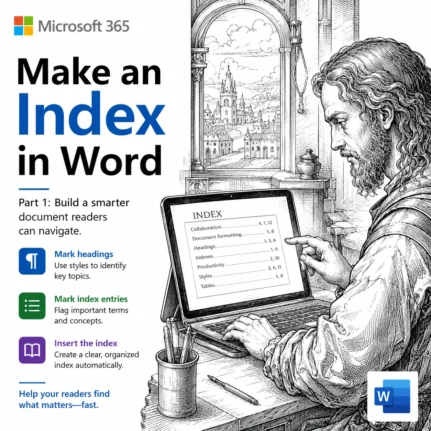
How to Make an Index in Word: Mark Entries and Build It
An index is the alphabetical list of terms and page numbers at the back of a book, and Microsoft Word can build one for you. We show you how to make an index in Word, starting with the basics: preparing your document, marking index entries and generating a simple, professional looking index. It takes some […]

Microsoft Forms: Old and New Tools to Draft and Fix Your Surveys
Microsoft Forms Copilot has quietly turned one of the humblest corners of Microsoft 365 into a better survey and quiz builder. Copilot can now draft a whole form from a plain English prompt, suggest fixes to questions you already have, and even add basic branching, all inside one pane next to your form. Some of […]
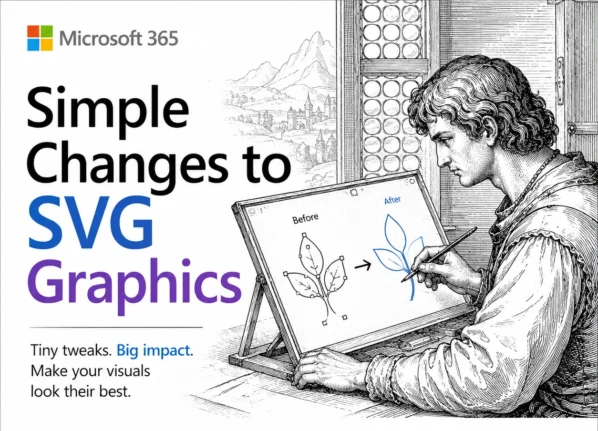
Edit SVG colors in Word, Excel and PowerPoint the Easy Way
Microsoft Office lets you drop an SVG graphic into Word, Excel or PowerPoint, then recolor the whole thing and nothing more. Want the circle orange and the bar black? The fix is simpler than you would guess: open the SVG in Notepad or any plain text editor, change a few color values, delete or hide […]
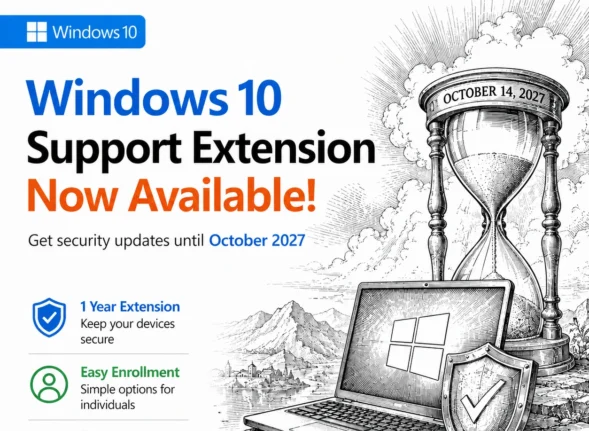
Windows 10 Support Extended Again: Free Security Updates Until October 2027
Microsoft has quietly handed Windows 10 users another free year. Windows 10 Extended Security Updates (ESU) now run to 12 October 2027, not the October 2026 cutoff everyone had been planning around. If you are already enrolled, the extra year is automatic and costs nothing. If you are not, enrollment is still open and it […]
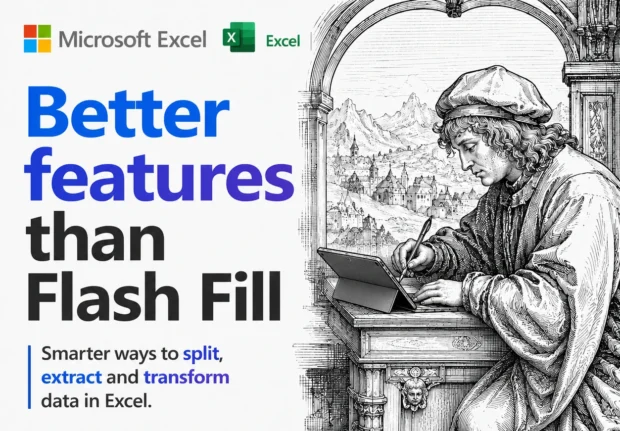
Better Than Flash Fill: 4 Smarter Ways to Split Text in Excel
Excel’s Flash Fill has a fatal flaw: it forgets. Flash Fill runs once, on the rows in front of it, and then it’s done. Edit a cell, add a row or refresh the data and nothing updates. Excel now has four alternatives all better ways to split or join text that stick around and keep […]

Spanish Flag in Microsoft Office: The Right Image, the Right Colors
Need the Spanish flag in Word, Excel or PowerPoint? Here is the fast, correct way to do it. We will show you where to download a proper scalable version of Spain’s flag (so it stays sharp at any size), the exact red and yellow color codes you need to match it in a document, worksheet […]
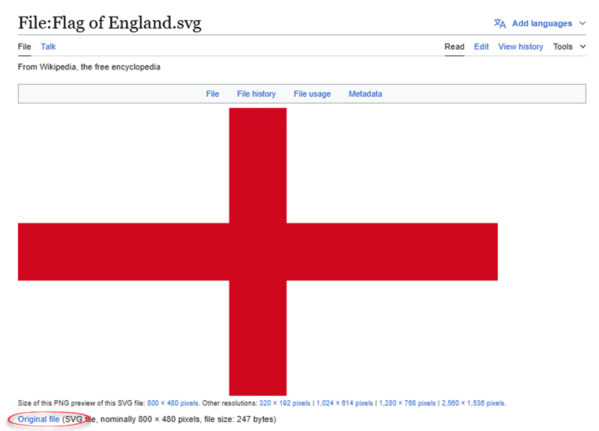
England Flag in Word, Excel and PowerPoint: The Right Way
Adding the England flag “St George’s Cross” to Word, Excel or PowerPoint should take thirty seconds, but most people get it wrong twice. Here is where to get a proper scalable graphic of the England flag, the exact hex colors, insert and enhance it in Office, and why the England flag emoji will look broken […]
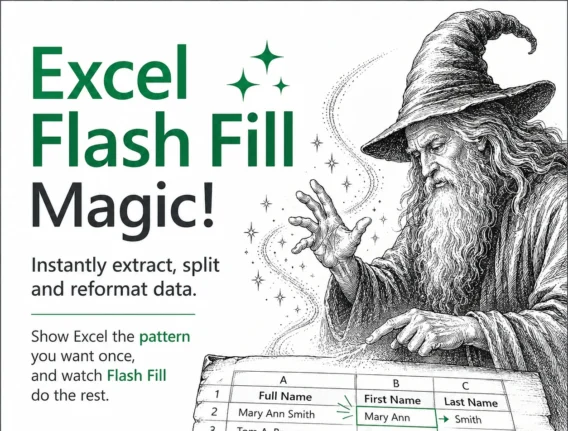
Excel Flash Fill Magic: Split, Join and Reformat Text Fast
Excel Flash Fill is one of the fastest ways to split, join and reformat text in Microsoft Excel without writing a single formula. Type one or two examples of the result you want and Excel spots the pattern, then fills the rest of the column automatically. It works on Windows and Mac in Excel 2013 […]
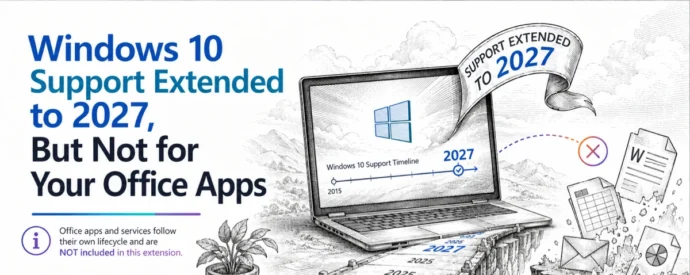
Windows 10 Support Extended to 2027, But Not for Your Office Apps
Microsoft has given Windows 10 extended support another year of life, pushing the free consumer ESU deadline to October 2027 or . If you run Microsoft 365 or Office on Windows 10, that sounds like good news, but it changes almost nothing for your Office apps. Microsoft 365 updates and features are still restricted and […]
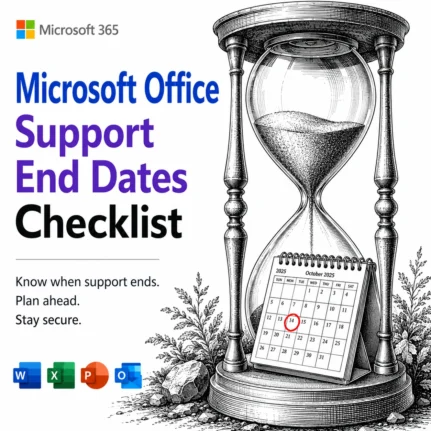
📅 Microsoft Office Support End Dates 2026: The Complete Checklist
Wondering when your version of Microsoft Office stops getting security updates? This is the plain English Microsoft Office support end dates checklist, kept current for 2026. Microsoft 365, Office 2024, Office 2021 and every older release run out of security and bug fixes on different dates, and once that day passes, any newly discovered flaw […]
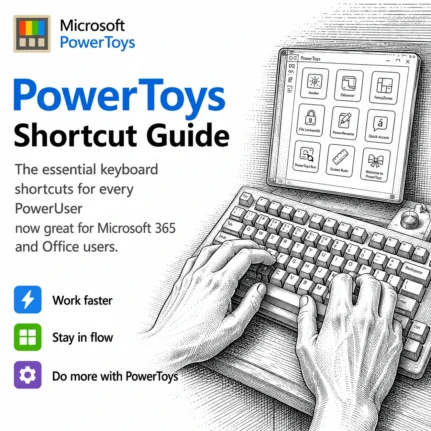
PowerToys Shortcut Guide Now Works With Word, Excel and Outlook
Microsoft has rebuilt the PowerToys Shortcut Guide, and this version finally earns a place in every Microsoft 365 or Microsoft Office user’s toolkit. Instead of a generic list of Windows shortcuts, the guide is now app aware. Open Word, Excel, Outlook classic, PowerPoint, Access, OneNote, Project, Publisher or Visio, and the guide instantly shows the […]
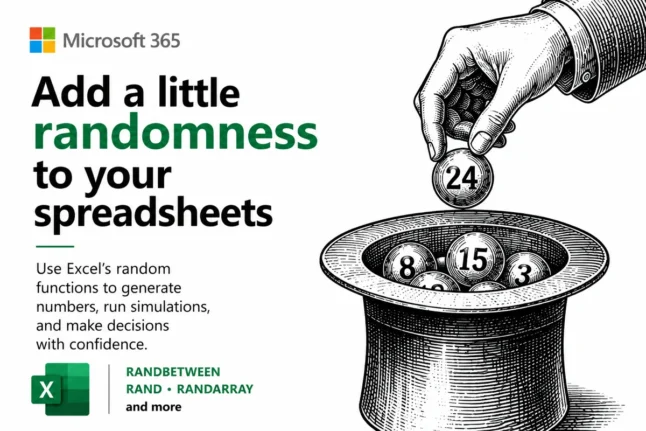
Random Numbers in Excel: RAND, RANDBETWEEN and RANDARRAY Explained
Random numbers in Excel are easier than most people think, and you have three main tools to choose from: RAND() for decimals between 0 and 1, RANDBETWEEN() for whole numbers in a range, and RANDARRAY() for filling whole blocks of cells at once. This guide shows you how to make random numbers in Excel for […]
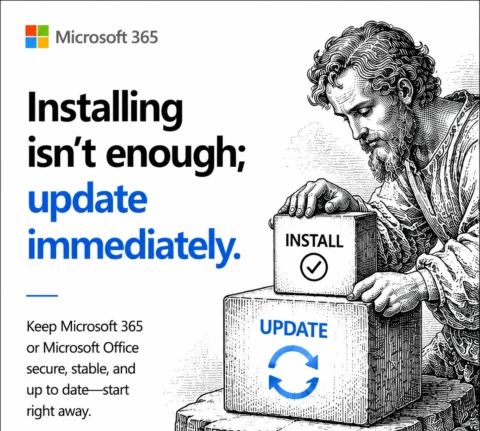
Installing Microsoft 365 or Office? Do These Two Things
Just installed Microsoft 365 or Office on a new PC? Before you open a single document, do one quick thing: check for updates. We did a clean install straight from Microsoft using the standard “Click to Run” method, expecting the newest version, and within minutes an update check found fresh security and bug fixes waiting. […]
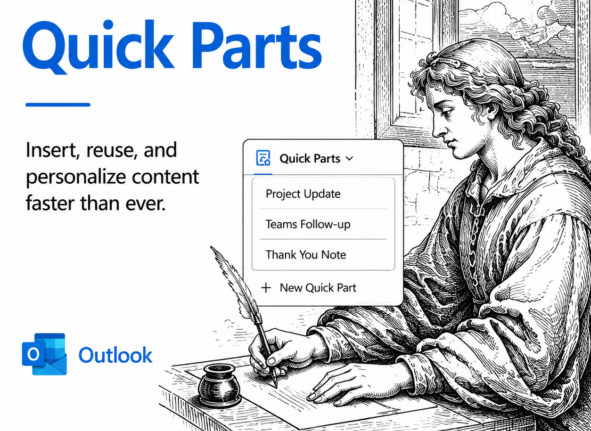
Quick Parts in New Outlook: Reuse Email Text in Two Clicks
Quick Parts in New Outlook for Windows and web lets you save reusable chunks of text, complete with formatting, images and tables, then drop them into any email in two clicks. Standard replies, disclaimers, directions to your office or a greeting you type fifty times a week: save it once and reuse it forever. Best […]
Outlook Reusable Content: Templates and Quick Parts Explained (and Why It’s a Mess)
Reusable content in Outlook should be simple, but Microsoft has turned it into a confusing tangle of overlapping tools with near identical names. Mail Templates, My Templates and two completely different features both called Quick Parts all promise to save you retyping the same email text, yet each one works differently depending on whether you […]
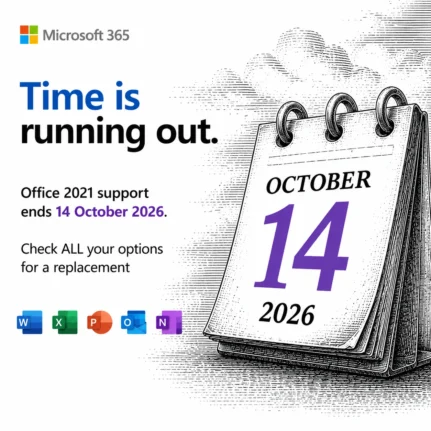
Office 2021 Support Ends October 13: Your 5 Options Before the Deadline
Microsoft stops all security updates for Office 2021 on October 13, 2026, with no extension and no paid reprieve. After that date, every newly discovered flaw in Word, Excel, PowerPoint, and Outlook stays unpatched forever, leaving home users and businesses more exposed to attackers each month. You do not need to act today, but you […]









