Office 2021 is the personal and small business ‘perpetual licence’, non-subscription version of Microsoft Office. For Windows and Mac.
Office LTSC (Long Term Servicing Channel) is the volume licence ‘perpetual licence’, non-subscription version of Microsoft Office for organizations, companies and governments. Also for Windows and Mac.
The features in Office 2021 and Office LTSC are very similar, if not the same.
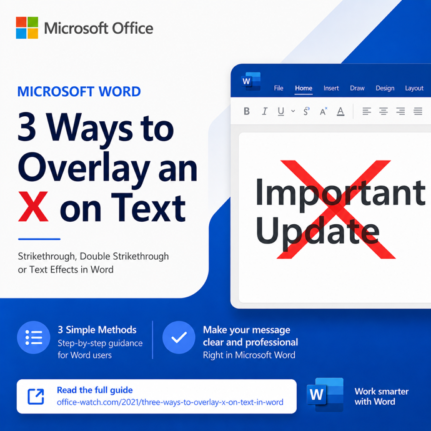
3 Easy Ways to Overlay an X Over Text in Word and PowerPoint
Need a bolder alternative to strikethrough? An overlaid X works far better than a thin line when you have large headings, signs, or slide text to cross out. This guide walks you through three reliable ways to overlay an X on text in Microsoft Word and PowerPoint: a quick image overlay, a smart table border […]
Open Office Files in Browser or Desktop App: How to Take Control
Clicking a link to a Word, Excel, or PowerPoint file should be simple, but Microsoft has turned it into a guessing game. Sometimes the document opens in your browser, sometimes in the desktop app, and the setting that controls it is scattered across Outlook, Office apps, and OneDrive options. This guide shows you exactly where […]
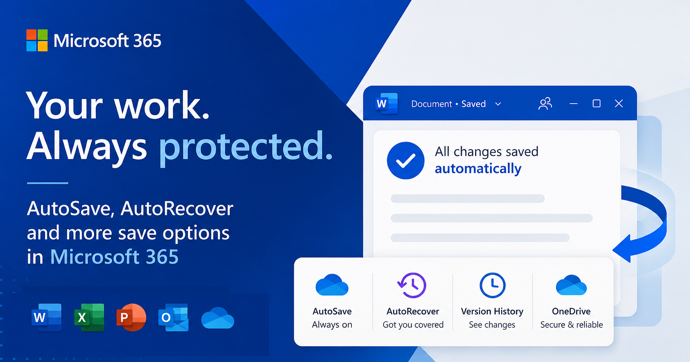
AutoSave vs AutoRecover in Microsoft Office: What Each One Actually Does to Save Your Work
AutoSave and AutoRecover sound like the same thing, but in Microsoft Office they do very different jobs, and only one of them is a real save. If you use Word, Excel or PowerPoint every day, knowing the difference is the line between recovering a crashed document and watching hours of work disappear. This guide breaks […]
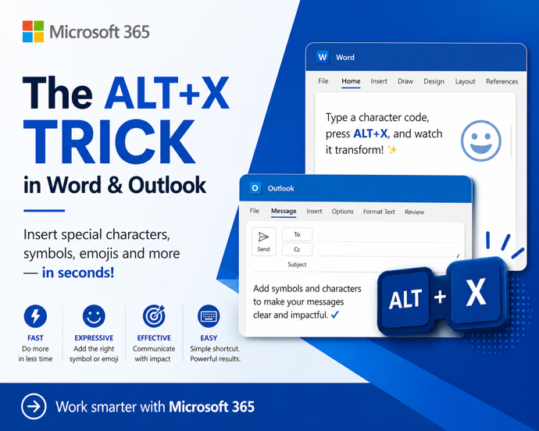
How to Insert Symbols in Word and Outlook Instantly Using Alt + X
If you regularly need to type the Euro sign €, the Pound symbol £, or any other special character in Microsoft Word or Outlook, there is a faster way than clicking through Insert Symbols. The Alt + X keyboard shortcut lets you type any symbol’s Unicode value directly in your document, press Alt + X, […]
Microsoft’s College PC Bundle: Over $500 in Extras, But Read the Fine Print First
Microsoft launched a new College Offer, giving US college students who buy a new qualifying Windows 11 laptop a bundle worth more than $500 in extras . The package includes one year of Microsoft 365 Premium (with Copilot AI built in), one year of Xbox Game Pass Ultimate, and a custom Xbox Wireless Controller from […]
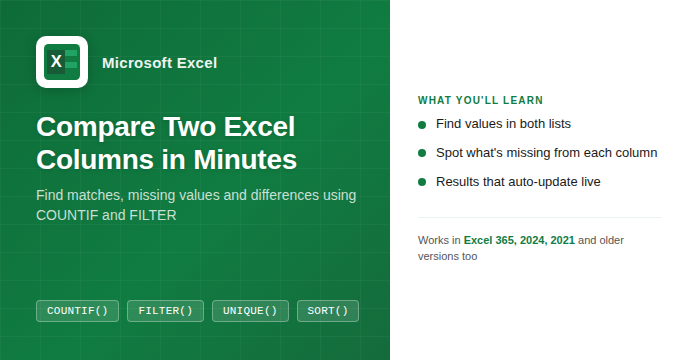
How to Compare Two Columns in Excel: Find Matches and Missing Values Fast
If you have two lists in Excel and need to know what they share or where they differ, you are in the right place. Whether you are cross-checking a customer list against an invoice log, comparing a product catalog to a stock count, or reconciling two batches of data, Excel has a handful of formulas […]
Microsoft Is Killing Access Database Compare in June 2026: What You Need to Do Now
Microsoft has confirmed it will end the Access Database Compare tool in June 2026, removing it from all supported versions of Office including Microsoft 365, Office 2024, Office 2021 plus Office 2019 . The deadline is June 20, 2026. If database comparison is part of your regular workflow for version control or auditing changes between […]
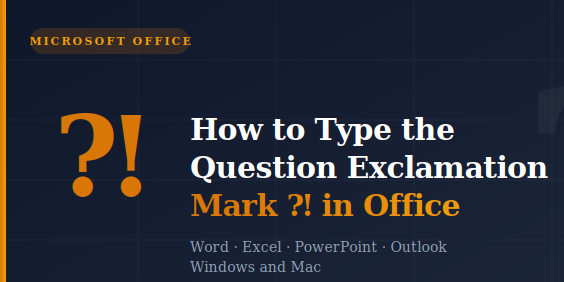
How to Type the Question Exclamation Mark ⁈ in Word, Excel, PowerPoint and Outlook
The Question Exclamation Mark ⁈ is a single character that combines the energy of both punctuation marks into one, perfect for expressing surprise mixed with a genuine question. Whether you are working in Word, Excel, PowerPoint, or Outlook on Windows or Mac, there are several quick ways to insert it, including a keyboard shortcut or […]
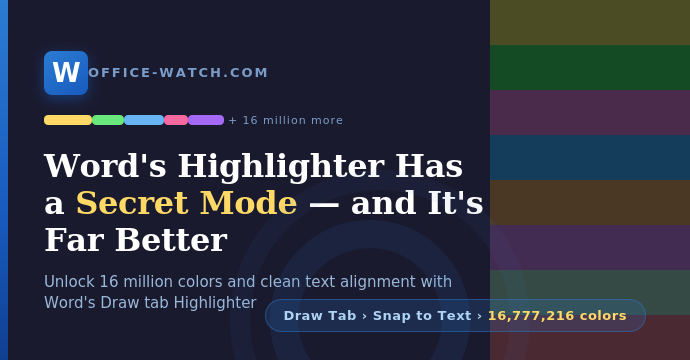
Discover Word’s secret Highlighter with 16 Million Colors
Word’s standard Highlight Color button on the Home tab does the job for quick work, but it caps you at a mere 15 colors. The Draw tab’s Highlighter pen is a far more powerful tool hiding in plain sight. Turn on one setting you get the clean word alignment and find capability just like the […]

How to Turn On the Oxford Comma in Microsoft Word (And Why It Matters)
Microsoft Word has a built-in setting to enforce or ban the Oxford comma, also called the serial comma, and most people have no idea it exists. Whether you swear by that final comma in a list or consider it unnecessary clutter, Word can automatically flag any sentence that breaks your preferred rule. The setting works […]

Word’s “Punctuation Required with Quotes” Setting: Inside, Outside, or Off?
Microsoft Word has a built-in grammar setting that decides where commas and periods should sit when they appear next to closing quotation marks. American English puts them inside the quotes. British English puts them outside. The Punctuation Required with Quotes setting in Word’s Grammar options lets you enforce whichever rule you follow, or none entirely […]

How Multi-level Lists really work in Word
Multi-level lists in Microsoft Word look simple on the surface but hide a lot of complexity underneath. Whether your numbered headings keep resetting for no obvious reason, or you just want to understand why linking list levels to Heading styles makes everything more reliable, this guide cuts through the confusion. You will learn exactly how […]
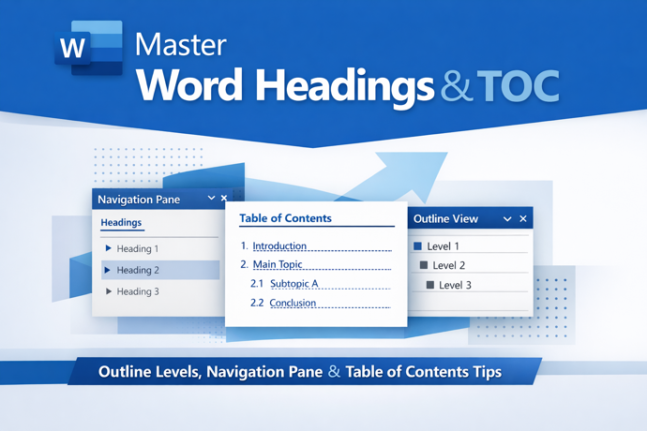
How Headings and Outline Levels appear in parts of Word
If Word’s Navigation Pane and Table of Contents ever show different things, you’re not going crazy and Word isn’t broken. The reason is a distinction Microsoft rarely explains clearly: Heading styles and Outline Levels are two separate properties that usually go hand in hand, but don’t have to. Understanding which list uses which setting is […]

How to Fix Outlook PST and OST Data Files: Step-by-Step Repair Guide
Your Outlook (classic) PST and OST data files are the heart of your email on Windows. They store every message, calendar appointment, contact, and task on your computer. Most people never think about them until something goes wrong. When classic Outlook crashes, search breaks, or data goes missing, a corrupted PST or OST file is […]

Gmail Finally Lets You Change Your Email Address — Without Losing Anything
For the first time in more than 20 years, Google is rolling out the ability to change your @gmail.com address without starting over. That means you can keep your existing inbox, Google Drive files, YouTube history, subscriptions, and purchase records, all under a brand new email address. The feature is arriving gradually but is now […]

Stop Fighting Word’s Image Placement: One Setting That Actually Works
If you have ever inserted a picture into Microsoft Word and found it stubbornly stuck in the wrong place, you’re not doing anything wrong. Word’s default image setting, “In Line with Text,” treats every picture like a giant letter in your text. The fix that with a single change to Square wrapping. Once you do […]









