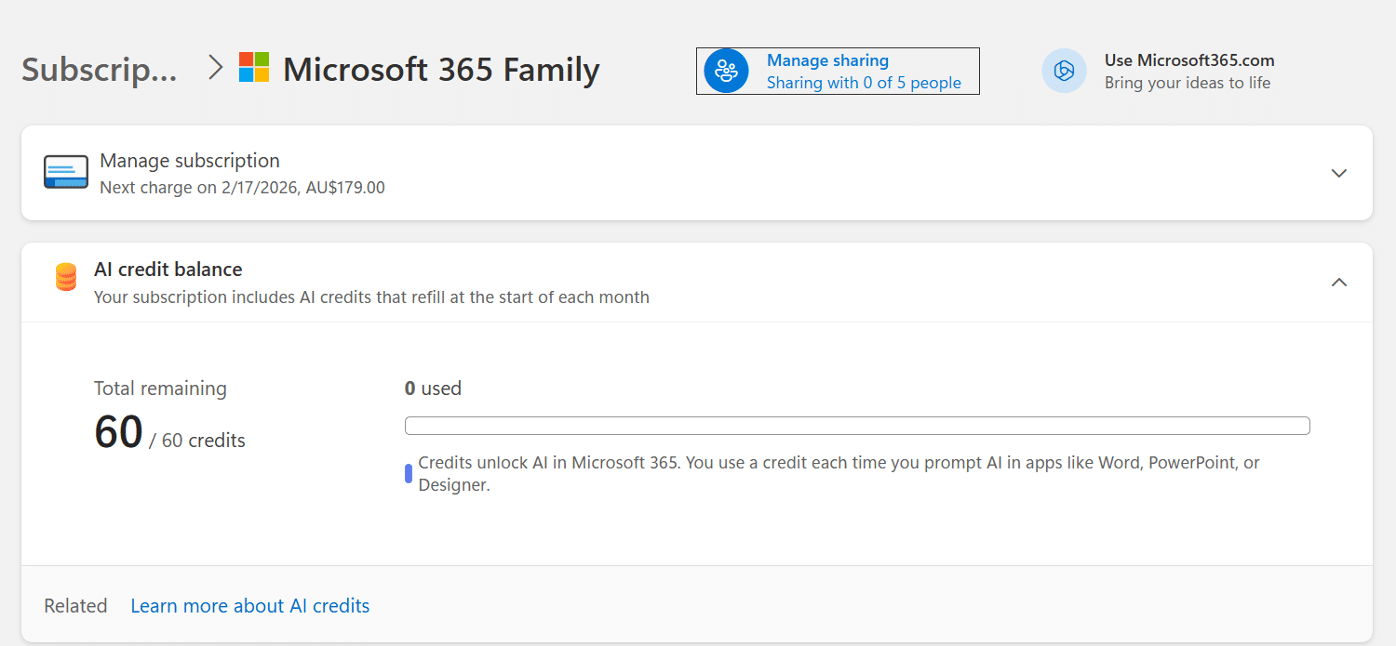
Some Microsoft 365 consumer plans come with a monthly allowance of “AI credits” but it’s hard to find out how many are left. The AI credit balance does not show up in the Microsoft 365 apps nor Windows 11 account information. It should be there and maybe Microsoft will eventually
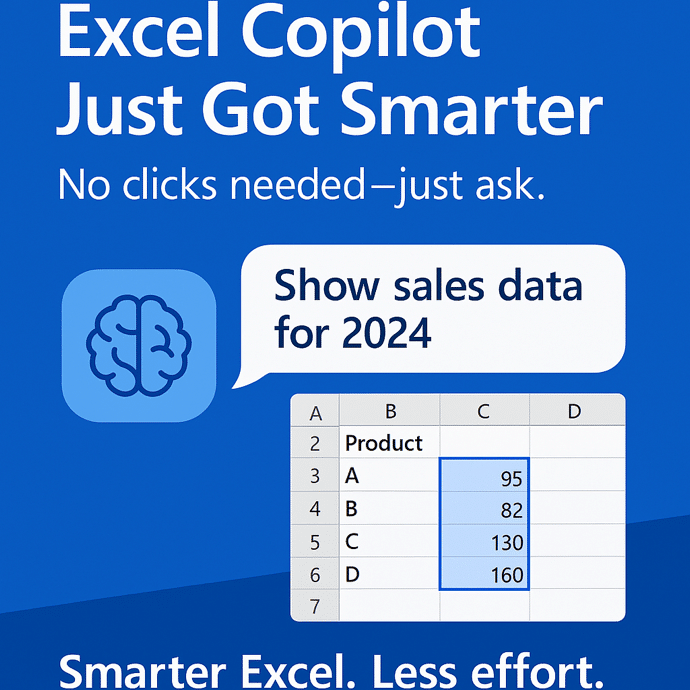
Microsoft has given Copilot in Excel 365 some smarts to choose the table or cells to work on. Previously, Copilot relied on the user’s selected cell to determine context, often defaulting to the nearest structured table. We explain how it works in the real world and the important limitation. Enter
So you fired up Classic Outlook for Windows, clicked “New Email,” and… boom. Instant crash. Because apparently, asking your email client to do email things is just too much these days. The Smoking Gun: FORMS2 Folder Turns out Outlook can’t find its precious Forms Library — that’s the thing it
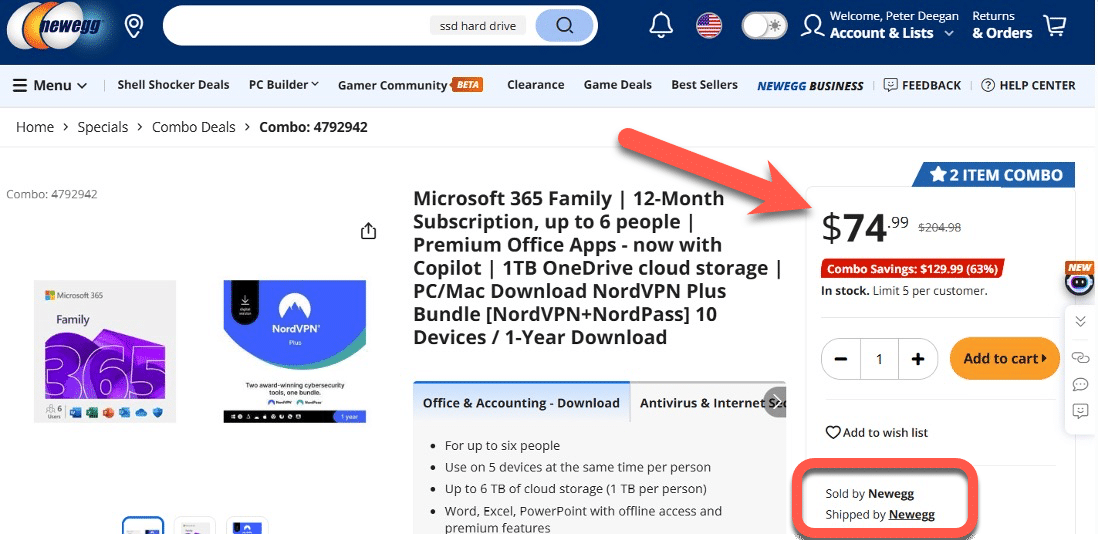
Here’s how I saved $55 on a year of Microsoft 365 Family, in the search for a cheaper Microsoft 365 plan for a friend. It’s easy, legal, anyone can do it and there’s often bonus software to use or ignore. We searched online for a reputable online retailer who sold
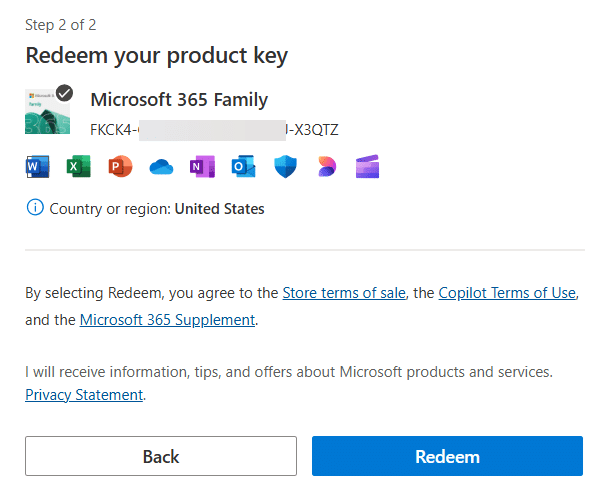
Ever since Microsoft 365 consumer plans have existed, you’ve been able to buy them cheaper from other retailers to extend your subscription. Here’s the simple steps to extend your subscription with a product key bought for less money, When you buy from another retailer, you should get a product key
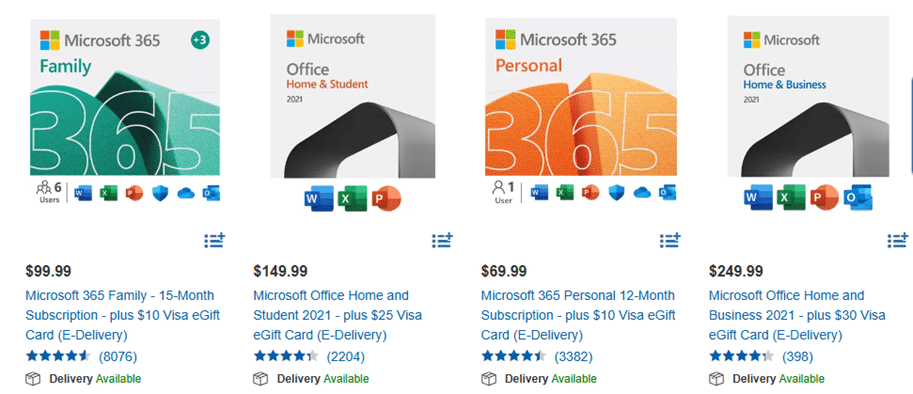
Costco members in the USA and Canada can save on Microsoft 365 and Office 2021 with discounts up to 28% on what Microsoft charges. Microsoft 365 discounts The Costco US deals involve an egift Visa card rebate and sometimes extra months too. Microsoft 365 Family (six users) at Costco sells
Buying Microsoft 365 from another country might seem like a money-saver, but Microsoft’s region locks often block activation. Learn why it fails—and smart, legal ways to make it work. That might be tempting because of exchange rate and price differences but Microsoft won’t let you do it. A little currency
Among Microsoft’s June security bug fixes there are some that directly affect Microsoft Office users. These three caught our eye. Two are rated as High risk while another is Critical, though we’d suggest ‘Unforgivable’ is a better word. Power Automate Privilege Escalation Vulnerability CVE-2025-47966 CVSS score: Critical 9.8 out of
Still using .doc, .xls, or .ppt files? These outdated Microsoft Office formats are not just relics—they’re major security risks and should be banned. Hackers exploit these older files to spread malware, ransomware, and steal data, as they often bypass modern antivirus protections. After our suggestion to ignore old style Office
RTF files may seem safe, but they can carry hidden risks. Hackers use RTFs to exploit Microsoft Word and even infect systems through email previews. Learn why RTF isn’t as harmless as it looks—and how to stay protected. The confusion is understandable. After all .RTF (Rich Text Format) files aren’t
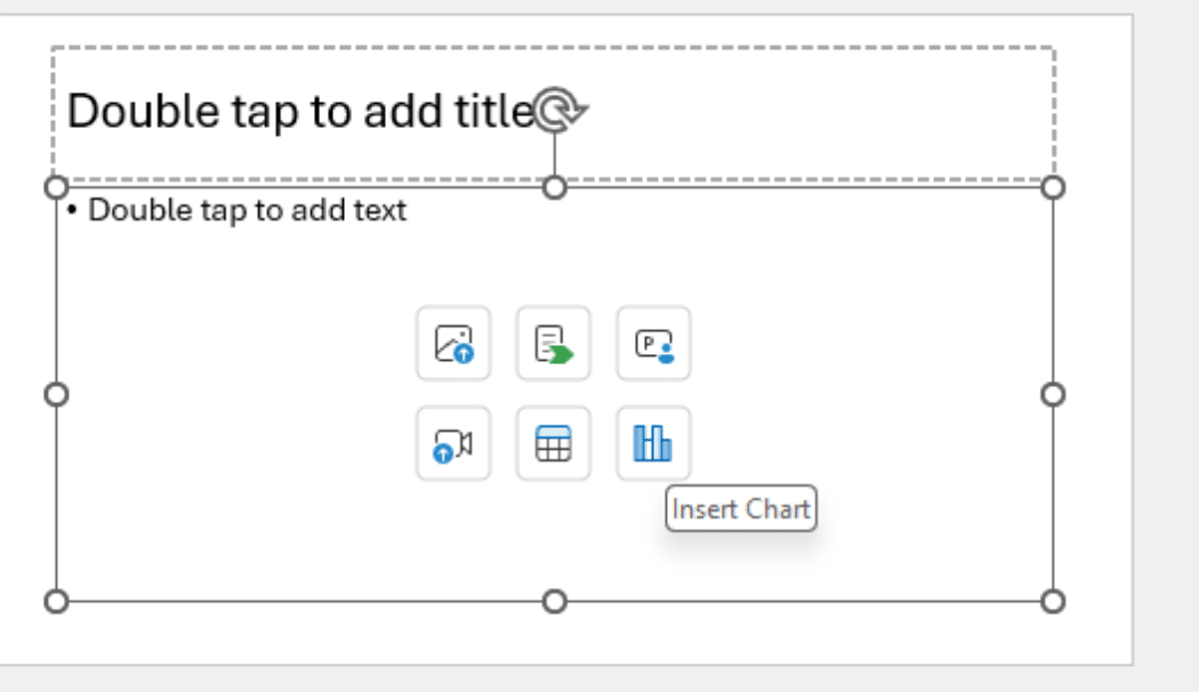
Microsoft has given PowerPoint’s placeholders a stylish revamp, making them not only more visually appealing but also smarter in guiding you on what content to insert. Placeholders in PowerPoint are the little icons on new slide with buttons to insert various content. What’s New? How to use the new Placeholders
Microsoft has extended a nifty new feature to include Android users: the ability to view shared Word, Excel, and PowerPoint files without needing to sign in with a Microsoft account. Previously, this was an exclusive perk for iPhone/iPad users—but Android’s finally been invited to the party. That said, if users
Microsoft has ‘improved’ calendar sharing for all their Microsoft hosted accounts but Outlook (classic) has been left behind with too many bugs with some still outstanding. The changed Shared Calendars is a good move that’s been poorly implemented for many customers. The Shared Calendar changes are an attempt to standardize
Ryan Roslansky is the new boss of Microsoft Office, adding to his existing role as the CEO of Microsoft LinkedIn. His official title is Executive Vice President of Office, leading Word, Excel, PowerPoint, Outlook, and the Microsoft 365 Copilot. The new post is part of yet another internal reorganization of
Struggling with a sea of worksheet tabs at the bottom of your Excel window? Whether you’re managing dozens of tabs or juggling shared workbooks with tight screen space, discover how to fit more visible tabs across your Excel workbook can transform your workflow. In this guide, we walk through both
OneNote Quick Notes is the fast way to add a short ‘jotting’, image or whatever. How a Quick Note is made varies a lot for each OneNote app; Windows, iPhone, iPad, Mac or Web. Windows Windows has shortcuts and a taskbar icon for Quick Notes In the OneNote app, go
OneNote offers an electronic equivalent to the ‘sticky note’ or side-note. Most OneNote demos show off the full-size pages with a full range of feature but Quick Notes is the smaller and faster part of OneNote for Windows. Let’s explore how to make a Quick Note, what they can do
Aggregate() is the grown up version ‘all in one’ function that can replace common functions like Sum() and Subtotal() plus powerful options not available in those older functions. AGGREGATE() function is a more advanced alternative to the SUBTOTAL function, offering significantly expanded capabilities. Almost an ‘all in one’ solution instead
Microsoft has rolled out a new Calendar app, because apparently, we all needed another way to be reminded we’re too busy. This latest tool is part of the “Microsoft 365 Companion” experience, a trio of apps aimed at helping users stay productive—or at least feel like they are. It joins
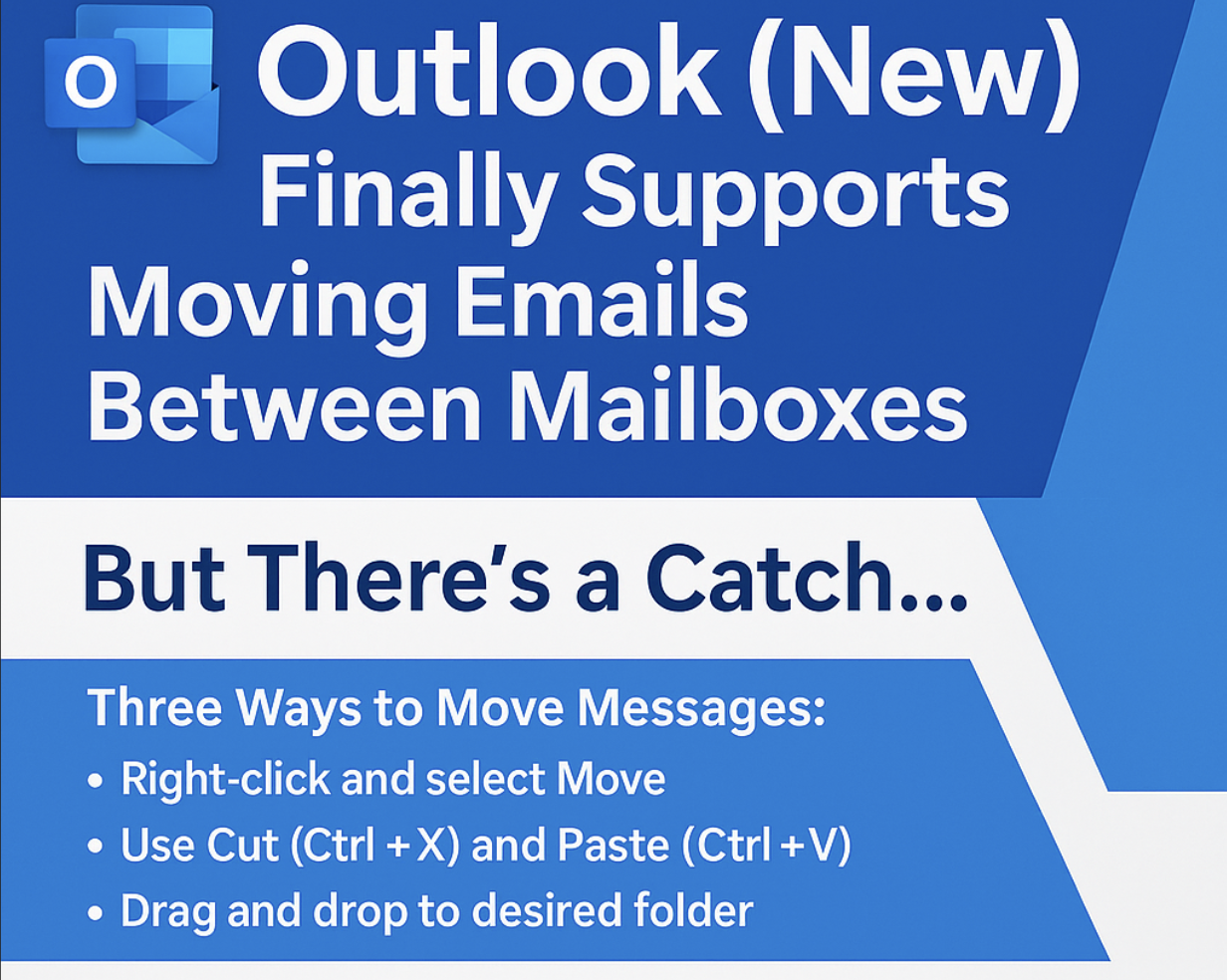
Outlook (new) for Windows is finally getting a feature that should have been there from the start … the ability to move emails between mailboxes. It’s another case of paying customers having to be grateful that Microsoft has finally provided an important feature. In businesses, especially small ones, moving emails
Our annual look at the words that challenged the Scripps Spelling Bee champs to see how many are recognized by the spell check in Microsoft Word. Again in 2025 Word was beaten by some very clever 14 year olds. Here’s a selection of the last round words from the 2025
Microsoft has decided to discontinue the free Microsoft 365 Business Premium licenses previously granted to non-profit organizations. They’ll now have to pay a discounted price or move away from the Microsoft 365 desktop apps. Effective immediately, nonprofits will no longer receive ten complimentary Business Premium licenses, which included desktop versions
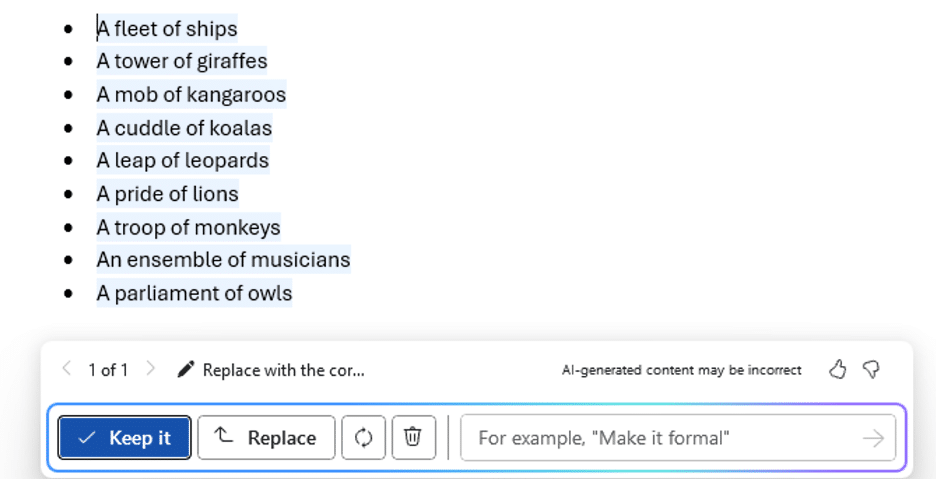
Can Copilot do a better job adding the right collective noun for an animal or group? The answer is a good example of why NOT to trust AI fully. Plus, another AI trick and the better answer from ChatGPT. Microsoft Word grammar has a problem with collective nouns, see our
A new scam is making the rounds via email. It pretends to be a receipt for a Microsoft 365 subscription renewal—usually with a high price to scare you. Worse – noone is sure how the hackers are doing it. The email urges you to call a phone number if the