All about Microsoft Office Word, Excel, PowerPoint and Outlook, Microsoft 365, Office 2021 and earlier versions.
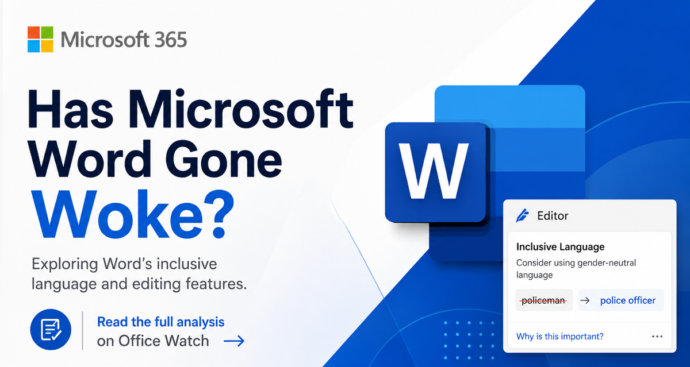
Microsoft Word ‘Woke’ Settings Explained: Old, Optional, and Easy to Ignore
Microsoft Word has not gone ‘woke’. Despite press stories claiming Word enforces ‘politically correct’ language, the truth is far less dramatic. The Inclusiveness grammar checks behind the headlines are optional, off by default, and have been part of Word since before 2020. They flag words like mankind, postman and showgirl with a purple squiggly line […]
How to Buy an Older Version of Microsoft Office: What Actually Works
If you need an older version of Microsoft Office, like Office 2016, 2019 or 2021, your options have narrowed but they have not disappeared. Microsoft doesn’t sell perpetual licenses for past releases, but you may already own a transferable license, qualify for downgrade rights through a volume agreement, or find a legitimate retail copy still […]
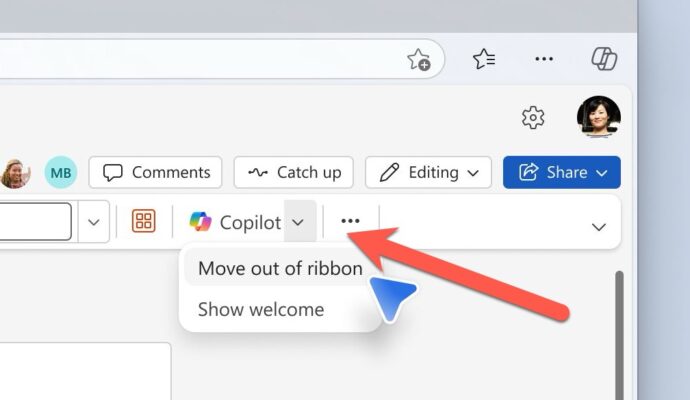
Microsoft Fixes the Annoying Copilot Button with ‘Move to Ribbon’ Option
Microsoft has quietly added a “Move to ribbon” option to the much hated Copilot Dynamic Access Button in Word, Excel and PowerPoint, after a wave of customer complaints about the floating button cluttering every document, workbook and slide deck. The fix gives paying Microsoft 365 customers a way to push Copilot back where it belongs […]
Is “Lifetime” Microsoft Office Real? The Truth Buyers Need to Know
If you see “Lifetime Microsoft Office” advertised for $20 or $40, ignore the word “Lifetime” entirely. Microsoft does not sell anything called “Lifetime Office”. That word is a marketing trick used by third party resellers, and it’s often a flag that the license is dubious or outright illegal. “Lifetime” Office is NOT a word that […]
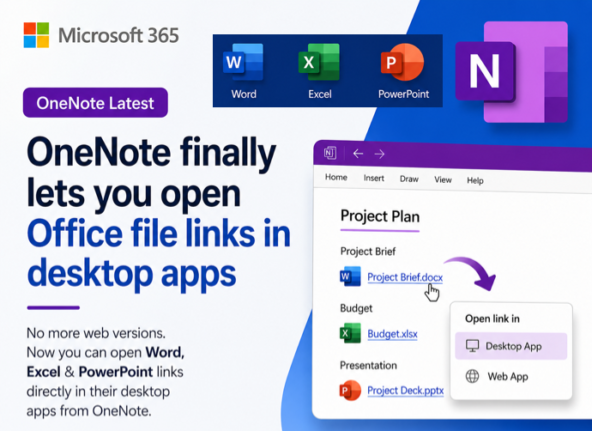
OneNote Finally Opens Office File Links in Desktop Apps, Not the Browser
OneNote finally lets you open Office file links in the desktop apps instead of a browser tab. A new setting in OneNote for Windows and Mac decides where Word, Excel and PowerPoint links go when you click them from inside a notebook. Choose Desktop and your spreadsheet opens in full Excel, your slide deck in […]

KeyTips Explained: The Fastest Microsoft Office Keyboard Shortcuts You Already Have
Wanna be a better, faster Office user? Impress your friends? Be the envy of women and men for miles around? Use simple keyboard shortcuts, called KeyTips, that you don’t have to memorize because they are on the screen. Instantly access Ribbon commands in Word, Excel, PowerPoint, and Outlook for Windows or Mac. Save time and […]
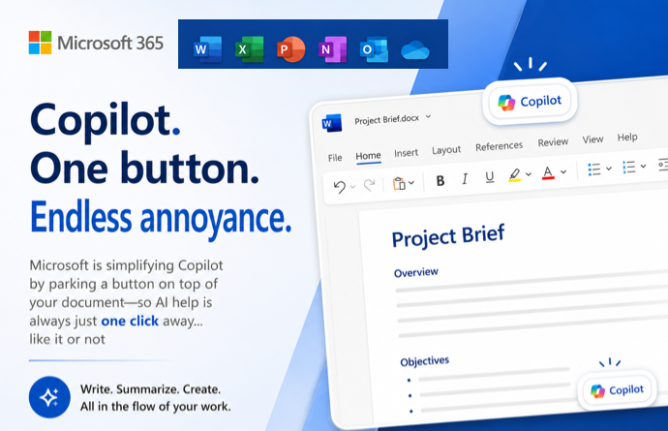
Copilot Floating Button Now Hovers Over Word, Excel and PowerPoint
Microsoft has added a Copilot floating button to Word, Excel and PowerPoint, parking a persistent icon in the bottom right corner of every document, spreadsheet and slide. New shortcuts make Copilot easier to reach, but there is no off switch. Here is what changed, what disappeared, and why this is a sales tool dressed up […]
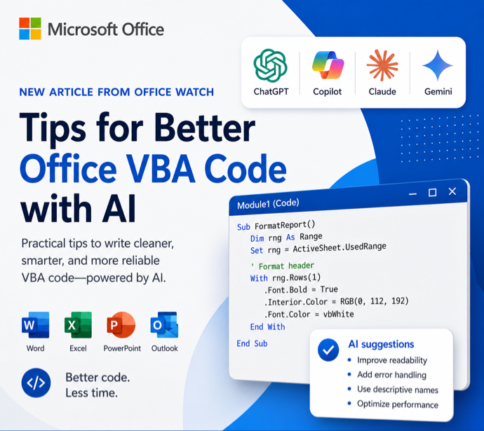
How to Get Office VBA Code from any AI (4 Smart Prompt Tips)
Asking ChatGPT, Copilot or any AI to write Office VBA code can save hours, but only if you prompt it the right way. These four practical prompting tips help you get cleaner, working VBA for Word, Excel, PowerPoint and Outlook on Windows or Mac, with fewer rewrites and far less debugging. Use them whether you […]
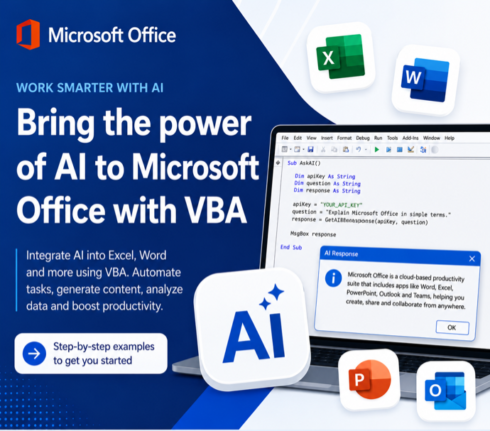
Write Office VBA with ChatGPT or any AI Real Examples That Work in 2026
ChatGPT, Copilot, Claude and Gemini can all write Microsoft Office VBA code for you, and they have improved dramatically. Ask any modern AI to write a Word macro, an Excel automation, a PowerPoint slide builder or an Outlook search routine and you will get working code in seconds. We tested the same four prompts we […]

7 Ways to Convert Markdown to a Word Document
If you have a Markdown (.md) file and need it in Microsoft Word, you have more options than you might think. From pasting text directly into Word Online to letting an AI do the heavy lifting in seconds, each method has its strengths and sweet spots. This Office Watch guide covers seven practical ways to […]
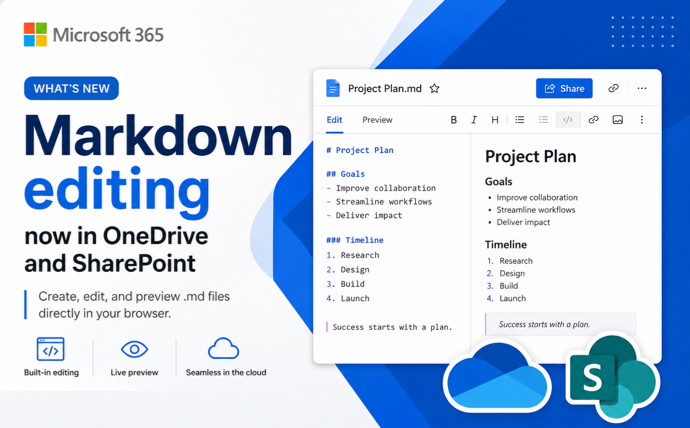
Native Markdown Editing now in OneDrive and SharePoint
Microsoft has switched on native Markdown editing in OneDrive and SharePoint, giving .md files a proper browser editor with View, Edit and Split modes. For anyone working with AI generated outputs, README files, technical notes or reusable prompts, this finally turns .md files into first class citizens inside Microsoft 365, complete with version history, sharing […]
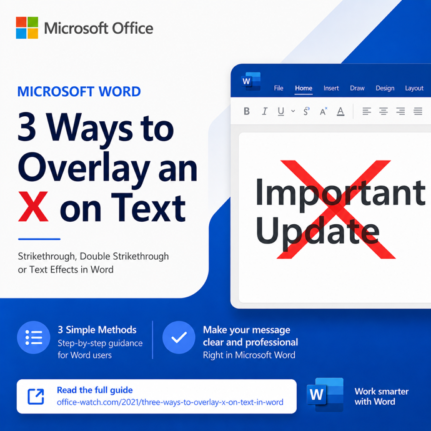
3 Easy Ways to Overlay an X Over Text in Word and PowerPoint
Need a bolder alternative to strikethrough? An overlaid X works far better than a thin line when you have large headings, signs, or slide text to cross out. This guide walks you through three reliable ways to overlay an X on text in Microsoft Word and PowerPoint: a quick image overlay, a smart table border […]
3 Easy Ways to Get an X Symbol in Word and PowerPoint
Need to drop an X symbol in Word or PowerPoint to cross something out, overlay a “don’t do this” graphic, or just mark a spot? Microsoft Office gives you two solid sources built right into the apps, plus a fourth option that opens up the entire web. Each one comes with tradeoffs around transparency, sizing […]
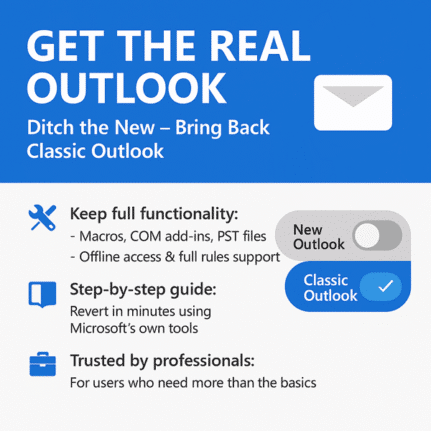
How to Install Outlook Classic on Windows Instead of New Outlook
Microsoft now installs new Outlook by default with every fresh Microsoft 365 setup on Windows, but you do not have to settle for it. Outlook Classic is still available as a free download from Microsoft, and you can install it easily. If you rely on offline mail, established add ins, or just want a finished […]
Open Office Files in Browser or Desktop App: How to Take Control
Clicking a link to a Word, Excel, or PowerPoint file should be simple, but Microsoft has turned it into a guessing game. Sometimes the document opens in your browser, sometimes in the desktop app, and the setting that controls it is scattered across Outlook, Office apps, and OneDrive options. This guide shows you exactly where […]
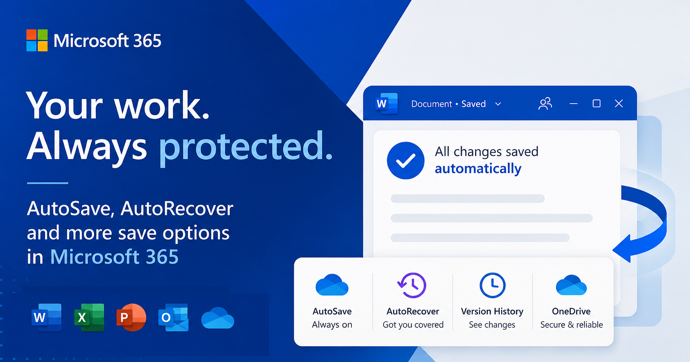
AutoSave vs AutoRecover in Microsoft Office: What Each One Actually Does to Save Your Work
AutoSave and AutoRecover sound like the same thing, but in Microsoft Office they do very different jobs, and only one of them is a real save. If you use Word, Excel or PowerPoint every day, knowing the difference is the line between recovering a crashed document and watching hours of work disappear. This guide breaks […]









