Office 2021 is the personal and small business ‘perpetual licence’, non-subscription version of Microsoft Office. For Windows and Mac.
Office LTSC (Long Term Servicing Channel) is the volume licence ‘perpetual licence’, non-subscription version of Microsoft Office for organizations, companies and governments. Also for Windows and Mac.
The features in Office 2021 and Office LTSC are very similar, if not the same.

Halloween Emoji List: Copy and Paste Spooky Symbols Instantly 🎃
Looking for the perfect Halloween emoji? Browse our searchable list of 30+ spooky symbols — from 🎃 jack-o’-lanterns to 👻 ghosts and 🧛 vampires — ready to copy and paste into your documents, emails, spreadsheets and presentations. In Microsoft 365, Office 2024 and Office 2021 there are also Halloween icons and symbols for Word, Powerpoint […]

How to Turn Anyone’s Photo Into a Carved Pumpkin With Free AI Tools
Want to see what someone looks like carved into a Halloween pumpkin? Upload their photo to ChatGPT, Google Gemini, or Microsoft Copilot, paste one prompt, and you’ll have a glowing jack-o’-lantern portrait in about a minute, completely free. Below are ready-to-copy prompts for a pumpkin portrait, a spooky classic, or caricature.. Pick your AI tool […]
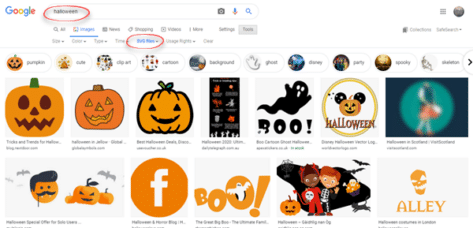
Halloween Icons, Graphics and Pictures to Add to Word, PowerPoint and Outlook
Add Halloween pumpkins, ghosts, witches’ hats, bats and skulls to your Word documents, PowerPoint slides and Outlook emails. Here’s how to find and use the built-in Halloween icons, stock images, stickers and illustrations in Microsoft 365 and Office 2024, 2021 or 2019. Icons, Stock Images, Stickers and Illustrations are all available in Microsoft 365 for […]

How to Open Publisher Files Now That Microsoft Killed Publisher
Microsoft Publisher is dead. If you have years of newsletters, flyers, or brochures saved as .pub files, you need a way to open and edit them. LibreOffice Draw is free, handles .pub files, and is the most practical rescue tool available right now. Here’s how to use it and what to watch out for. The […]
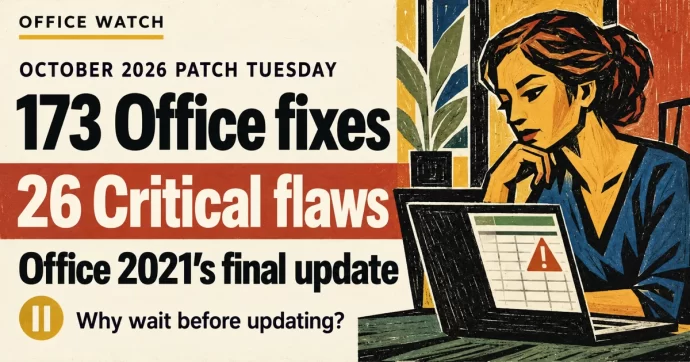
October 2026 Patch Tuesday: 173 Office Fixes, 26 Critical Flaws, and Office 2021’s Final Update
Microsoft’s October 2026 Patch Tuesday fixes 173 security flaws in Office, 26 of them Critical. Excel alone gets 69 patches, Outlook has five Critical bugs, and Office 2021 receives its very last security update. Here’s what you need to do right now — and why you should wait a week before installing. There is some […]
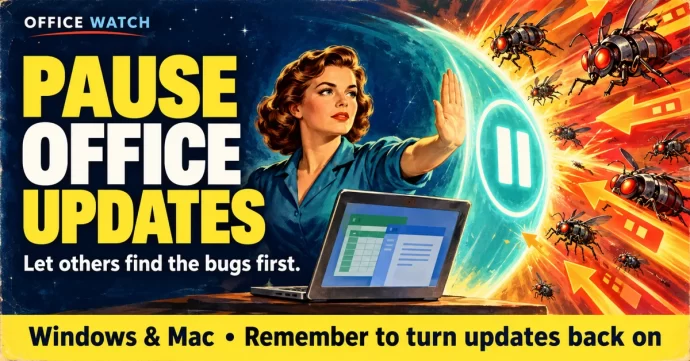
How to Pause Microsoft Office Updates After September’s Patch Bugs
Microsoft’s October 2026 Patch Tuesday arrives today, and after September’s rough round of updates including an Excel copy-paste bug that took two weeks to fix and other troubles, be cautious. Here’s how to temporarily pause Office updates on Windows and Mac so you can let others test first, without leaving your system exposed long-term. The […]
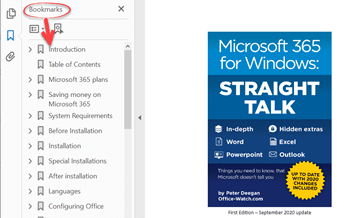
Hidden Word Options That Make Better PDF Files
Word’s default PDF export creates a basic file, but hidden options let you make smaller PDFs, add navigation bookmarks, include accessibility features and even password-protect the result. Here’s where to find those options and how to use them. PDF’s made from Word can be smaller than usual for faster sending or to get under size […]
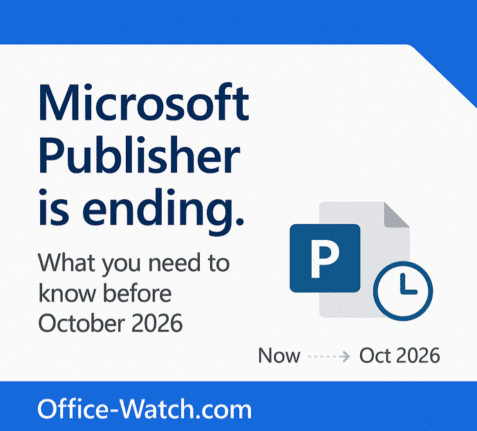
Microsoft Publisher Ends October 2026: How to Keep It Working
Microsoft Publisher is ending in October 2026, and what happens to you depends entirely on how you bought it. If you use Publisher 365 from a Microsoft 365 plan, the app will simply stop opening on October 1st. That is a kill switch, not a polite end of support notice. If you have Publisher 2019 […]
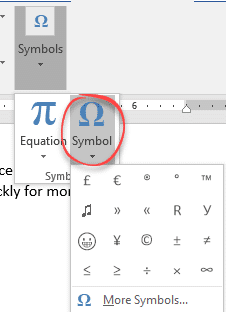
How to Insert Degree, Currency and Other Symbols in Microsoft Office
Need to type a degree sign, Euro symbol or other special characters in Word, Excel or Outlook? Here’s how to insert symbols in Microsoft Office — from one-off use to fast shortcuts for characters you need every day. Degree mark for temperature. Has no special shortcut but you can make one (see below). Currency symbols. […]

Convert Text to Dates in Excel with the Paste Special Add Zero Trick
Dates imported or pasted into Excel often arrive as text — they look like dates but Excel can’t use them in formulas or sorting. One quick fix is the Paste Special Add Zero trick. It forces Excel to convert text into a real date value by adding zero, which changes the data type without changing […]
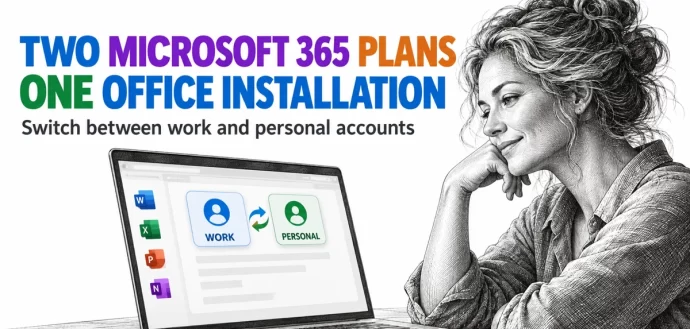
Two Microsoft 365 Licenses on One PC: Use Work and Personal Plans Together
Paying for Microsoft 365 at home while your employer gives you another plan at work? You don’t need a second copy of Office, or a second computer, to use both. Microsoft 365 for Windows can hold two or more Microsoft 365 licenses in the same installation and switches to the matching plan when you change […]
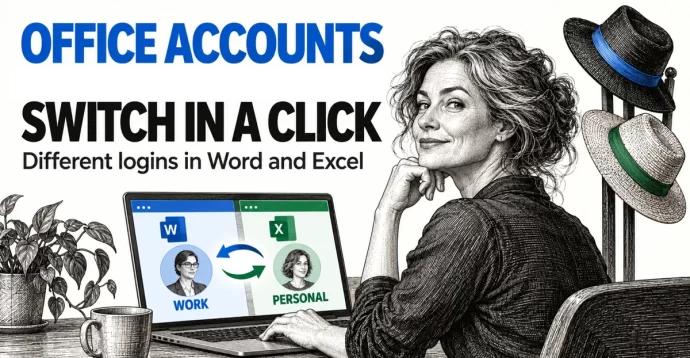
Switch Microsoft Accounts in Word, Excel and PowerPoint Without Signing Out
Juggling a work login, a personal Microsoft account and maybe a volunteer role? You don’t need to sign out and back in to Word, Excel or PowerPoint. Microsoft 365, Office 2024, Office 2021 and earlier for Windows lets you switch Microsoft accounts in Office with two clicks from the account menu at the top right […]
Excel Copy Paste Bug: Is Your Office Version Fixed Yet?
Microsoft has partly fixed their Excel copy paste bug in some versions of Office but left others broken or with an incomplete fix. Microsoft’s documentation is more than a little confusing but it seems most versions of Excel have been fixed. Microsoft 365 was never affected. Confused? Here is the full list so you can […]

Microsoft 365 “Kill Switch” Publisher Stops After October 2026
Microsoft is set to permanently disable Publisher 365 for Microsoft 365 subscribers on October 1, 2026, not just end support, with a hard “kill switch” that will block opening or editing .pub files after that date. This aggressive move means the desktop publishing tool will stop functioning entirely for subscription users, a major shift from […]
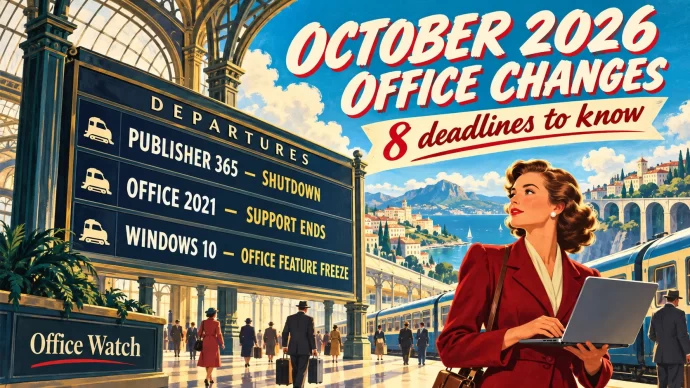
October 2026 Office Changes: Publisher Dies, Office 2021 Support Ends
Publisher 365 stops working on October 1, 2026, and that is just the first of eight October 2026 Office changes. Within days, Exchange Web Services starts shutting down in Exchange Online, Word’s Similarity Checker is deleted on October 3 and Teams live chat closes on October 5. Then on October 13, Office 2021 loses all […]
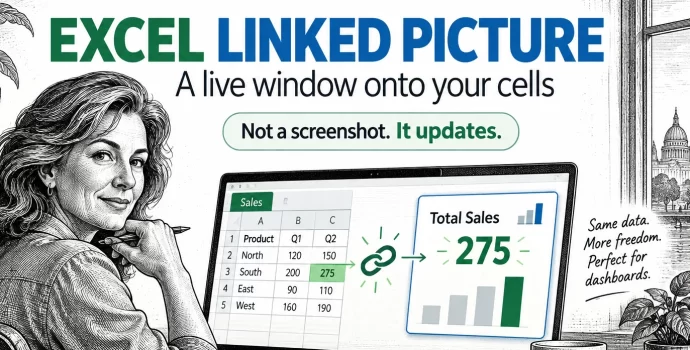
Excel Linked Picture: The Hidden Trick Behind Pro Dashboards
Excel’s Linked Picture turns any block of cells into a live picture you can drop anywhere in your workbook. Change a number in the source cells and the picture redraws instantly, colors, conditional formatting and all. It’s the hidden trick behind most polished Excel dashboards, and it’s already in your copy of Excel 365, Excel […]