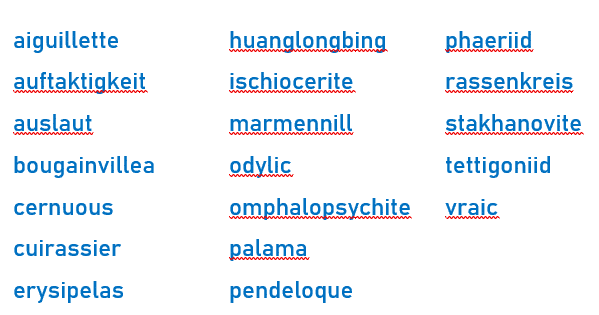
2019 Spelling Bee champs beat Microsoft Word …. again
Yet again, Microsoft Word is beaten by mere humans when we pit the software against words used in the 2019 Spelling Bee finals. We made a list of some words from the 2019 Spelling Bee finals including the last eight words which confirmed the winners. See for yourself how Microsoft Word did against the human […]

WhatsApp is getting ads, time to switch to Signal
WhatsApp will starting showing ads in 2020 which is another reason to give up on the messaging app and move to a more private and secure but very similar app, Signal. WhatsApp has over 1.5Billion users which makes it a too tempting target for the owners Facebook and advertisers. Facebook will be able to target […]
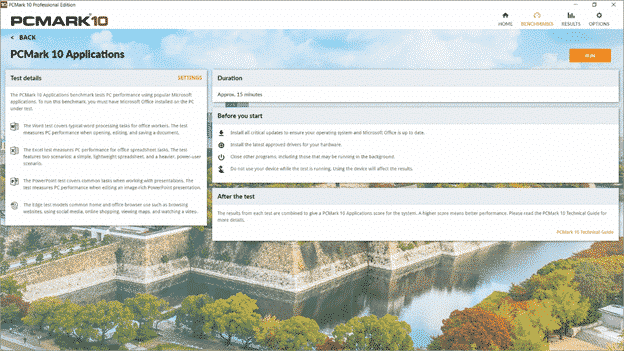
PCMark benchmarks computers with Microsoft Office
The benchmarking software PCMark 10 has added a new test that directly checks the performance of Microsoft Office programs on various hardware and software configurations. There are three separate Office Applications tests: Word covers typical word processing tasks for office workers. The test measures PC performance when opening, editing, and saving a document. Excel test […]
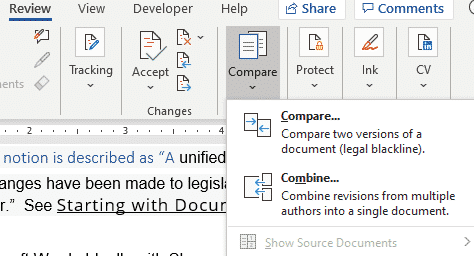
What feature do you have in Office that the US Congress doesn’t?
There’s an important feature in Word and other Office programs that we all have, and many people use, except the US Congress … document collaboration and comparison. It’s even more amazing because most, if not all congressional offices have Microsoft Office. An article about the Select Committee on the Modernization of Congress which is trying […]
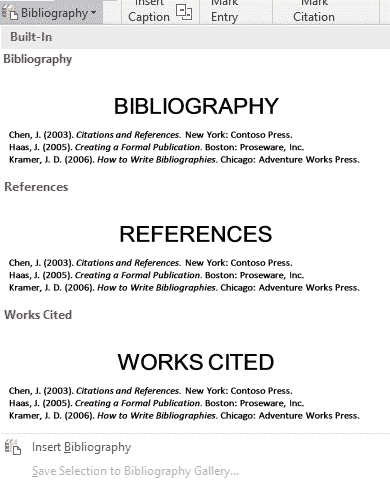
Add a Bibliography to Word documents
Word can automatically add a bibliography or list of sources or works cited in a document. Here’s how to do it with formatting to make your teacher or professor happy. To make a Bibliography, you first have to add citations and sources to your document. Once you’ve added all the sources and citations to the […]
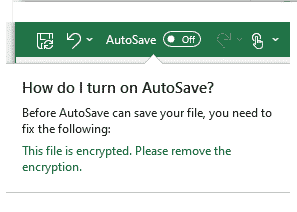
Office/OneDrive feature Microsoft needs to fix
Office 365 documents can be autosaved to OneDrive or SharePoint Online but there’s a major exception which Microsoft needs to fix. AutoSave is prominent in Word, Excel and PowerPoint for Office 365, on the left of the top bar. It will regularly save your document for you but only if it’s saved to OneDrive or […]
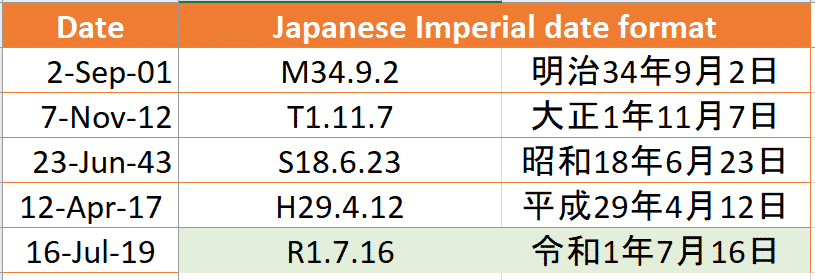
Office bug patch highlights for May 2016
A few of the May 2016 patches Microsoft Office caught our eye with embarrassing bug fixes, previously not disclosed to customers. They all apply to older Office releases: Office 2016 and before. It’s a long-standing Microsoft trick to hide embarrassing bugs from customers until they have a fix. In the meantime, customers waste time and […]
Word is getting more AI smarts
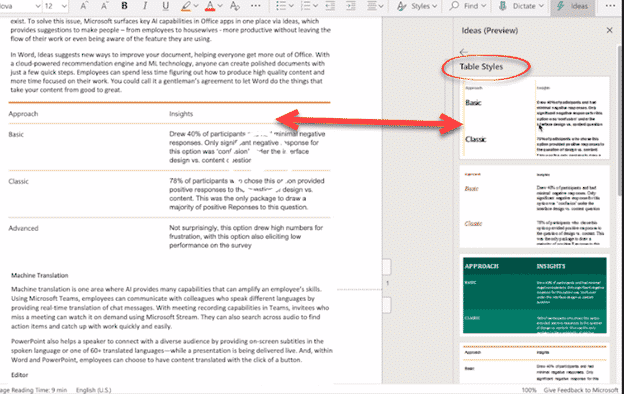
Microsoft has announced more AI or machine learning is coming to Word. It’s an extension of the Insights and Designer features already in Excel 365 and PowerPoint 365. The features haven’t been released yet even to fast track Insiders so we only have Microsoft’s word (no pun intended) on how they’ll work. Word Ideas will […]
Date Formatting considerations in Excel & Office
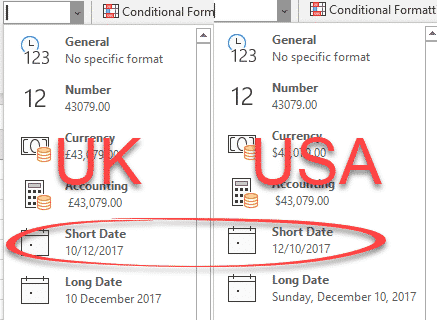
Unclear date formatting in documents, worksheets, presentations and other media is a pet peeve of ours. These days it’s bad practice to show dates in digits only such as 01-05-2019 12/3/18 etc. Yet we often see these formats used in booking confirmations and other documents. Either of those dates can be misunderstood by a global […]
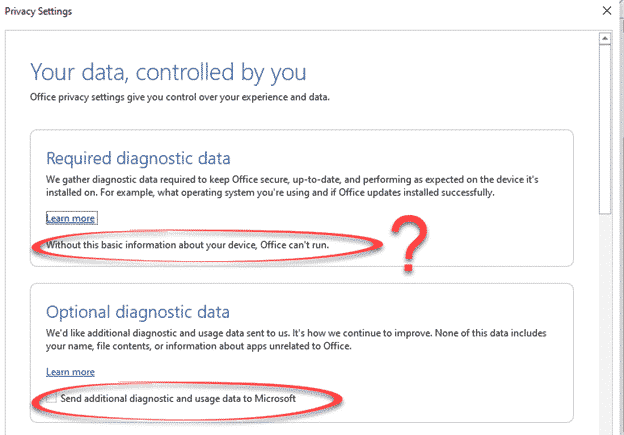
Office 365 Privacy Reminder aka Microsoft covering it’s legal behind
Office 365 customers will be seeing a set of opening screens about how Microsoft gathers and uses customer data. Those screens are carefully worded to avoid some hard truths about modern cloud connections and cover Microsoft from legal liability. Cloud features can be great and very useful. Companies do their best to hide the problems, […]
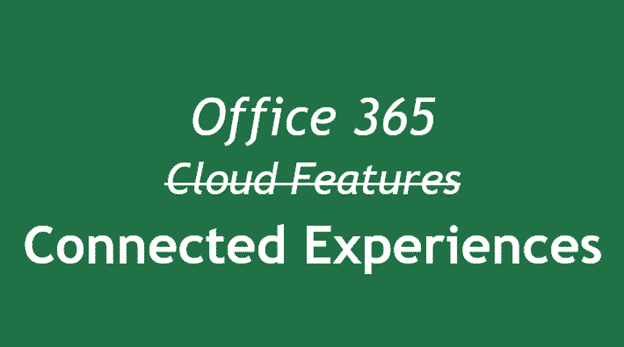
Connected Experiences now in Office 365
Microsoft has something ‘new’ in Office 365 they call ‘Connected Experiences’. It’s really a new, fancy name for things we already have. Connected Experiences is the new catchphrase for the cloud services already in Office 365 software or apps. It’s the various features which require customer data sent to Microsoft’s servers. According to Microsoft: “Office […]
Undoing Word’s Automatic Capitalizations
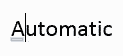
If, while typing, you notice that Word has automatically changed capitalization of something you did not want changed, you can correct this easily as you type. Hover your mouse over the part of the word that has been automatically changed. A blue line will appear under the changed part. We typed AUtomatic and Word immediately […]
Google’s G Suite gets direct Word, Excel and PowerPoint doc support
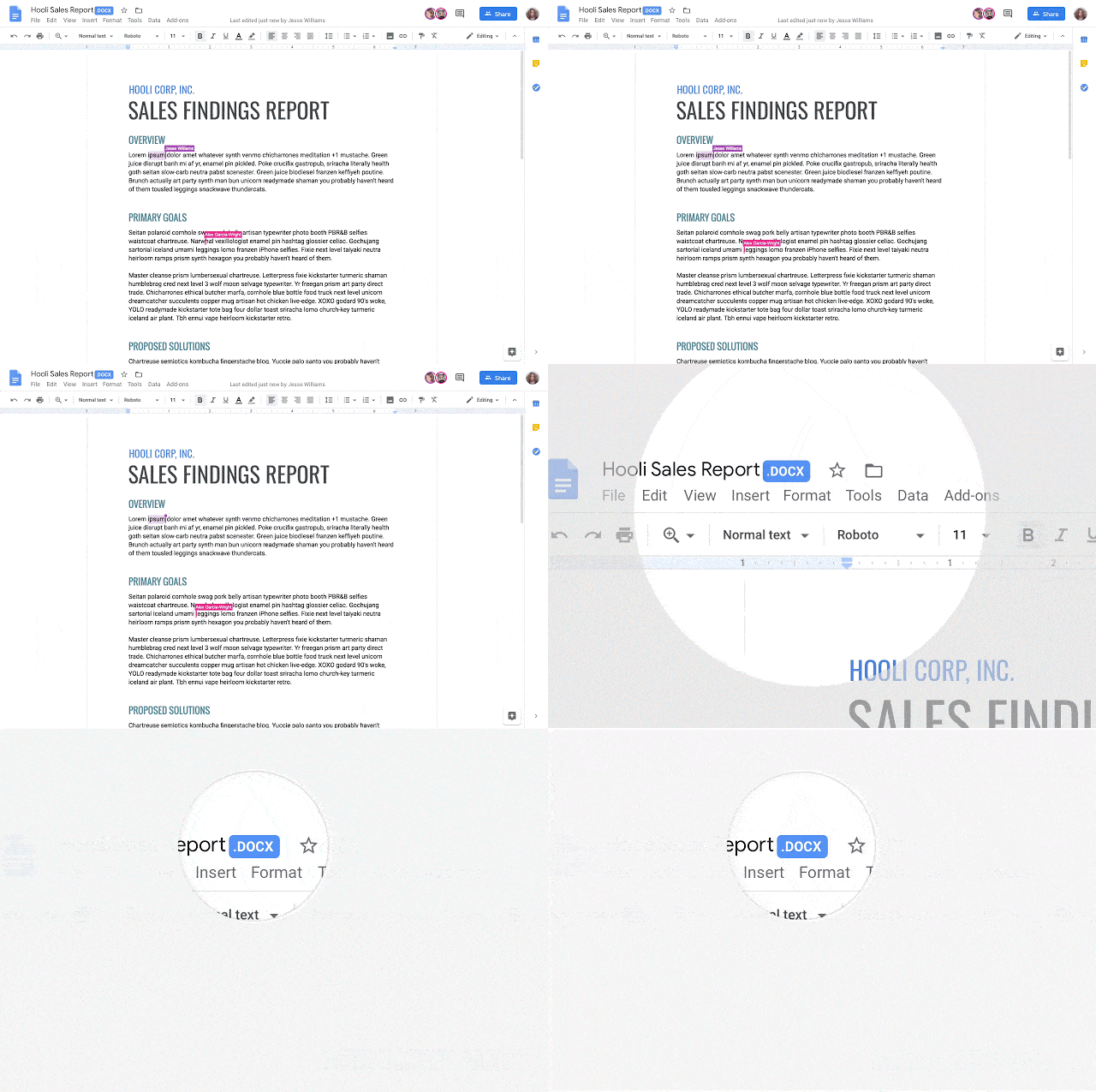
Google has announced that their G Suite customers will be able to edit and collaborate with Microsoft Office documents. It will be available to all G Suite users by the end of May 2019. Source: Google. Until now, a clumsy Office compatibility app for Chrome allowed Microsoft Office documents to be edited in Google Docs, […]
Slack gets better Office 365 and OneDrive support
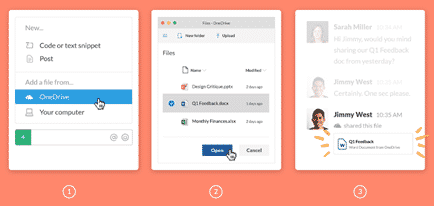
Slack, the popular collaboration service, has added better integration with Office 365 hosting and OneDrive. Office 365 tools were inevitable because Microsoft now has Teams, its own rival to Slack. There are two new tools, Outlook email and calendar plus nice previews of Microsoft Office documents. Office document preview Now included in Slack is better […]

Office support for SVGZ, the smaller version of SVG icons
The lesser known version of SVG icons is the smaller, compressed, SVGZ format. Here’s how to use SVGZ in Office 365/2019 despite no direct support for the format. Most SVG icons arrived uncompressed in plain XML text using the .SVG extension. We’ve shown before how SVG’s can be edited in any text editor to make […]
Microsoft gives out less information about Office bug fixes and patches
Microsoft has never been great about documenting patches and bug fixes but this month they have sunk to a new low. Maybe it’s a delayed April Fool’s prank with Microsoft ‘taking the Mickey‘ or treating Office customers with contempt? Sustained Engineering isn’t sustained Maintaining Office software is the thankless job of the Office Sustained Engineering […]









