All about Microsoft Office for Apple Mac. Word, Excel, PowerPoint, Outlook on macOS, Microsoft 365 for Mac, Office 2021 for Mac and earlier versions.

Microsoft 365 Business Price Increase: Who Pays More in 2026
Microsoft 365 business prices jumped on July 1, 2026, and if you manage a company or government subscription your next renewal will cost more. The increase hits Business, Enterprise, Frontline, and Government plans, with rises ranging from 0% to a steep 43%. Home users on Personal, Family, Premium, and Education plans are not affected. Here […]
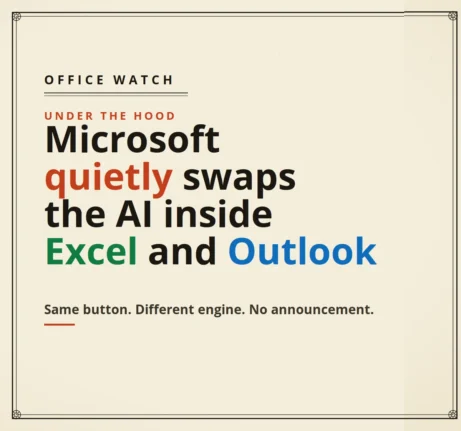
Microsoft quietly swaps the AI inside Excel and Outlook
The AI engine inside your Excel and Outlook may have changed in the last few weeks, and Microsoft never told you. Microsoft has quietly started routing some Copilot prompts to its own MAI models instead of the OpenAI and Anthropic technology that used to do the work. The Copilot button looks identical and sits in […]
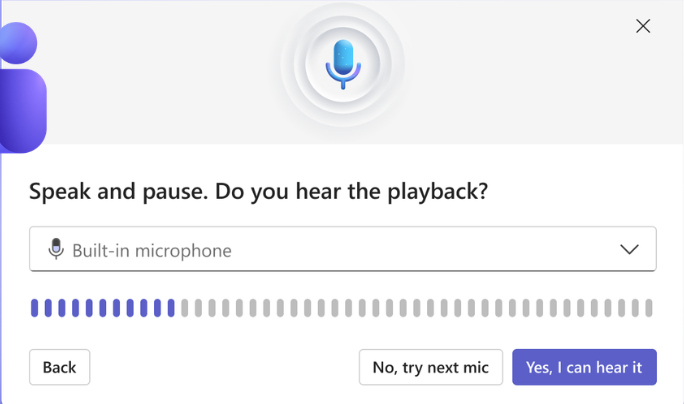
Teams Adds a Test Mic and Speaker Button to the Join Screen
Microsoft Teams now puts a Test mic and speaker button right on the meeting join screen, so you can run a quick audio check in the seconds before you click Join. Teams has let you test audio for years. What is new is where the test lives and how fast it runs. Here is what […]
📅 Microsoft Office Support End Dates 2026: The Complete Checklist
Wondering when your version of Microsoft Office stops getting security updates? This is the plain English Microsoft Office support end dates checklist, kept current for 2026. Microsoft 365, Office 2024, Office 2021 and every older release run out of security and bug fixes on different dates, and once that day passes, any newly discovered flaw […]
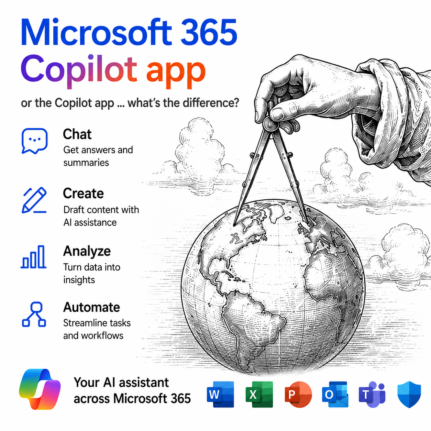
Microsoft 365 Copilot App vs Copilot App: What’s the Difference?
Microsoft now has two different apps both called Copilot, and the naming is genuinely confusing. The Copilot app is a free, standalone AI chatbot built into Windows. The Microsoft 365 Copilot app is something else entirely: the old Microsoft 365 hub for your Word, Excel, and PowerPoint files, now with Copilot’s AI features layered on […]

Outlook Immersive Search: Ask Questions Instead of Typing Keywords
Outlook search has vastly improved with Immersive Search, and if your mailbox has a Copilot plan attached, it is worth trying today. Instead of hunting for exact keywords, you can type a plain English question like and get a real answer, complete with links back to the source emails. It works in new Outlook, classic […]
Installing Microsoft 365 or Office? Do These Two Things
Just installed Microsoft 365 or Office on a new PC? Before you open a single document, do one quick thing: check for updates. We did a clean install straight from Microsoft using the standard “Click to Run” method, expecting the newest version, and within minutes an update check found fresh security and bug fixes waiting. […]
Outlook Reusable Content: Templates and Quick Parts Explained (and Why It’s a Mess)
Reusable content in Outlook should be simple, but Microsoft has turned it into a confusing tangle of overlapping tools with near identical names. Mail Templates, My Templates and two completely different features both called Quick Parts all promise to save you retyping the same email text, yet each one works differently depending on whether you […]
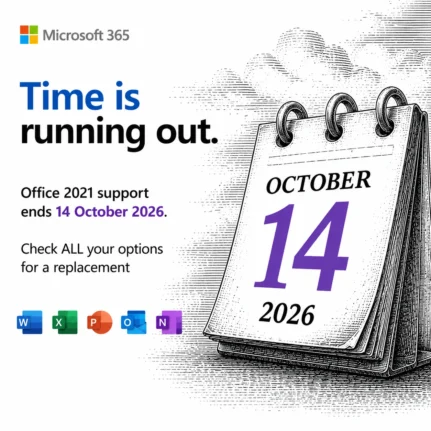
Office 2021 Support Ends October 13: Your 5 Options Before the Deadline
Microsoft stops all security updates for Office 2021 on October 13, 2026, with no extension and no paid reprieve. After that date, every newly discovered flaw in Word, Excel, PowerPoint, and Outlook stays unpatched forever, leaving home users and businesses more exposed to attackers each month. You do not need to act today, but you […]
Microsoft 365 Workplace Discount Program: Get 30% Off, Even After You Quit
The Microsoft 365 Workplace Discount Program (WDP) cuts 30% off Microsoft 365 Premium, Family and Personal for employees of companies and government agencies that buy Microsoft volume licenses with Software Assurance. Formerly the Home Use Program, the WDP is now simple to claim: enter your work email, verify, and link your personal Microsoft account. Even […]

Copilot Model Choices Explained: Which One to Pick and Why
Copilot in Word, Excel and PowerPoint lets you pick which AI model handles each task, but the menu is confusing and changes all the time. So what is an AI model, why does Microsoft offer several, and which Copilot model should you actually choose? This plain English guide explains the model options and how to […]

Excel SUMIF Function: Add Up Only the Numbers You Want
The Excel SUMIF function adds up only the numbers you choose, not everything in a range. Plain SUM() totals every cell with no filter, which is fine until you need the sales for one person, one month or one product. SUMIF fixes that by letting you set a condition first, then adding only the matching […]
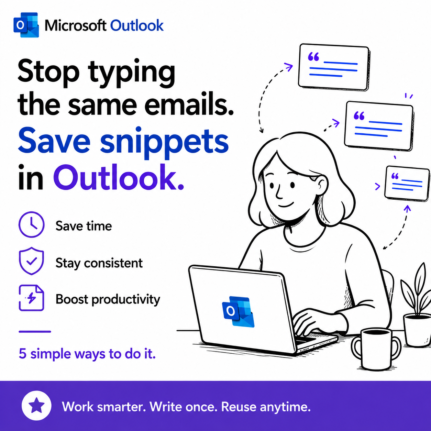
Save Reusable Email Snippets in Outlook: 5 Real Workarounds
Outlook gives you two built in ways to save reusable email text, and both are frustratingly limited. My Templates only stores plain text, with no bold, links, images or tables. The other way works for new messages but not replies. So if you send the same content over and over, you need a better way […]
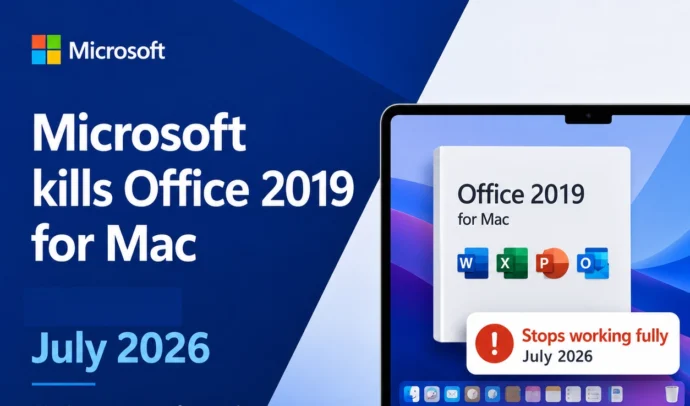
Microsoft Kills Office 2019 for Mac: Apps Stop Working July 13, 2026
If you bought Office 2019 for Mac outright, circle July 13, 2026 on your calendar. On that date Microsoft flips your paid apps into “reduced functionality mode,” really a kill switch that lets you open, view, and print in Word, Excel, PowerPoint, and Outlook but blocks all editing and new documents. There is no patch […]

Microsoft 365 Military Discounts: Year Round Deals for US and Canadian Forces
The Microsoft 365 military discount is one of the best kept secrets in Microsoft pricing, and there are actually two of them. US and Canadian service members, veterans, and their families can buy the full Microsoft 365 Family plan for far less than the $129.99 civilian price, year round, with no cut in features. The […]
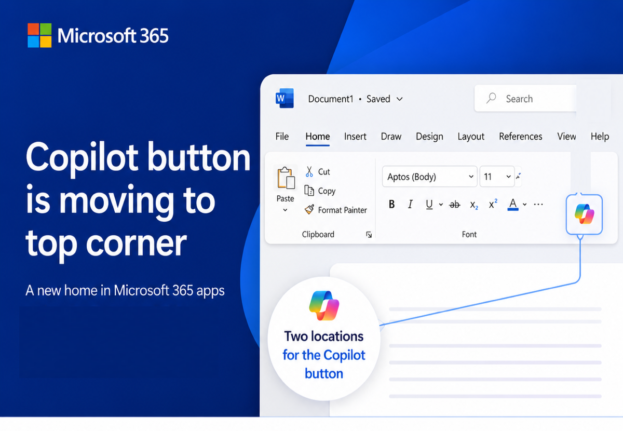
Microsoft’s Copilot ‘Move to Ribbon’ Arrives, But Not as Promised
Microsoft’s much hated Copilot button finally has a way to get out of your way, and we’ve found the first real world example running on a live machine. The promised “Move to Ribbon” choice has arrived in Word, Excel and PowerPoint, but it’s not quite what Microsoft pledged. Instead of a proper ribbon button you […]